Settings across 2 languages (using WPML)
-
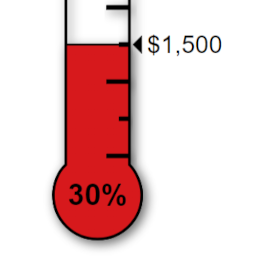
We have a bilingual site (EN/FR) using WPML. I need a comma as a separator for EN and a space for FR in addition to a $ trailing. On the EN page I use [thermometer sep=,] and it displays using the figures from the plug-in, with the comma. All good. In the plugin settings, I set the separator as space, then on the FR page, if I use [thermometer trailing=true ], the space appears and the $ sign trails. I set the separator as space in the plugin settings because when I try to add the sep= on the FR page, it breaks thermometer display. Is there a character to use on the page to designate the space as the separator? I ask because every time I go into the plugin to adjust the numbers, the separator is reset to none. It doesn’t know how to keep the space! So I found this workaround, but I keep forgetting I lose the separator setting. Thanks for any help. Jane
The page I need help with: [log in to see the link]


The topic ‘Settings across 2 languages (using WPML)’ is closed to new replies.