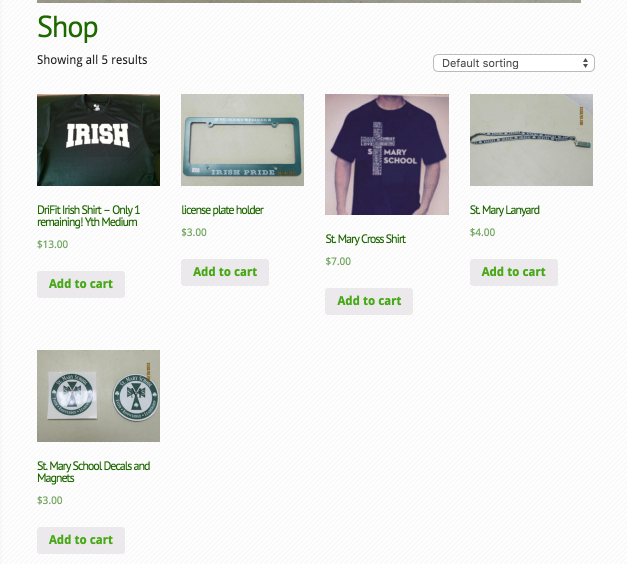
This is the shop page content https://dl.dropboxusercontent.com/s/hsznto03o1smp8f/2016-01-28%20at%2016.01.png?dl=0
The stuff above is content you should have removed if you went with the ‘woocommerce.php’ template method of theming.
Ok, I’m entering my product information through: Products>Add product on the navigation menu on the left.
How do I remove the content above? I tried to follow the instructions to change the .php templates. Do you need to see some of what I did?
I need to see your woocommerce.php template file if you made one.
Thank you for your help,
<?php get_header(); ?>
<div id=”main-content” class=”clearfix”>
<div id=”left-area”>
<?php get_template_part(‘includes/breadcrumbs’,’page’); ?>
<div id=”entries”>
<div class=”entry post clearfix”>
<?php get_template_part(‘loop’,’page’); ?>
</div> <!– end .entry –>
<?php woocommerce_content(); ?>
</div> <!– end #entries –>
</div> <!– end #left-area –>
<?php get_sidebar(); ?>
<?php get_footer(); ?>
Remove:
<div class="entry post clearfix">
<?php get_template_part('loop','page'); ?>
</div> <!-- end .entry -->
THANK YOU! I really appreciate the help!