Hi,
Thanks for reaching out to us.
You have to edit the popup and go to the “Behaviour” tab then scroll down. See the screenshot: https://prnt.sc/1x9sbuo
Thanks.
Thanks for the reply.
But that makes me a clickable button that opens the popup. Can’t the popup automatically open with the page?
Hello @stepway
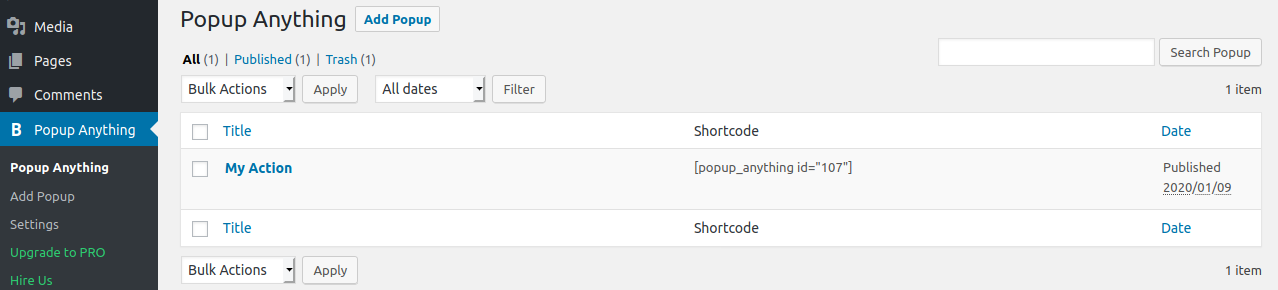
We have given this option as well where you can open the popup on page load. We have given 4 option ie popup open on a link, button, image click or automatically popup when page load after some seconds given by you.
Once you can create page load popup kindly go to setting menu and select section where do you want display that popup globally or open the page in edit mode and select the created option with selection option.
I tried to insert ”Page Load”, but the shortcode disappears and is therefore no longer valid. I can only choose whether to display it in Pages, Posts etc. But not just on a specific page.
Hello,
please share your website URL.
Thanks,
The website is under construction at https://densignlab.co.uk/newsite/
Hello,
Sorry, your website is under-construction and we will not find your issue on the under-construction website so please check your side.
Thanks,