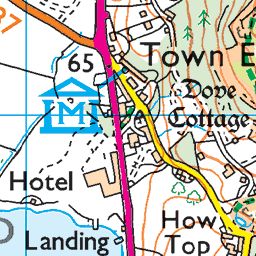
Users can already scroll and zoom by default. You don’t need to do anything to get that.
You can add lines, areas, etc to the map using KML files. You can probably find online tools to help you generate such a file.
Simon
Users can already scroll and zoom by default. You don’t need to do anything to enable that.
You can add lines and areas to the map using a KML file. You should be able to find an online tool to help with generating that.
Thanks for the super-fast reply!!
I missed out an important word **not** so that should read :
“Can I fix the map view so that users can NOT scroll and zoom?”
Ah, not directly although there is an option to set minimum and maximum zoom, which you could set to be the same, and to restrict the amount you can pan the map. Those are in the global settings.
Bear in mind that it might then not work well on small screens.