site broken after caching
-
I have transfered the site to a new domain.everything worked fine until I re-activated w3.after I cleared the cache the site broke.after I figured out that w3 might have broken the site I deleted w3 via ftp.
after it still didnt work I got at some point the message I need to delete or reinstall adavanced-cache.php. the site still doesnt work.
so I deleted some other file like advanced-cache_.php,db.php,another advanced cache from the delete folder and the w3 string in wp-config.php.
I’m npt really experienced,so I would like to have some guidance what to delete or possibly restore. (I have saved every file I deleted except the w3 plugin file).
please give me a detailed description on what to delete if it is inside htaccess or php files.
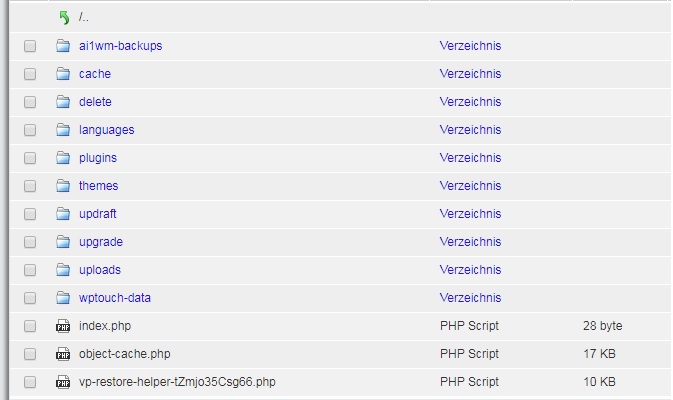
here is a screenshot from my ftp
http://fs5.directupload.net/images/170911/hsu95bhx.jpg


The topic ‘site broken after caching’ is closed to new replies.