Hi!
As the space above and below the title is even, I would like to know more specifically were the problem is.
Here is an image of what I get.
Cheers 🙂
Thread Starter
 Brian
Brian
(@blindley)
Thank you! Site-wide, I want to remove all of that space, including the title, that is below the logo / menu and above slider
With some customization, I get this.
Is that more like what you are looking for ?
Thread Starter
Brian
(@blindley)
Definitely an improvement over what I have been able to do and getting closer to what I’m looking for. I just want remove that entire block that has “Services”, centered and in bold. I want to be able to apply that site-wide. Thanks again.
Oh I see, then you want to remove all pages’ title, which is much more simple than what I expected 🙂
The easiest way to do it, is to install a plugin. You will find a list of plugins by lookig for hide title.
Thread Starter
Brian
(@blindley)
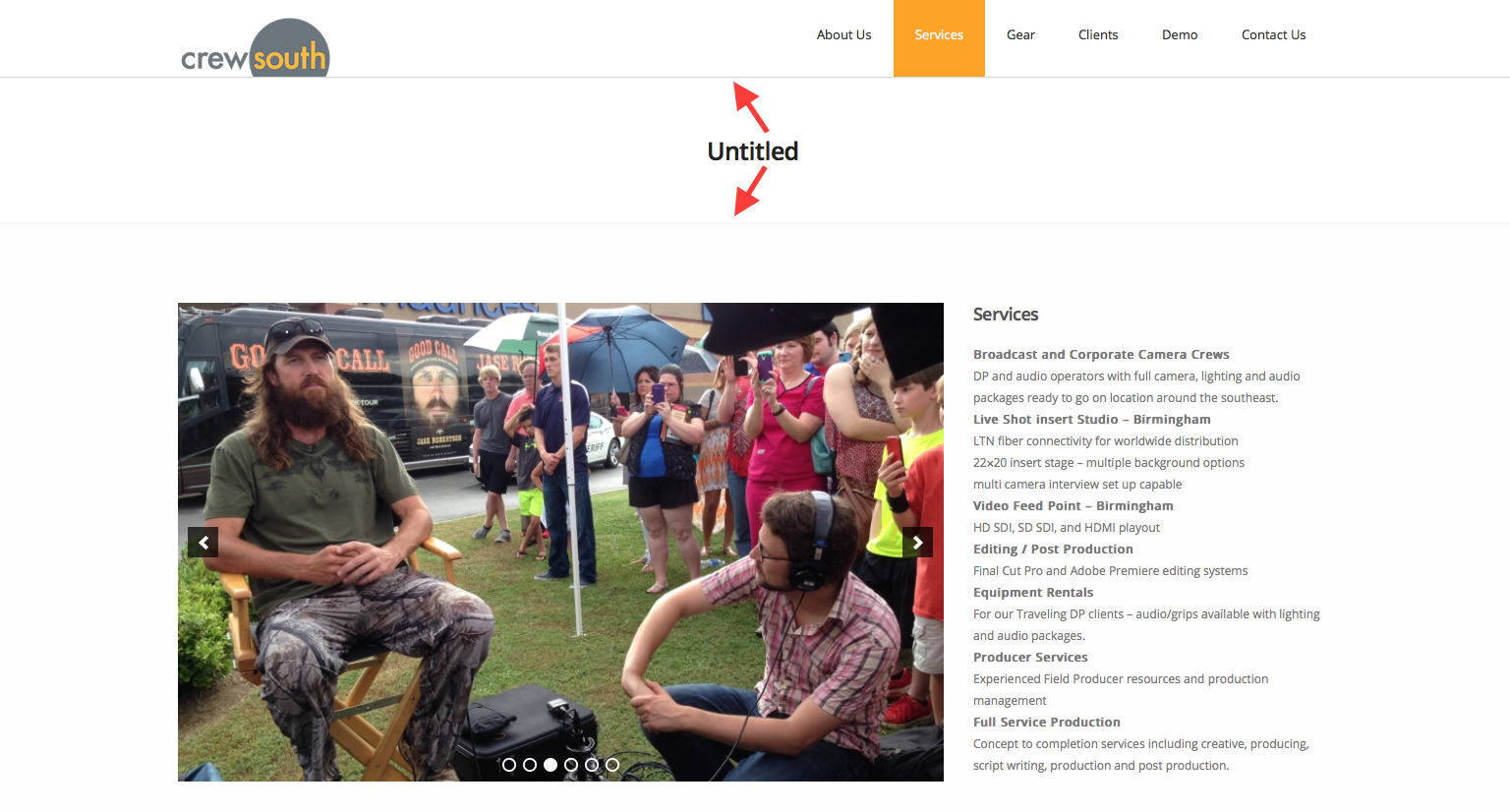
Hi! Thanks for the feedback. I tried a couple of the plugins returned by searching hide title. Unfortunately they didn’t resolve my issue – instead changing the name of the time to ‘Untitled’.
I want to remove all of the space and the title text seen here between the two arrows. I want to do that site-wide. Thanks again for your help!
Thread Starter
Brian
(@blindley)
It’s fixed. It’s clear I was doing a poor job of explaining. I needed to remove the breadcrumb and title site-wide. I fixed it after reviewing the detail here and updating the CSS as described.
Here is the page with the breadcrumb and title removed.
Thanks again for your help Luiz!