ying
ying
(@yingscarlett)
Can you link us to your site and point us to the list?
We can take a look for you 🙂
it seems to have resolved itself. Thank you!
Unfortunately, the fix was temporary. Yesterday, the view in live was totally correct. I went back into my site today and the space between the bullets was gone and once again the bullets were stacked on top of each other. Here is a link to the view in edit and live. Can you please suggest a solution? Thank you.
https://boostyourretirementincome.com/why-are-you-looking-to-boost-your-retirement-income-whats-driving-you/
https://boostyourretirementincome.com/wp-admin/post.php?post=465&action=edit
ying
(@yingscarlett)
It looks normal to me:
https://www.screencast.com/t/NEVktXe2hH9
Isn’t this what you see? Or you are expecting some spacing between each list item?
Let me know!
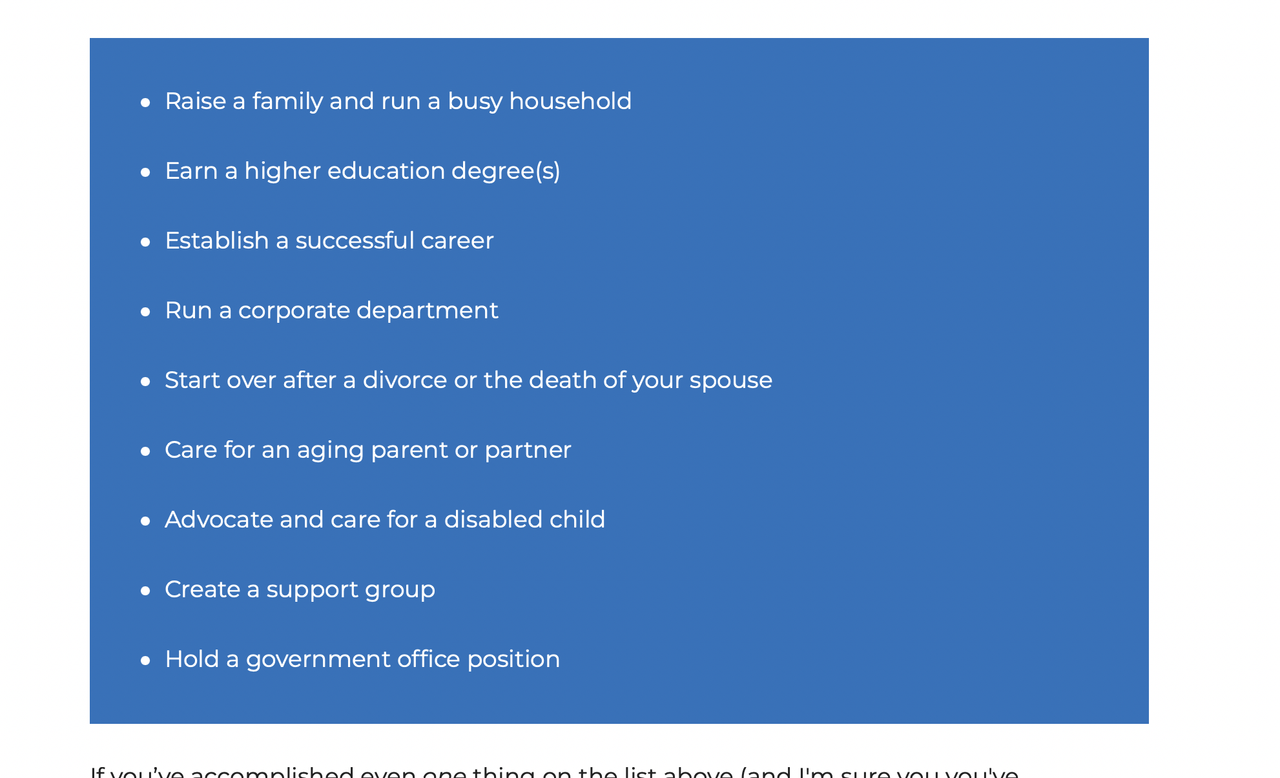
Please look at the link below. This is the view in edit with a line between each line. This is how I want the list to look. I do not want the lines stacked on top of each other like in the screencast you sent me https://www.screencast.com/t/NEVktXe2hH9. Once I click update and leave edit, the live site shows the lines stacked on top of each other WITHOUT a space between each line.
The view with a space between each line can ONLY be seen in the edit view.
https://boostyourretirementincome.com/wp-admin/post.php?post=465&action=edit
Hi @jane20906,
The link you provided can only be viewed if logged in to your site.
Can you take a screenshot of what you see?
Can you also try clearing cache?
I took a screenshot but I don’t know how to inset it into a message here
You can use a cloud service like Postimages or Imgur to upload the screenshot.
https://postimages.org/
https://imgur.com/
Share the link here after uploading.
I hope one of these links will open
Hi there,
This one worked 🙂
https://i.postimg.cc/NG7gzYP6/Screen-Shot-2022-08-30-at-12-06-12-AM.png
If you want to increase the space between list items then add some CSS.
.entry-content ul li {
    margin-bottom: 1.5em;
}
If you ONLY want to apply that to a specific list, then:
1. select the List Block in the editor
2. In Advanced > Additional CSS Class(es) add: list-spacing
3. Instead of the above CSS add this:
ul.list-spacing li {
    margin-bottom: 1.5em;
}
Thank you for your response. I know absolutely nothing about coding and have no idea where to put any of this information.
Can you please explain why I can see spaces between bullets in edit mode but not in live mode? Why don’t the spaces in edit carryover?
Also, is there a GeneratePress theme that uses GetResponse?
Thank you
You can place the CSS code provided by David in Appearance > Customize > Additional CSS.
With regards, to the issue, can you reshare the screenshots?
With regards to GetResponse, no there isn’t. You can try adding it though.