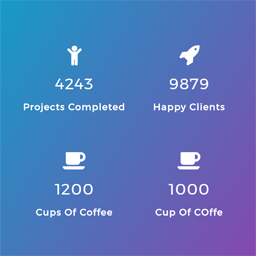
hi @ginjared ,
the counter always work after loading site..there is no way you the counter keep count no.when scrolling the page..
thanks
@ginjared,
change the file’s(/wp-content/plugins/counter-number-showcase/assets/js/counter_nscript.js) content to:
var worked = 0;

jQuery(document).ready(function( jQuery ) {
jQuery(window).scroll(function() {
    var top_of_element = jQuery('.counter').offset().top;
    var bottom_of_element = jQuery('.counter').offset().top + jQuery('.counter').outerHeight();
    var bottom_of_screen = jQuery(window).scrollTop() + jQuery(window).innerHeight();
    var top_of_screen = jQuery(window).scrollTop();

    if ((bottom_of_screen > top_of_element) && (top_of_screen < bottom_of_element) && worked == 0){
        jQuery('.counter').counterUp({
            delay: 20,
            time: 2000
        });
	worked = 1;
    }
});
    });
and replace t.waypoint(i,{offset:"100%",triggerOnce:!0}) with i() in /wp-content/plugins/counter-number-showcase/assets/js/jquery.counterup.min.js
hi @blackish ,
did you face some issue using the first script..please explain to us the issue first.
thanks
hello @preetam27 ,
the code above is solving the issue when the counter numbers are changing while scrolling the page up and down.
hi @blackish ,
glad that the issue has been resolved..please rate us
thanks