Template Path Not Generating Properly
-
Hi There,
When I create a new block it doesn’t generate the template path and name for me to place and call the new template I’ve created. I’m using the pro version but because I’m working on a development site the site [path is in a folder ie site.con/folder/). Any help you could give would be much appreciated.
Thanks
Steve

-
Hi @steve-from-breathe4u,
Thanks for bringing this up.Sorry to hear about the template path. Could you please help with a question about this?
Is it:
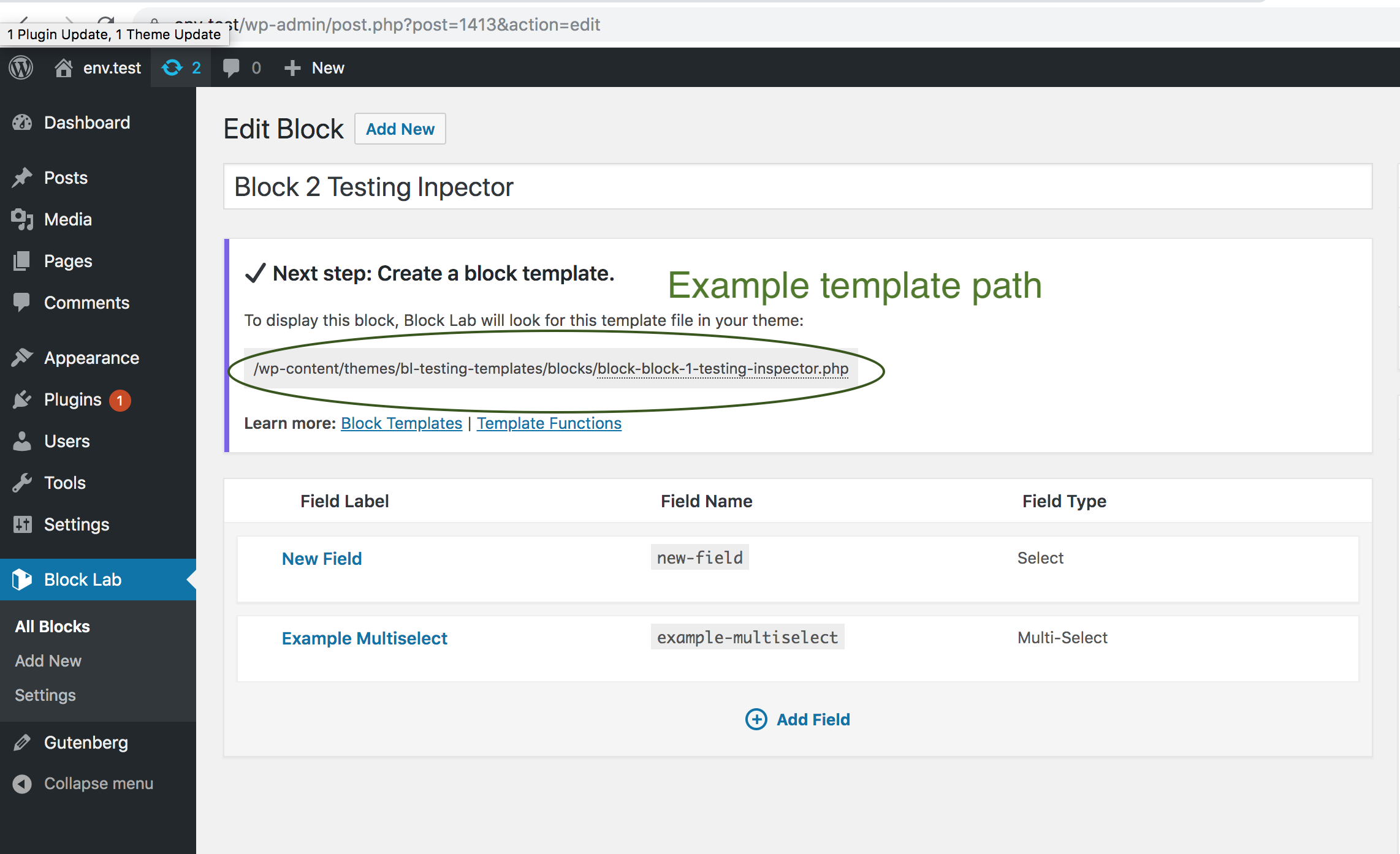
1. Not displaying the notice with the template path:
https://cldup.com/gLNZdqLF9m.png2. Not using the template for a block when one is added? For example, if the template is at
<your-theme>/blocks/block-your-example-block.php, is it not rendering that template?3. Or both?
Thanks, Steve!
Hi Ryan. Thanks for your reply.
It’s number 1. not displaying the path. when I create the fields and click publish.
ThanksThanks, @steve-from-breathe4u! Let me look at this more and get back to you.
OK. Thank for your help
Hi @steve-from-breathe4u,
Hm, I’m not sure what could cause this.Would you be able to place 2 lines of code in the
block-lab/php/post-types/class-block-post.php, and let me know what the result is? Otherwise, setting an Xdebug breakpoint there would be great if you could.1. Above this code:
if ( ! $template ) {
	add_meta_box(
		'block_template',
		__( 'Template', 'block-lab' ),
		array( $this, 'render_template_meta_box' ),
		$this->slug,
		'normal',
		'high'
	);
}
…could you please add this:
var_dump( $template );
wp_die();
…so all of the code should look like:
var_dump( $template );
wp_die();
if ( ! $template ) {
	add_meta_box(
		'block_template',
		__( 'Template', 'block-lab' ),
		array( $this, 'render_template_meta_box' ),
		$this->slug,
		'normal',
		'high'
	);
}
2. Then, could you please click ‘Update’ in the block:
https://cldup.com/atxpbcYYxu.png3. And if you’re comfortable with this, could you post in this support topic what the result is? There should be debugging output. If there happens to be sensitive information, feel free to not post that 🙂
Thanks, Steve!
Hi Ryan,
changed the code but when I tried to edit my blocks I get a string error on the page not the block edit screen:string(105) "/home/*/public_html/macg-dev/wp-content/themes/*/blocks/*/block.php"(asterisks replacing sensitive info).Thanks Ryan
Hi @steve-from-breathe4u,
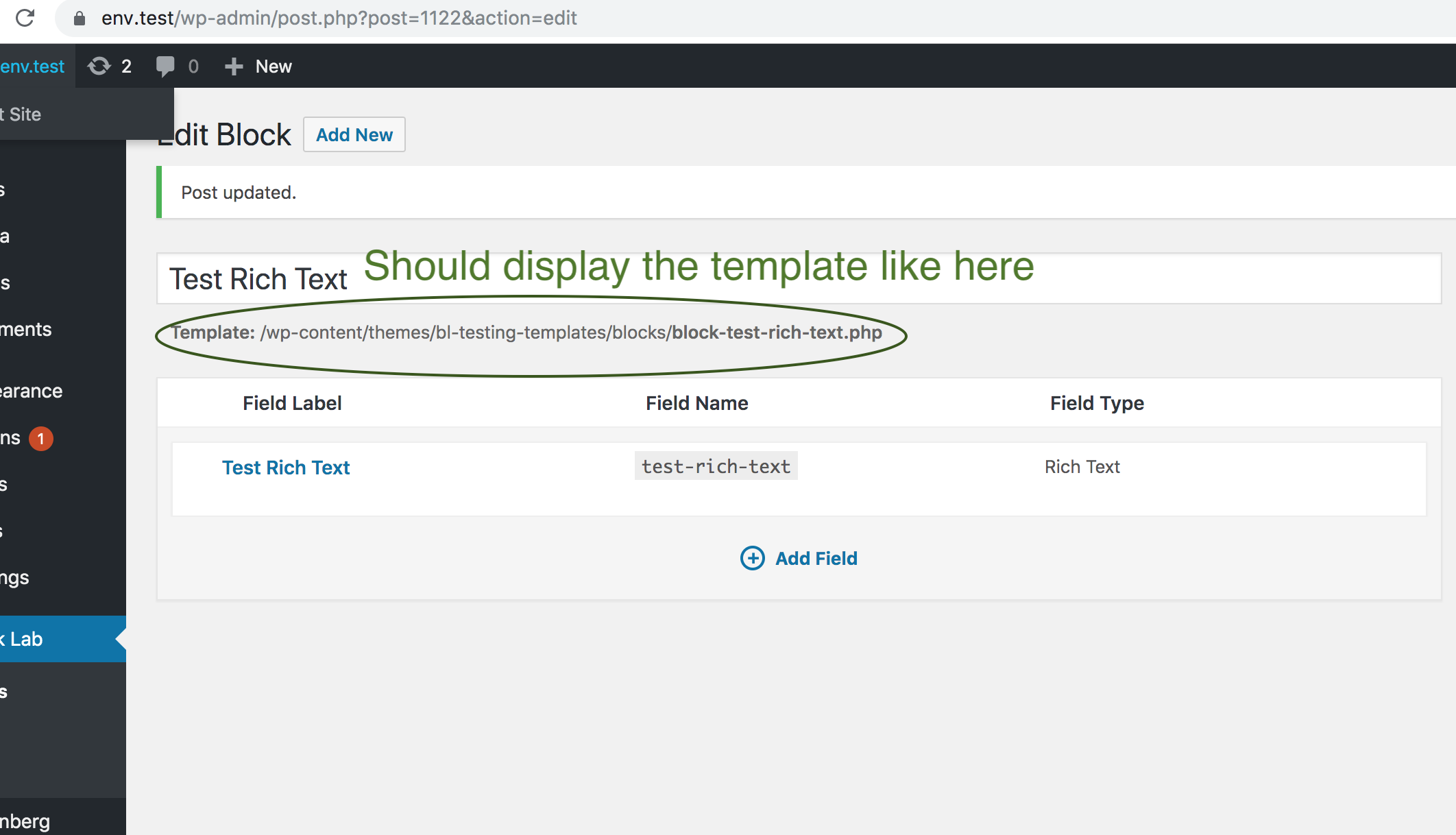
Thanks, that’s interesting. It looks like it found a template for the block.I’m not sure why it’s not displaying the template, like it does here:
https://cldup.com/17fOEkkTdS.pngIs that string that it printed in your comment above a valid path to a file?
For example, in that
var_dump()statement above, if you do:var_dump( file_exists( $template ) )…does it print
true?Thanks for your patience, Steve!
-
This reply was modified 6 years, 8 months ago by
Ryan Kienstra.
Hi Ryan,
That comment is the only thing on a completely blank page until I hit the back button in the browser. I tried putting the file exists code in the class-block-post.php but the back of the site shows a blank screen saying there’s an error. Hope this helps.
Thanks RyanHi Ryan,
Thanks for all your help so far.
Now when I create the fields for a new block, it gives me the same template path as one I already have created /wp-content/themes/kickstarter/blocks/block.php which is the default path. whatever I do it doesn’t want to change it. I’ve tried changing the field and the name but still the same path. The slug can be changed but has no effect on the template name. Don’t know if this helps at all
Thanks-
This reply was modified 6 years, 8 months ago by
steve-from-breathe4u.
Hi @steve-from-breathe4u,
Thanks for your information, and sorry for the delay.If it’s alright, I’ll look at this more tomorrow.
Hi @steve-from-breathe4u,
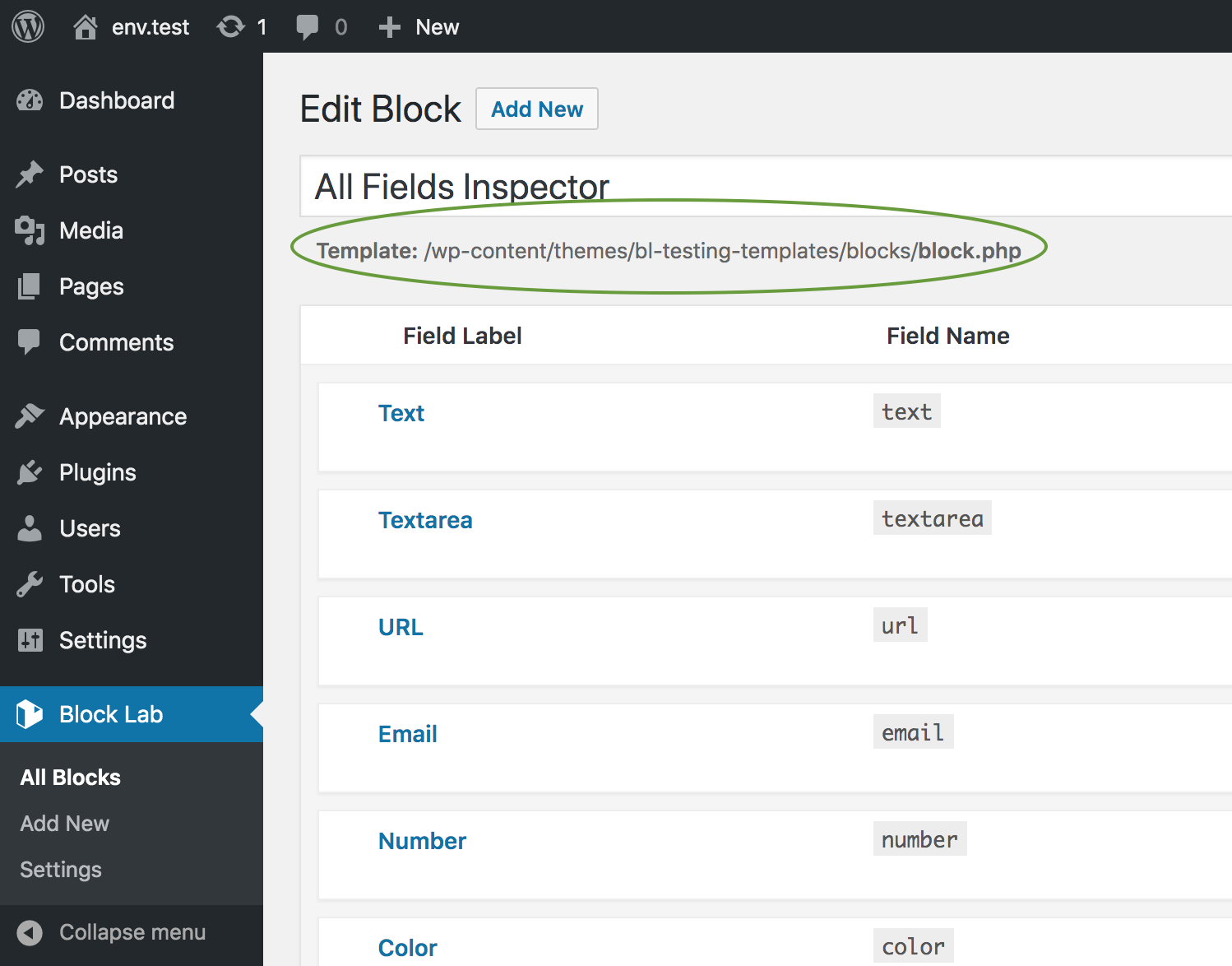
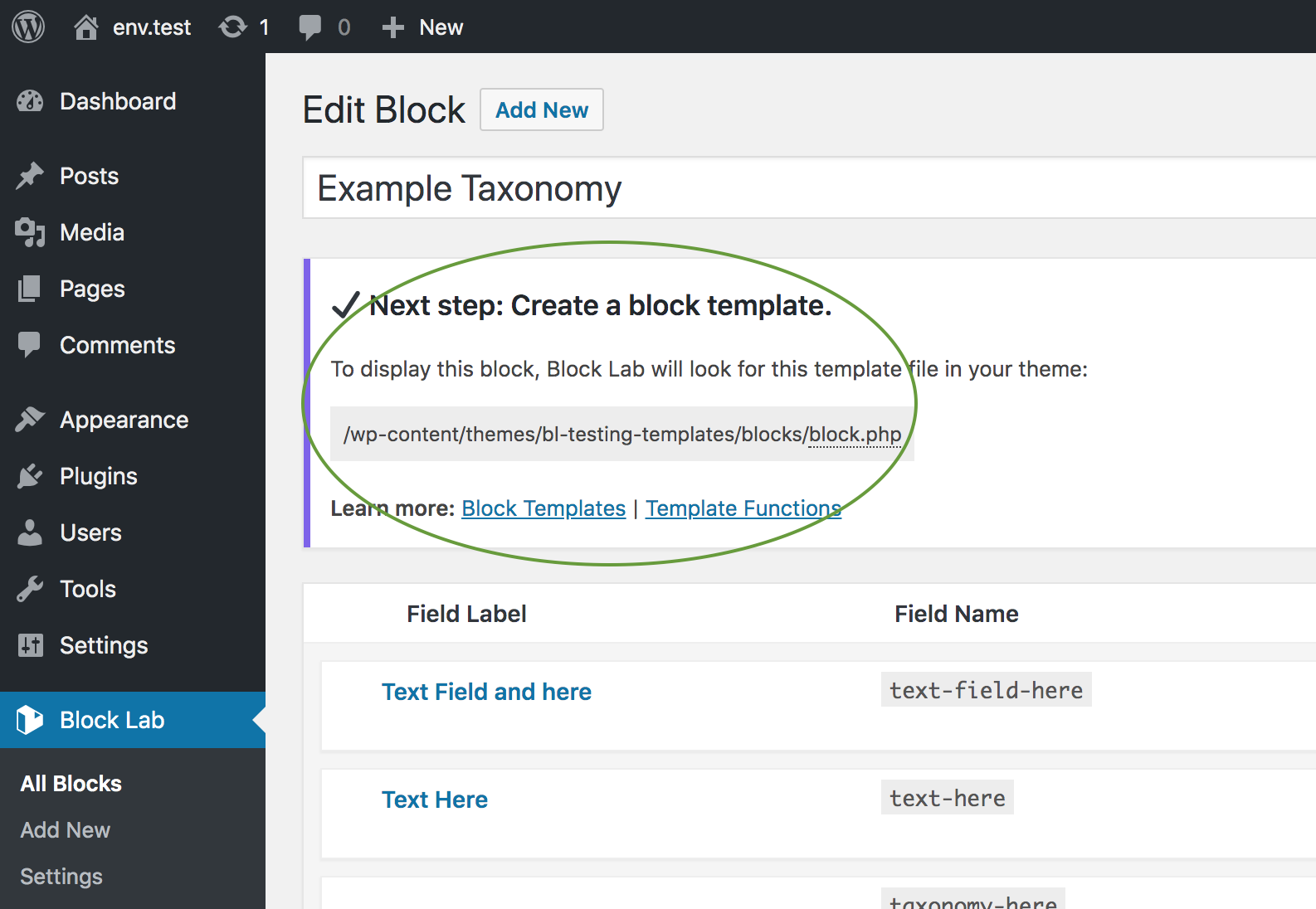
Sorry for asking another question, but does the notice that referencesblocks/block.phplook like:1. https://cldup.com/H6CnlyirYP.png
…or:
2. https://cldup.com/ne_V6WF13C.png
Thanks, Steve!
Possible Workaround
Hi @steve-from-breathe4u,
Also, maybe you saw this, but here’s a workaround that might help:https://ww.wp.xz.cn/support/topic/template-not-found-9/#post-11916295
You could place that snippet in the root of your theme if you’d like, like in
<your-theme>/functions.php.It might help to force Block Lab to look in the theme for the template.
Hi Ryan,
The path displays as option 1 under directly the main title. I already had the code you suggested in the functions file for a while but it doesn’t seem to make any difference if the code is used or not. Thanks for all your help.
SteveHi @steve-from-breathe4u,
Thanks for helping.It looks like locate_template() isn’t returning the template.
Maybe the
file_exists()calls with the templates are mistakenly returningfalse.You probably aren’t using a caching plugin, right? It sounds like this is on a local.
Thanks for your patience.
This probably won’t fix it, but if you’re up for it, could you add this:
clearstatcache();at this line?
So all of the code would look like:
clearstatcache();
$locations = block_lab()->get_template_locations( $post->post_name, 'block' );
$template  = block_lab()->locate_template( $locations, '', true );
Maybe the
file_exists()calls are cached, even if there’s no caching plugin. But I’m not sure if that’ll help. -
This reply was modified 6 years, 8 months ago by

The topic ‘Template Path Not Generating Properly’ is closed to new replies.