Hi @sharpnetdesign,
I don’t see the same on my end.
One possibility is theme styles taking effect in the table for a while.
Can you please try turning of the option “Disable Theme Styles for Table”?
See if that fixes it on your end.
Also, another issue could be speed. The page loads pretty fast on my end and I couldn’t see the bold part.
Kind regards.
Hello Imtiaz
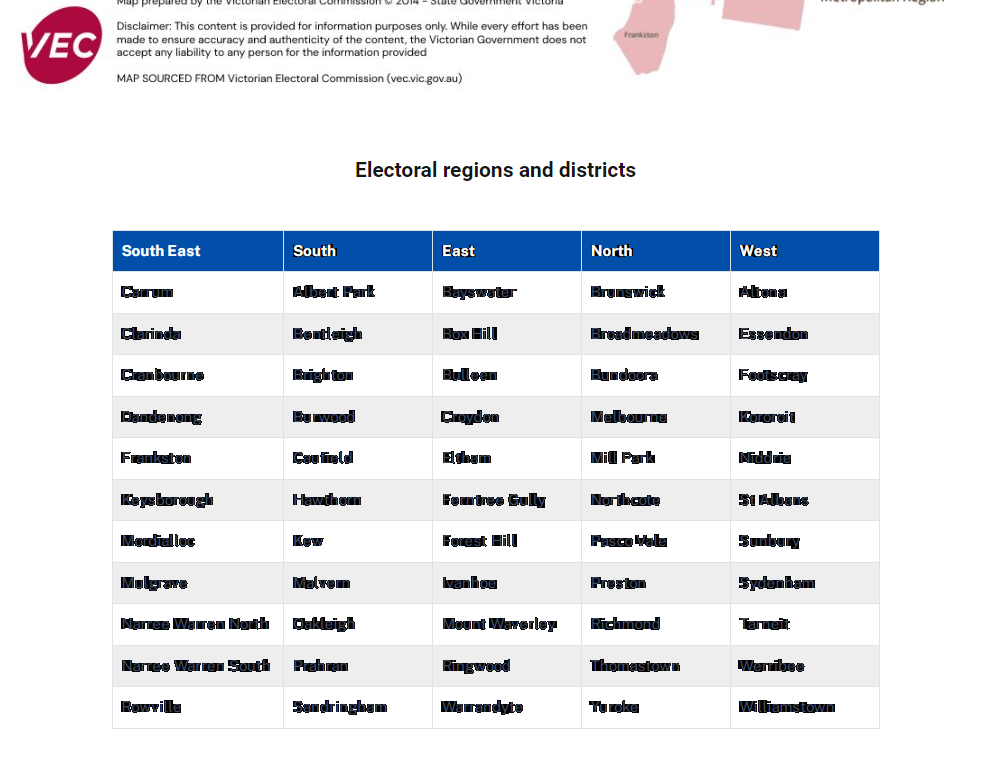
I disabled “Theme Styles for Table” but still the problem there.
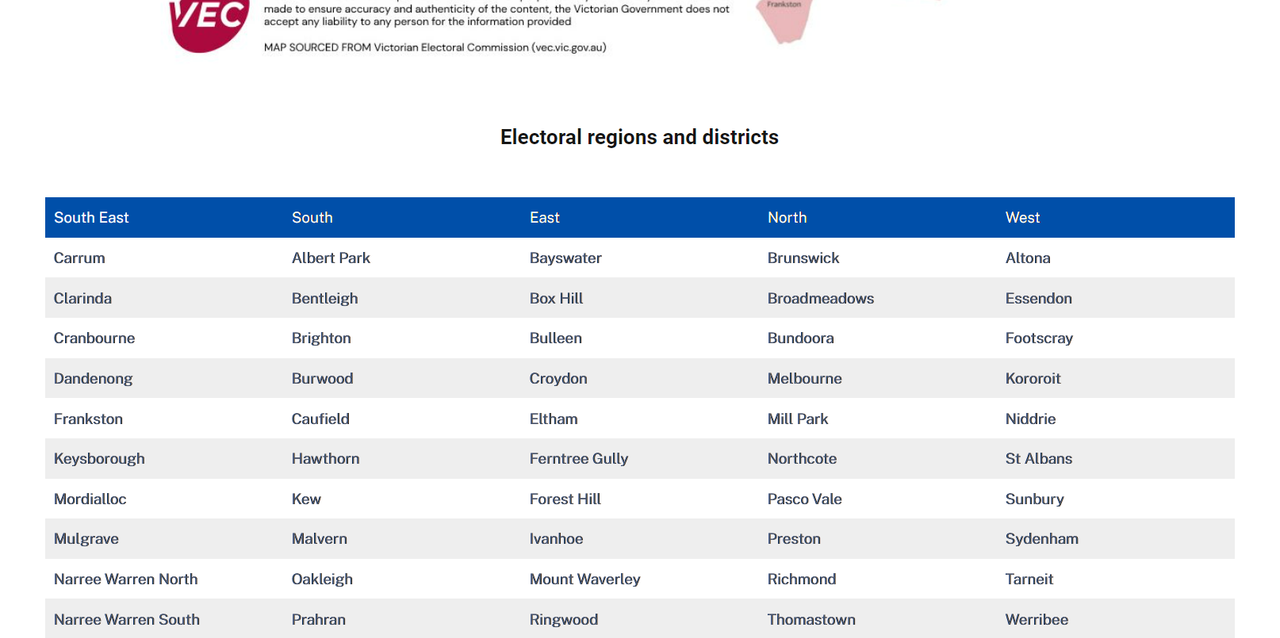
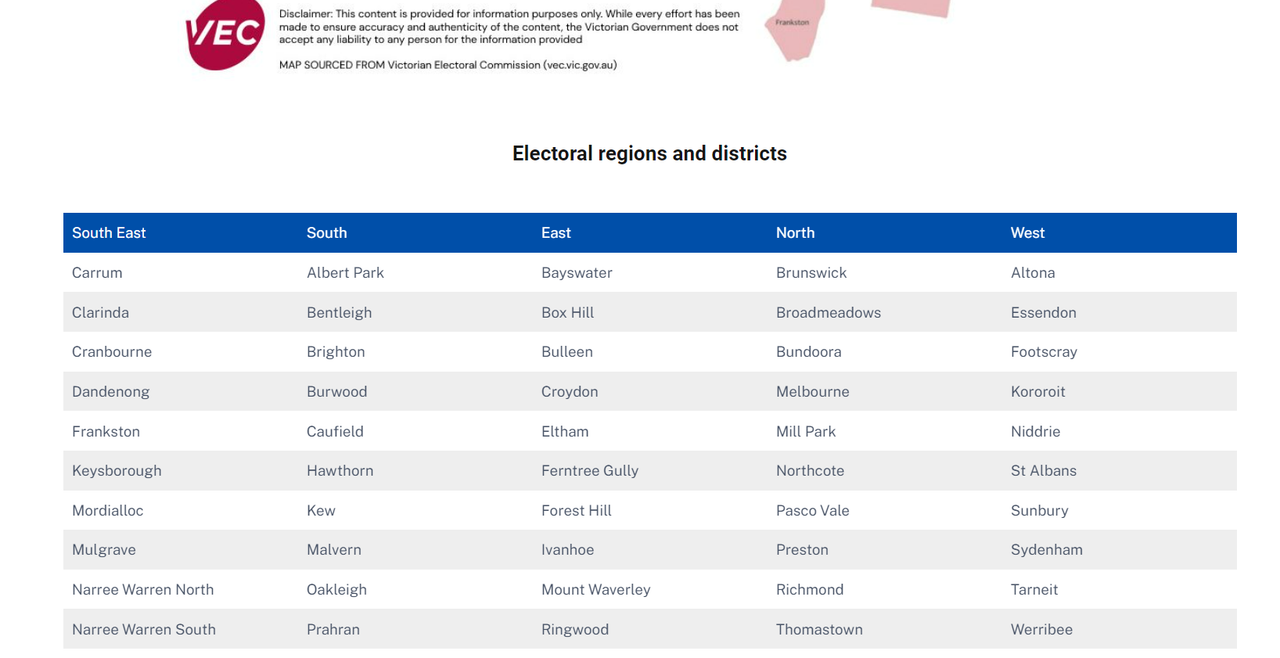
on some screens the bold might be a little bit unnoticed:
On Scroll Down:
https://i.postimg.cc/s2KrqDK2/on-scroll-down.png
On Scroll Up it back to normal:
https://i.postimg.cc/wvvpp8bQ/on-scroll-up.png
Please re-check
Thank You
Hello,
appreciate if we can have an update regarding this issue
Thank You
Hi @sharpnetdesign,
I still haven’t been able to recreate the issue on my end as you can see here.
Can you please share which browser you are using?
Kind regards.
I was having the same issue. Chrome, especially on a Windows machine. After a lot of testing, it was the animation styles applied to the parent table that cause the font issue. This is probably 5 months too late, just use this CSS and it will clear up the problem.
.wptb-text-container div p {
	-webkit-font-smoothing: antialiased;
	-moz-osx-font-smoothing: grayscale;
}

table.wptb-preview-table {
	backface-visibility:hidden!important;
	transform:translate3d(0,0,0)!important;
	animation:none!important;
	opacity:1!important;
}