Hi @alianssamorozvytku ,
Please excuse the slow turnaround here.
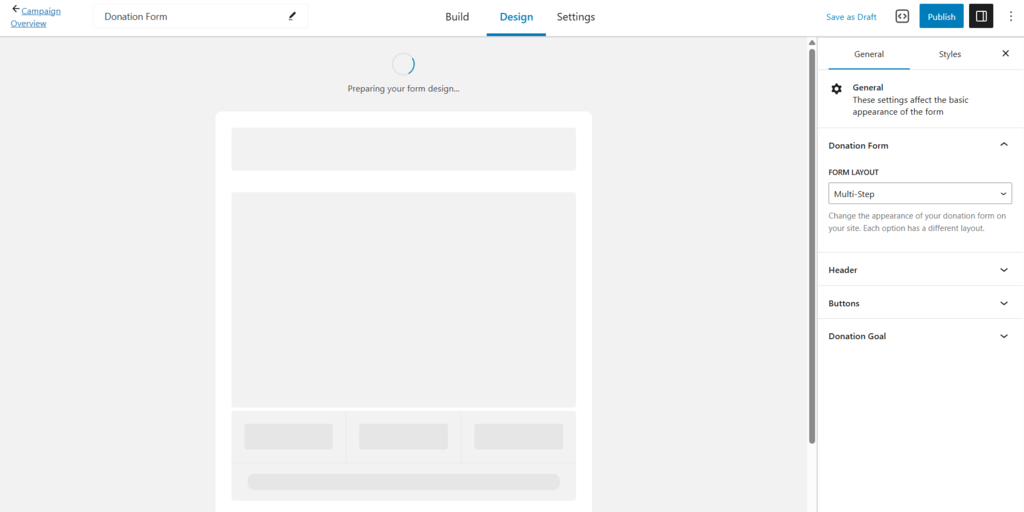
You’re on the right track, we do have a conflict with the All-in-One SEO plugin.
You can use the code snippet below to use GiveWP alongside All-in-One SEO:
add_action('wp', function () {
    add_action('wp_print_footer_scripts', function () {
        $isGiveFormBuilderPreviewMode = isset($_GET['givewp-route']) && 'donation-form-view-preview' === $_GET['givewp-route'];
        if (!$isGiveFormBuilderPreviewMode) {
            return;
        }
        wp_dequeue_script('aioseo/js/src/vue/standalone/seo-preview/main.js');
        wp_deregister_script('aioseo/js/src/vue/standalone/seo-preview/main.js');
        wp_dequeue_script('aioseo/js/src/vue/standalone/app/main.js');
        wp_deregister_script('aioseo/js/src/vue/standalone/app/main.js');
    }, 9);
}, 999);
Before taking any further steps, I highly recommend taking a good backup of the site you can confidently restore from. Having a backup of your site is essential to a solid workflow, and will allow you to restore to a previous version of the site if you run into any issues. You can read more about our top recommendations for taking a backup here: https://givewp.com/backup-for-faster-troubleshooting/.
If you require assistance implementing custom PHP code on your website, we have this guide —https://givewp.com/documentation/resources/adding-custom-functions-to-your-wordpress-website/.
Please note that this code snippet is provided as an example of how you can extend GiveWP with code. It’s up to you to implement and customize to your liking. We cannot provide support for custom code on your website, only the code that we create and distribute.
We will continue searching for a more permanent solution, but this snippet will enable you to use GiveWP’s Visual Donation Form Builder while All in One SEO is enabled in the meantime.
Since you mentioned that this has been resolved, and you have other issues, please create a new post for them. I’m marking this one as resolved (as the main issue has been addressed).
Thank you for using GiveWP!
Have a lovely day.