Hi @fabriziosorbara ,
Thank you again for confirming everything and for sharing the screenshots!
Since the setup looks correct and you’ve already tried regenerating the token with the correct App ID and Secret, we’ll need to take a closer look to debug this further.
To assist you better, could you please send the following (you may partially mask sensitive values for safety if you prefer):
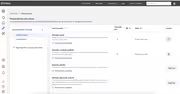
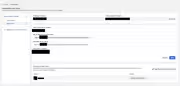
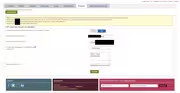
- A full screenshot of your plugin settings page, showing:
- Threads App ID & Secret fields
- Redirect URL
- Any error message after clicking the “Generate Token” button
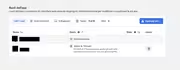
- A screenshot of your Meta App Dashboard > Threads Use Case > Settings, including:
- “Valid OAuth Redirect URIs”
- App Mode (should be in Development with you listed as a tester)
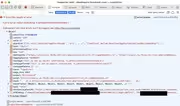
- If possible, please open your browser’s Developer Tools > Network tab, click “Generate Token” again, and let us know if any red (failed) request appears. It may help us trace where it’s failing.
Also, just checking — is there any browser extension or security plugin that might be interfering with redirects or popup handling?
Additionally, if you have any hesitation sharing these screenshots publicly on the forum, you’re welcome to email us directly at [email protected]. Just mention the link to this forum thread in your email and attach the screenshots there — we’ll take it from there.
Thanks so much for your continued patience and cooperation!
Warm regards,
Anjali
Hi @fabriziosorbara ,
Thanks again for the update and the screenshot!
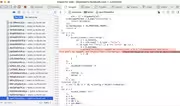
The error appears to be from Facebook’s own developer console, not the plugin directly. It could be related to how the app is set up or how the browser is handling certain scripts.
Also, just to confirm again:
- You’ve entered the App ID and App Secret in the correct fields.
- You’ve clicked Generate Token from the plugin Threads settings page.
- You’re logged in with a Facebook account listed under the app (as a tester or developer).
If the error still appears after those steps, to assist you better, you can email us at [email protected] with:
- A link to this forum thread
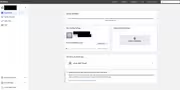
- Access to your Facebook App by adding our developer account under App Roles → Developers. Once added, we’ll review the setup, suggest necessary corrections, and you can remove the access anytime after that.
This will allow us to check everything more effectively and help you resolve the issue quickly.
Looking forward to your email!