Thumbnail Quality not improving?
-
Hey guys, I’m lost I don’t know where to turn to anymore. Please help.
I am trying to get my thumbnails to NOT be compressed at all. My uploads are nice and colorful, but the thumbnails gets very visibly duller and poorer quality. I already added this code to my function.php file in my child and parent theme:
add_filter(‘jpeg_quality’, function($arg){return 100;});echo get_the_post_thumbnail($id, array(100,100) );
add_filter( ‘jpeg_quality’, create_function( ”, ‘return 100;’ ) );
I’ve installed ‘Disable JPEG Compression’, and I’ve obviously installed EWWW Image Optimizer and upped the compression quality to 100. I keep regenerating thumbnails using the ‘Regenerate Thumbnails’ plugin. But there is still a huge difference. I do not know what to do, I’ve searched the web up and down, idk what I am missing.
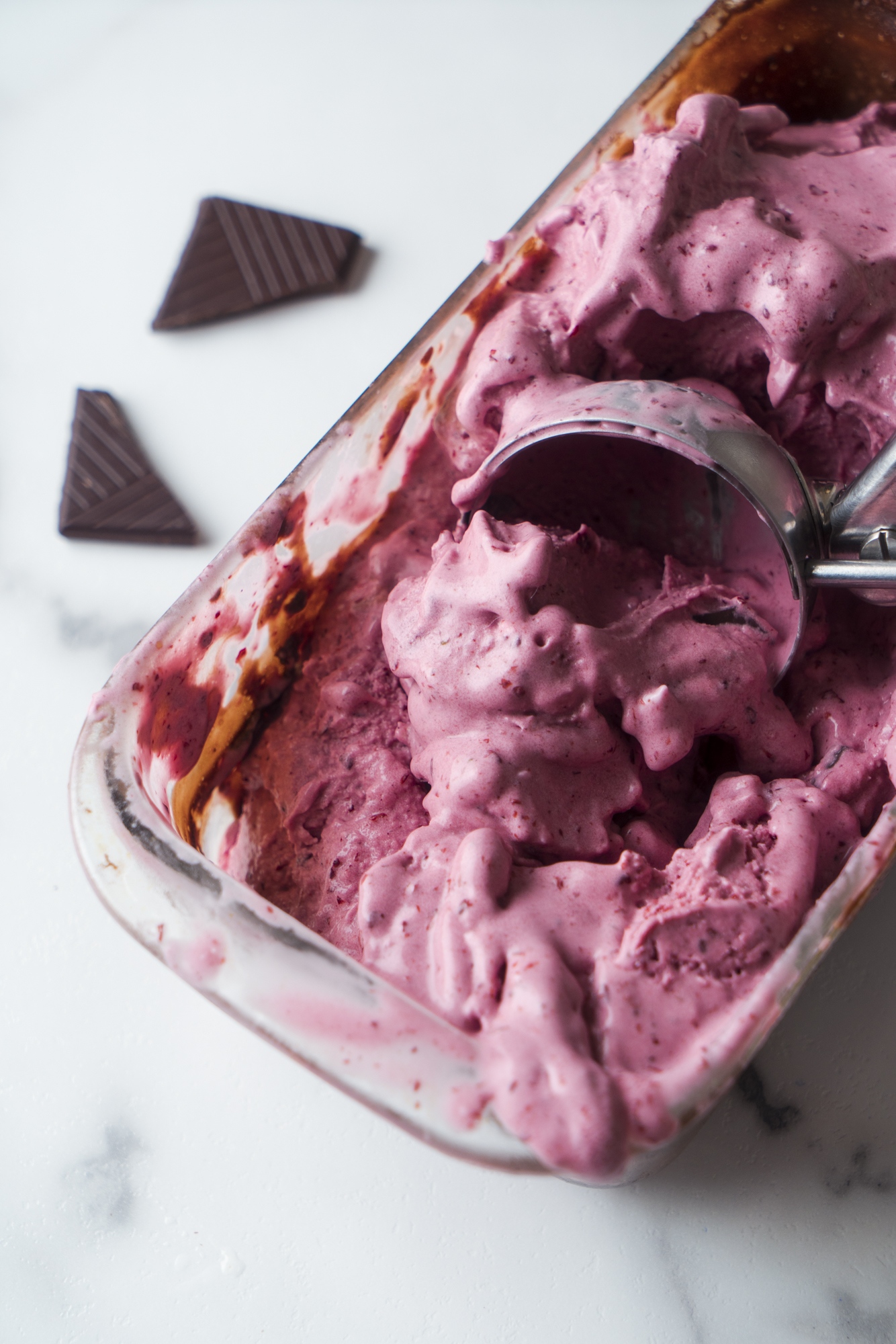
Here is the good image:
http://ninasveganrecipes.com/wp-content/uploads/2018/03/web-blackberry-icecream-4863.jpgHere is a BAD one:
http://ninasveganrecipes.com/wp-content/uploads/2018/03/web-blackberry-icecream-4863-1080×1619.jpgPlease help me! I don’t know what to do. Thank you,
-Nina MarieThe page I need help with: [log in to see the link]


The topic ‘Thumbnail Quality not improving?’ is closed to new replies.