Hello,
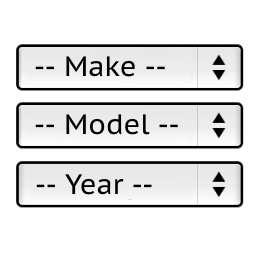
Have you tried disabling it from the YMM SEARCH (plugin’s settings) tab?
If not please do try it and see if thats what you were looking for.
But if not,
then please provide some more information about the plugin or perhaps the modification you are currently using.
Many thanks for your reply.
Yes I have got that turned off.
I am running the shortcode in a popup overlay which works fine accept for when it is called from a category page. It then goes into filtering not search mode. Is there a way to stay in search mode all the time?
Thanks
I am really sorry but I did not understand your question very well, could you please provide some screenshots explaining your current problem?
(Please note that Im not the author of this plugin nor am I affiliated to the plugin itself. Im just trying to help you based on some experience I have got throughout ussing the plugin).
OK, thanks for your help anyway.
Hello,
> a way to stay in search mode all the time … for shortcode
Try to add the line:
$block->setFilterCategoryPage(false);
after the line:
$block->setGarageEnabled($garageEnabled);
in the file:
wp-content/plugins/ymm-search/ymm-search.php
Stanislav
Brilliant, that worked a treat. Exactly what I was after. Thanks very very much for your time and effort.