Hi, I’m Autoptimize’s developer. Can you try adding wp-content/plugins/woocommerce-products-filter/ to Autoptimize’s comma-separated JS optimization exclusion field?
hope this helps,
frank
Hello frank,
Thanks for the quick response.
I excluded the folder you mentioned.

but somehow its still not working, I am not sure but I think the function is not getting initialized.
Note: First time it will work correctly but later if we visit some other pages and comes back it will start giving the error again.
Thanks
Umesh
I see a jQuery related error on the browser console, you’ll probably have to (re-)add js/jquery/jquery.js to the JS optimization exclusion Umesh.
Hello Frank
by mistake it got removed. I added that back.
But still no luck.
@optimizingmatters , Wishing you joy at Christmas and Prosperity in the coming year!
Thanks
Umesh
Hello @optimizingmatters
Thank you for cooperation!
Hello @umeshwani
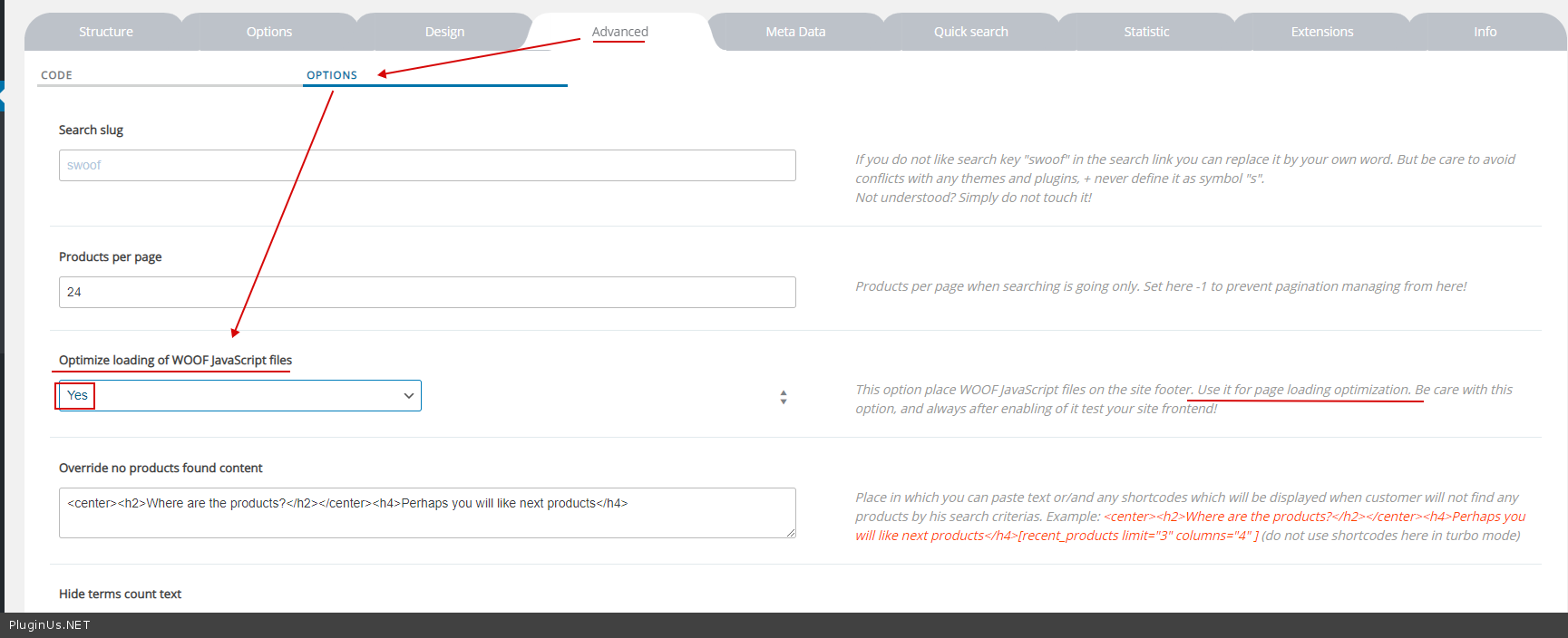
Try to activate this option – https://c2n.me/45gW2vx.png
-
This reply was modified 6 years, 5 months ago by
 mediawebster.
Hello @mediawebster ,
I have enabled the option as you suggested, but still no luck.

Do you want to check other settings for both WOOF and Autoptimize
I can send the screenshots for the same.
Thanks
Umesh
Hello Umesh @umeshwani
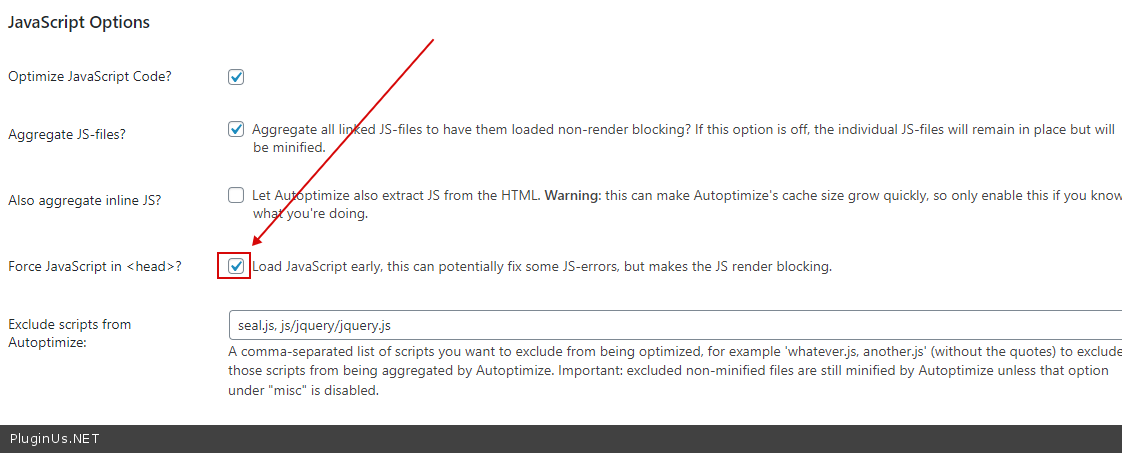
Try to check this option – https://c2n.me/45iMOa6.png
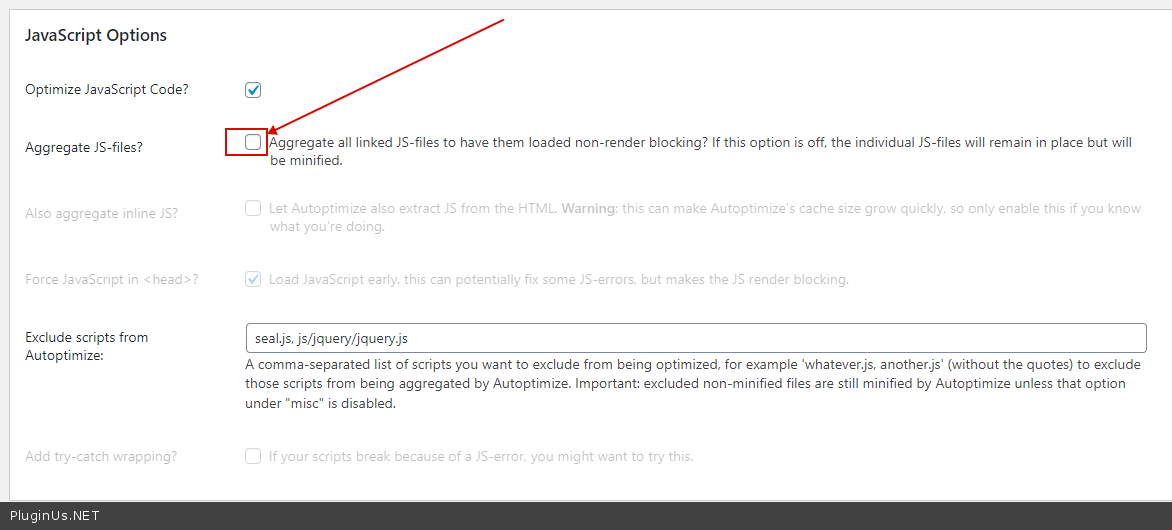
If no luck – Try this option – https://c2n.me/45iMWTh.png
-
This reply was modified 6 years, 5 months ago by mediawebster.
Hello @mediawebster
I tried both the settings but they are not working.
I am not sure but mostly it has something to do with Autoptimize settings.
I tried with WP Fastest Cache Plugin and it seems to be working good but I am not able to get the performance that I am getting with @optimizingmatters Autoptimize.
Thanks
Umesh
Hello Umesh @umeshwani
Unfortunately, I have no other ideas how to solve this.
Are you sure that after these settings changes you cleared the cache and recreated the JS files?