I should mention that I am using Firefox on a win11 desktop. My development site is Local WP. Wp version and all plugins are current.
Plugin Author
 Younes
(@vanbom)
Hi Mark,
Thank you for the detailed report and the screenshots — that was very helpful @mark-klinefelter 👍
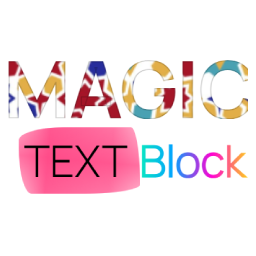
The underline curve effect in Magic Text Block is currently designed to work best when it is applied to a single word only. When the selection contains multiple words, Gutenberg wraps them in one span , and the decorative shape tries to cover the entire phrase as a single element. On smaller screens this can cause the underline to appear shifted or oversized, especially with larger font sizes.
Quick solution:
For the best visual result, I recommend applying the effect to one word at a time rather than to a full phrase.
Optional (CSS adjustment for small screen):
If you prefer to keep it on two words, this snippet can improve the mobile alignment:
@media (max-width: 781px) {
.dro-magic-text-underline-clip-effect::after {
border-width: 4px;
width: calc(100% + 0.4em);
top: 1.02em;
}
}
Thank you again for testing and your clear fedback.
Plugin Author
Younes
(@vanbom)
Hi there,
Since we haven’t heard back from you in a while, I’m going to mark this topic as resolved. If you still need help with the mobile/tablet underline effect, please feel free to reply here or open a new thread, and we’ll be happy to take another look!
Best regards,