• Hi –

    On my sprinter-rv.com Web site, I am using WP 3.9.1 with the Thesis 1.8.5 framework and have just updated to WordPress Popular Posts plugin version 3.0.3.

    The stats counts were working at some time recently, but now my popular posts stats have reset to very low numbers within the last few upgrades. If I look at my database tables using phpmyadmin, I can see that I have three database tables which seem to be related to the WPP plugin, called:

    sprinter_popularpostsdata
    sprinter_popularpostsdatacache_backup
    sprinter_popularpostssummary

    (DB prefix was changed by a security plugin I had installed)

    The data seems incorrect in the second two tables, but it seems like the original stats are retained in the first table.

    I tried re-creating the tables using the SQL commands given in the the most recent 3.0 upgrade problems thread, but I don’t seem to have created the new wp_popularposts* tables correctly, or perhaps I’ve missed an action required to get the plug-in to use the new wp_popularposts* tables? Or perhaps part of the issue is Thesis not using the wp_head() element? I don’t see it in header.php offhand.

    Thanks for any help you can offer!

    https://ww.wp.xz.cn/plugins/wordpress-popular-posts/

Viewing 6 replies - 1 through 6 (of 6 total)
  • Thread Starter gregowski

    (@gregowski)

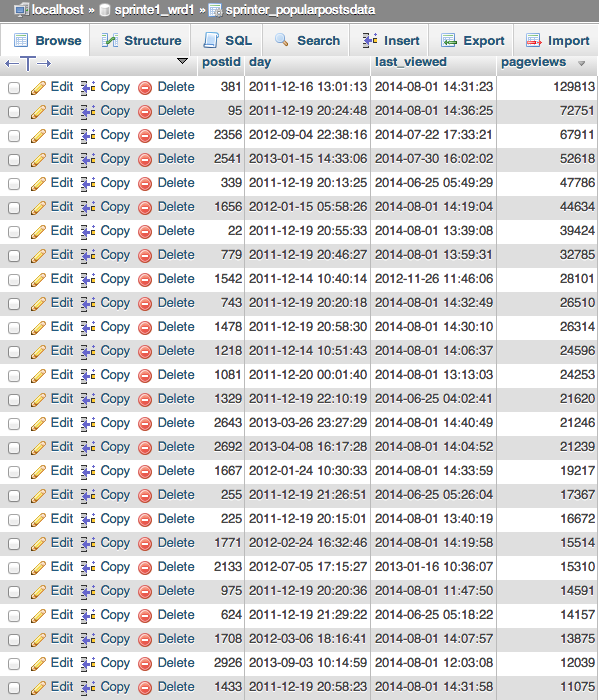
    If it helps, here’s a screen shot of part of my sprinter_popularpostsdata table, ordered by pageviews:

    screenshot of table

    Plugin Author Hector Cabrera

    (@hcabrera)

    Hi there,

    Or perhaps part of the issue is Thesis not using the wp_head() element? I don’t see it in header.php offhand.

    For WPP to work, your theme must have the wp_head() template tag in your theme’s header.php. Otherwise, WPP won’t be able to update the views count, since the AJAX script is never printed onto your site’s header.

    Thread Starter gregowski

    (@gregowski)

    Actually, the Thesis theme must be using this function, since otherwise the plug-in never would have worked, correct?

    Just updated to WP 4.0, and counts are back down to zip, though the original numbers are still retained in the sprinter_popularpostsdata table.

    I’d appreciate any suggestions you have for how to update the tables with the correct structure, I can provide any more details necessary.

    Plugin Author Hector Cabrera

    (@hcabrera)

    Actually, the Thesis theme must be using this function, since otherwise the plug-in never would have worked, correct?

    Yep, that’s correct. If it was working before, your theme surely has the wp_header() tag in its header section.

    The only thing I can think of now is: are you maybe using a caching plugin? If so, this might be of help:

    Starting version 3.0.0, the way plugin tracks views count switched back to AJAX. The reason for this change is to prevent bots / spiders from inflating views count, so if you’re using a caching plugin you should clear its cache after installing / upgrading the WordPress Popular Posts plugin so it can track your posts and pages normally.

    Thread Starter gregowski

    (@gregowski)

    Hi Hector – Thanks for the reply! I am using W3 Total Cache, and I tried emptying all the caches, but that didn’t change anything.

    I am wondering how the upgrade scripts work – is it possible that I have the wrong table structure in one or all of the popular posts tables, and so the upgrade scripts aren’t working?

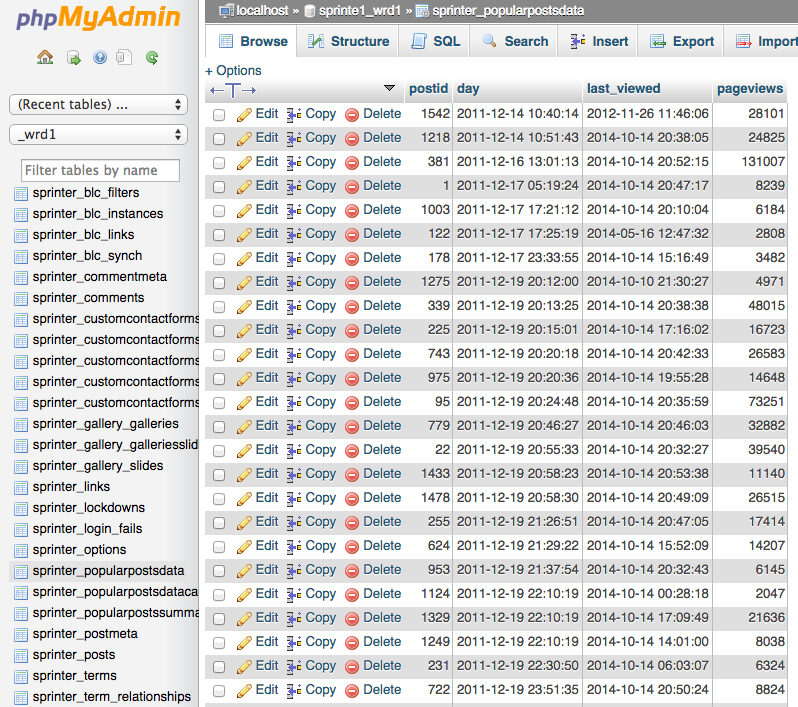
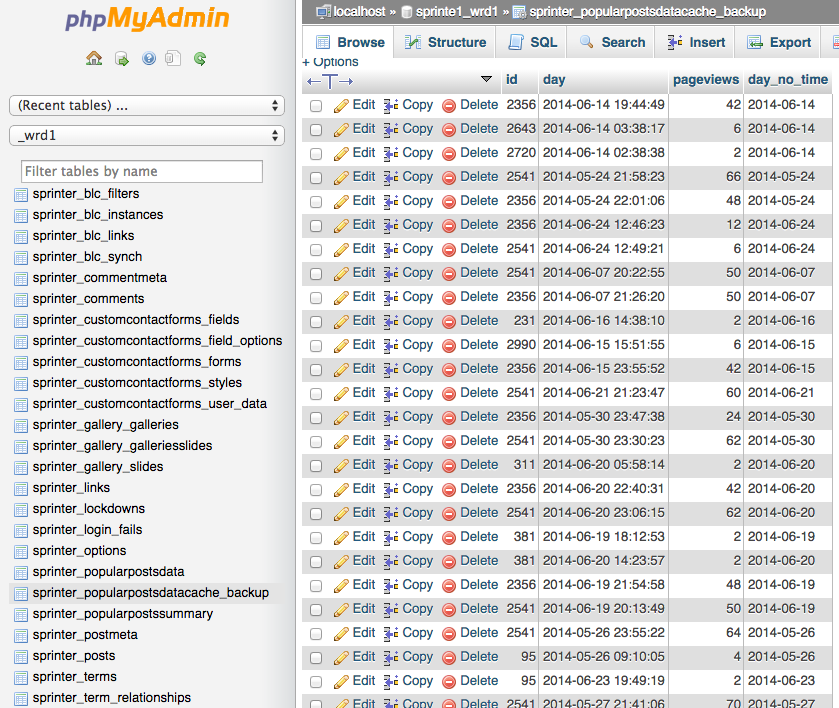
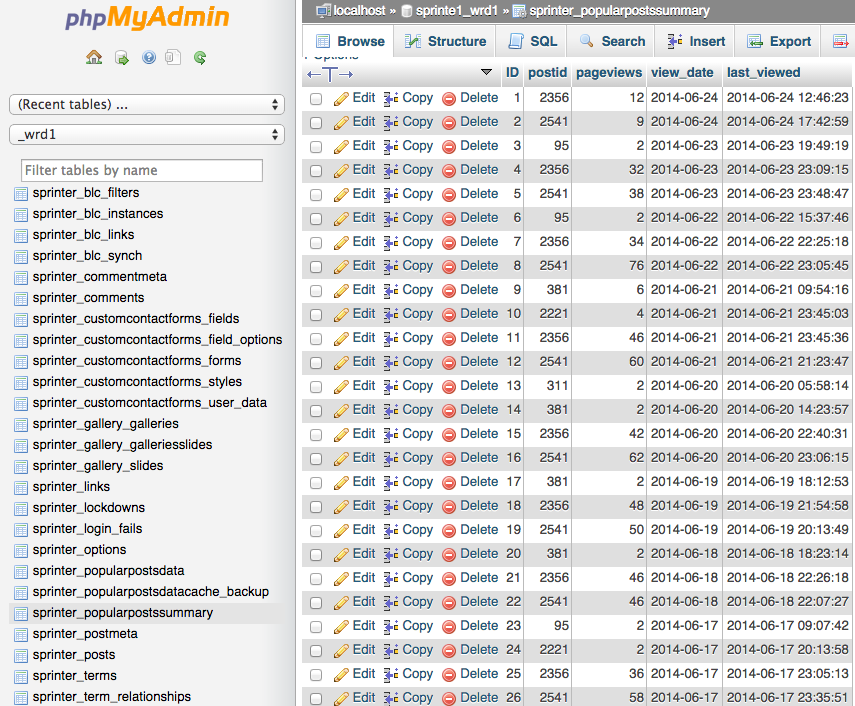
    Here’s screen shots of all three tables from phpmyadmin:
    sprinter_popularpostsdata
    sprinter_popularpostsdatacache_backup
    sprinter_popularpostssummary

    Plugin Author Hector Cabrera

    (@hcabrera)

    Just checked your site, @gregowski. The plugin seems unable to update the views count of your posts/pages because the security token (to prevent others from messing with your stats) mismatches. This is actually the first time I’ve seen it on a live site.

    Look at your site’s source code. It’s all messed up. The area highlighted in red marks tags that are not supposed to be there but inside the <head> tag. Either another plugin is causing this, or something is really wrong with your theme. I can’t assure this is also what’s messing with WPP’s pageviews update process, but I believe you should fix that first.

Viewing 6 replies - 1 through 6 (of 6 total)

The topic ‘Upgrade to 3.0, lost data’ is closed to new replies.