Hi there.
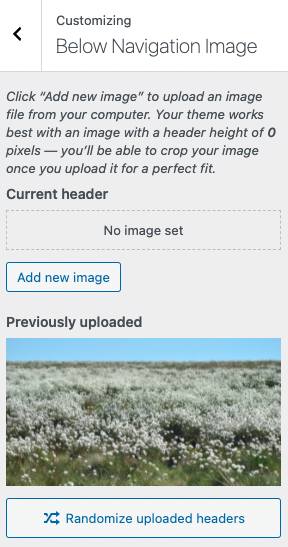
I’m able to replicate the same issue when I upload an image for the ‘Below Navigation Image’ with the Responsive Blogily theme. I can upload the image successfully but when I attempt to crop, I see the ‘There has been an error cropping your image’ message.
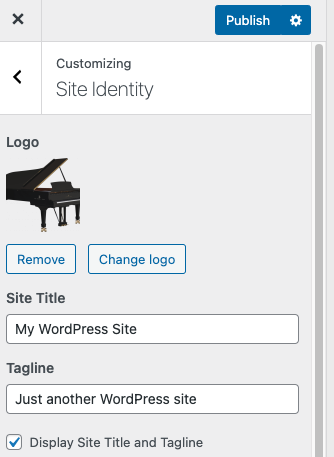
However, when I upload an image for the logo under ‘Site Identity’, I am able to crop the image.
We can try to rule out any hosting issues before looking at the theme itself.
Could you please confirm if you’re able to crop images from within the Media library, rather than the Customize menu? To do this:
- Go to ‘Media’ in the main WordPress admin navigation on the left.
- You should see the header image you have uploaded in your media list. Click the image.
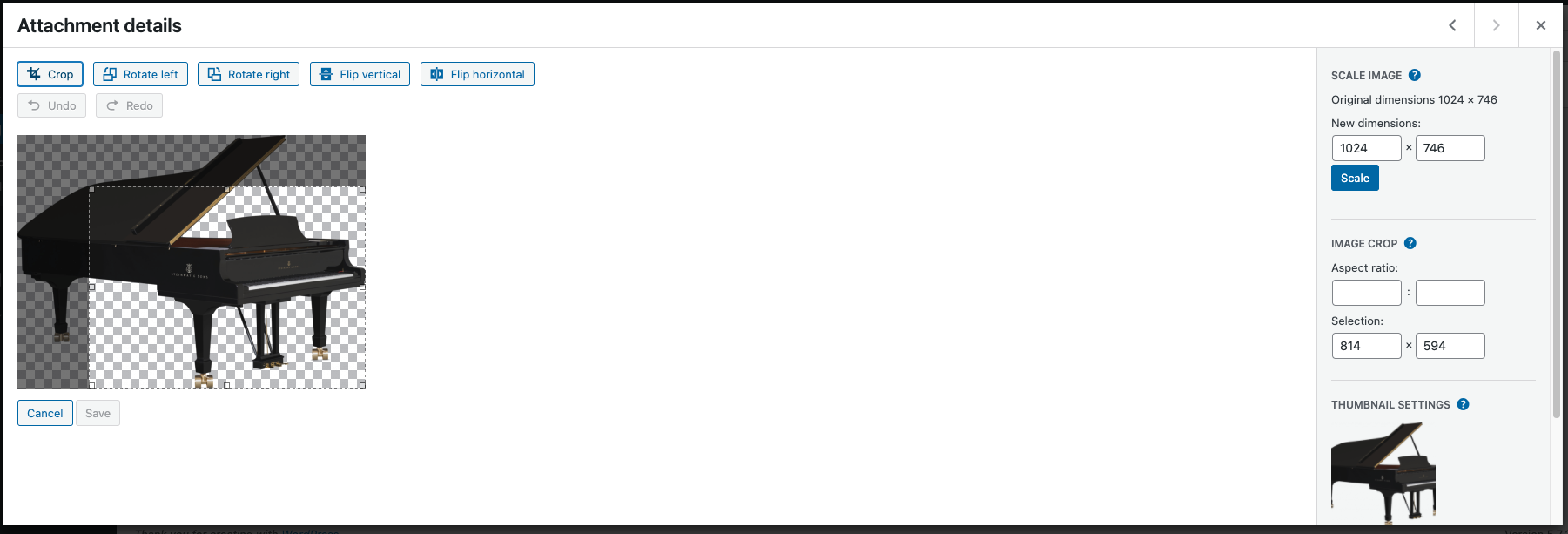
- This should open in a popup, and then click ‘Edit image’ underneath the image.
- There should be a ‘Crop’ option in the top left of this screen. Click this, and you should be able to crop the image with your mouse. Click ‘Crop’ again to finalise your selection, and then click the ‘Save’ button.
If the above steps work, this will confirm that your hosting has the necessary libraries installed to allow image cropping.
As for the image displaying under the header, I can see the theme has two possible areas near the header, one called ‘Below Navigation Image’, which sits below the header, and a different one for the logo image in ‘Site Identity‘, which sits above the header. Could you please confirm which one you are using?
Hello,
Something strange is that in the Header section it is written that the theme works best with an image height of 0 pixels. If that is so, no image can ever be used that is visible.
When in the Media Library I need to know the dimensions of the header so that I can rescale the image to that size and then crop it. Without entering the new size, clicking on the Crop button has no effect.
My hosting is fast and functional and the Crop failure for the header is a non-functionality of the theme. Logically if only 0 pixels are allowed for the header image, the theme practically does not allow to fit a header image at all.
What are the dimensions of the header as defined by the theme?
It sounds like you’re able to crop images successfully outside of the theme, which is good.
I can also see the suggestion of a height of 0 pixels for the header image on my side.
Unfortunately, we’re not experts on this theme itself, and these questions would be better for the theme author. I can see you’ve already been over to their forums. Now that we’ve ruled out any issues with hosting, the questions around cropping the image and the image height are good questions for them.
Thanks for your shared ideas. I agree with you that contacting the theme author would be best in this situation. Can you help me with finding him or her? Do you have a link to their website, for example?
You’re welcome. I’ve just spotted that you’ve posted in the theme forums again – this is probably the best way to contact them about this issue. The theme homepage has some more general information as well.
Okay, let’s wait for their reply:)