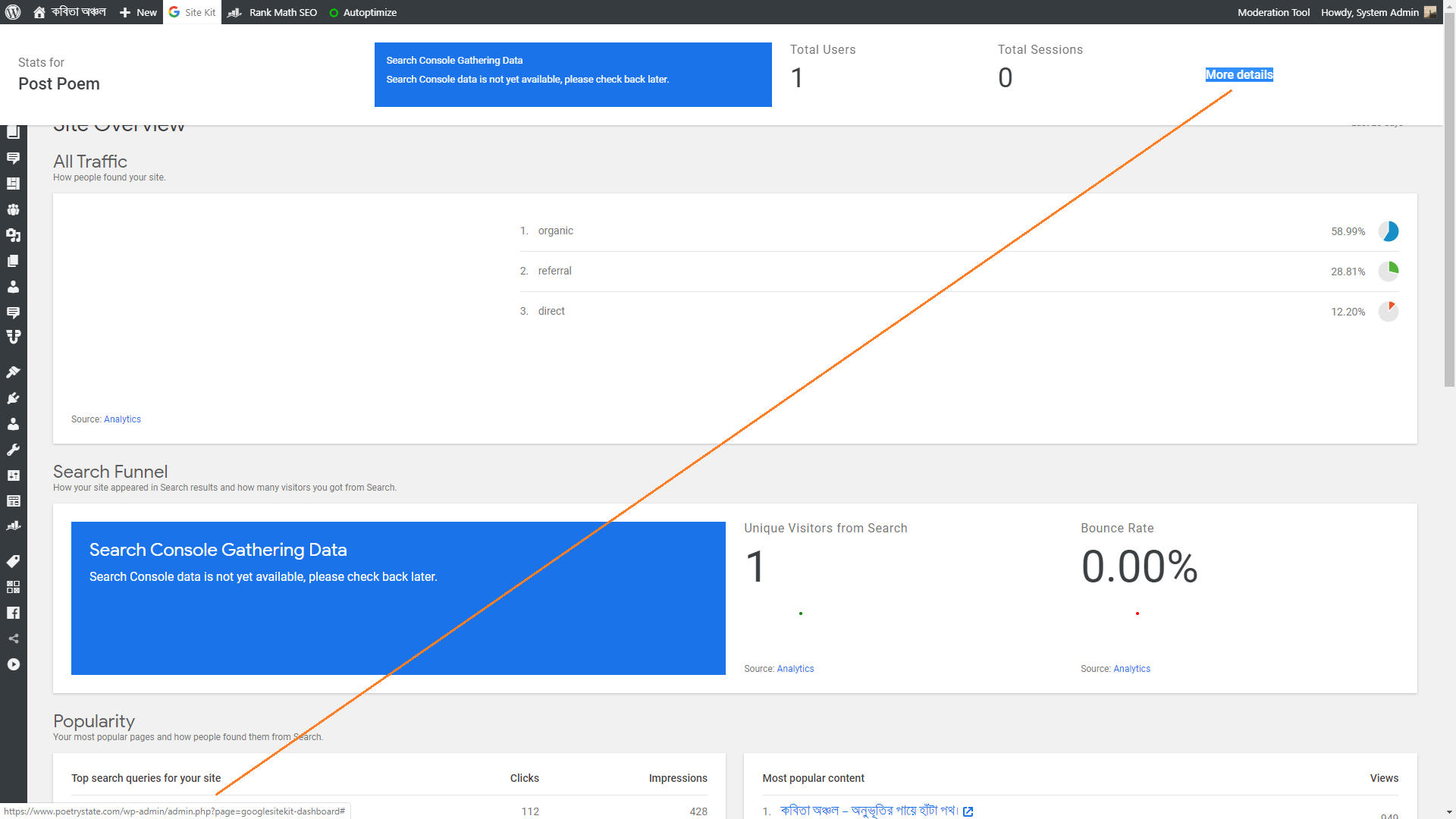
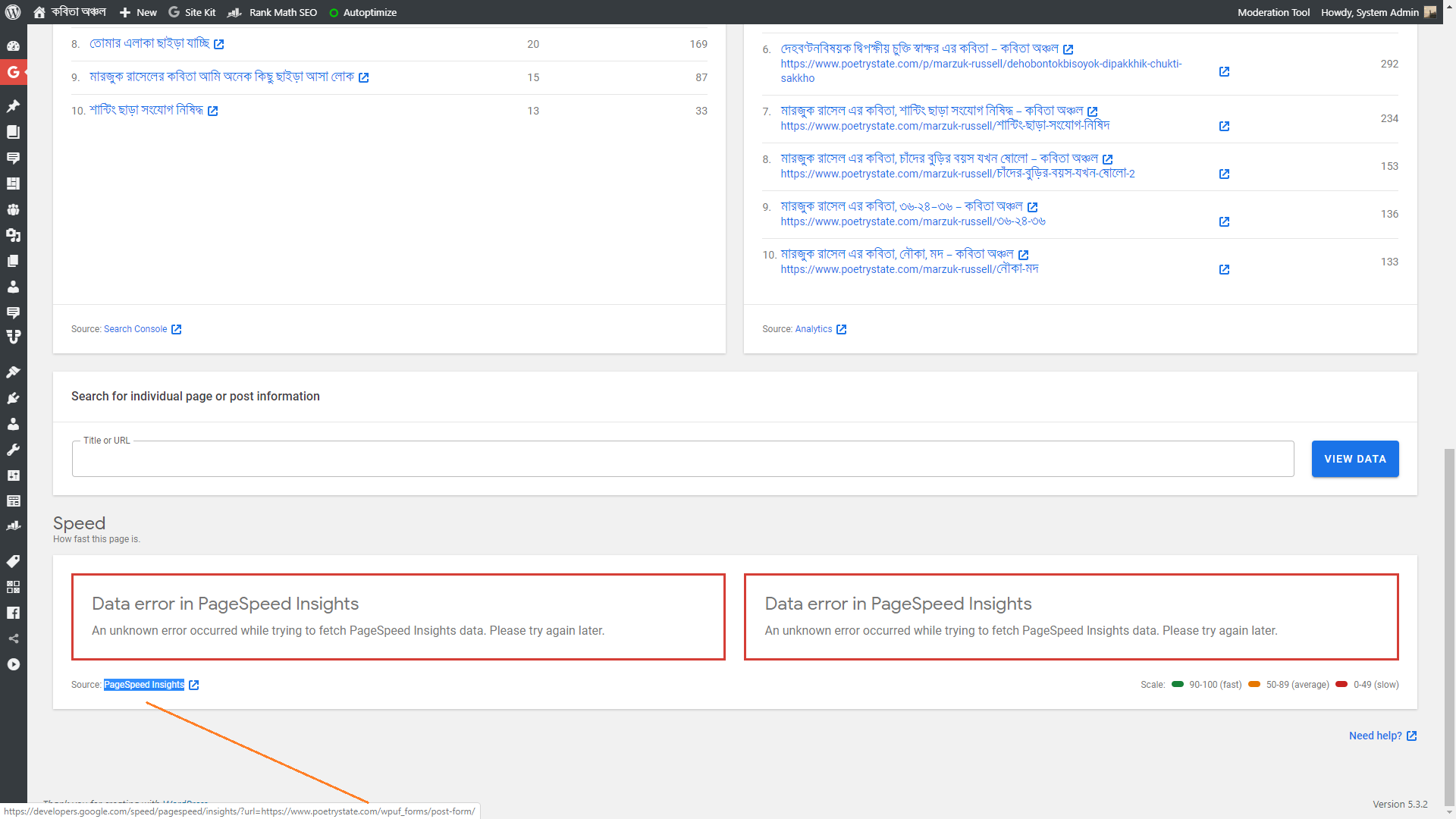
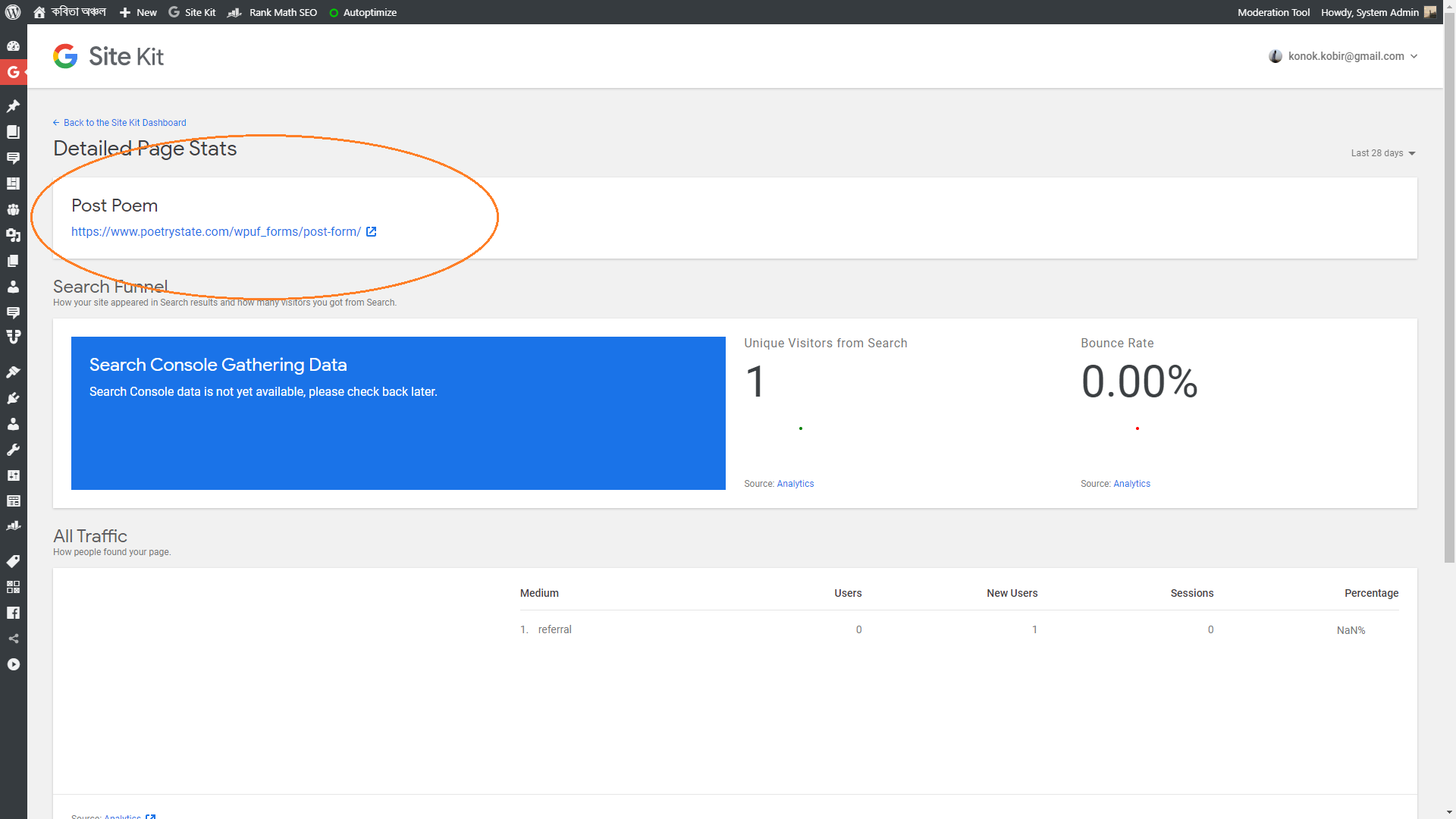
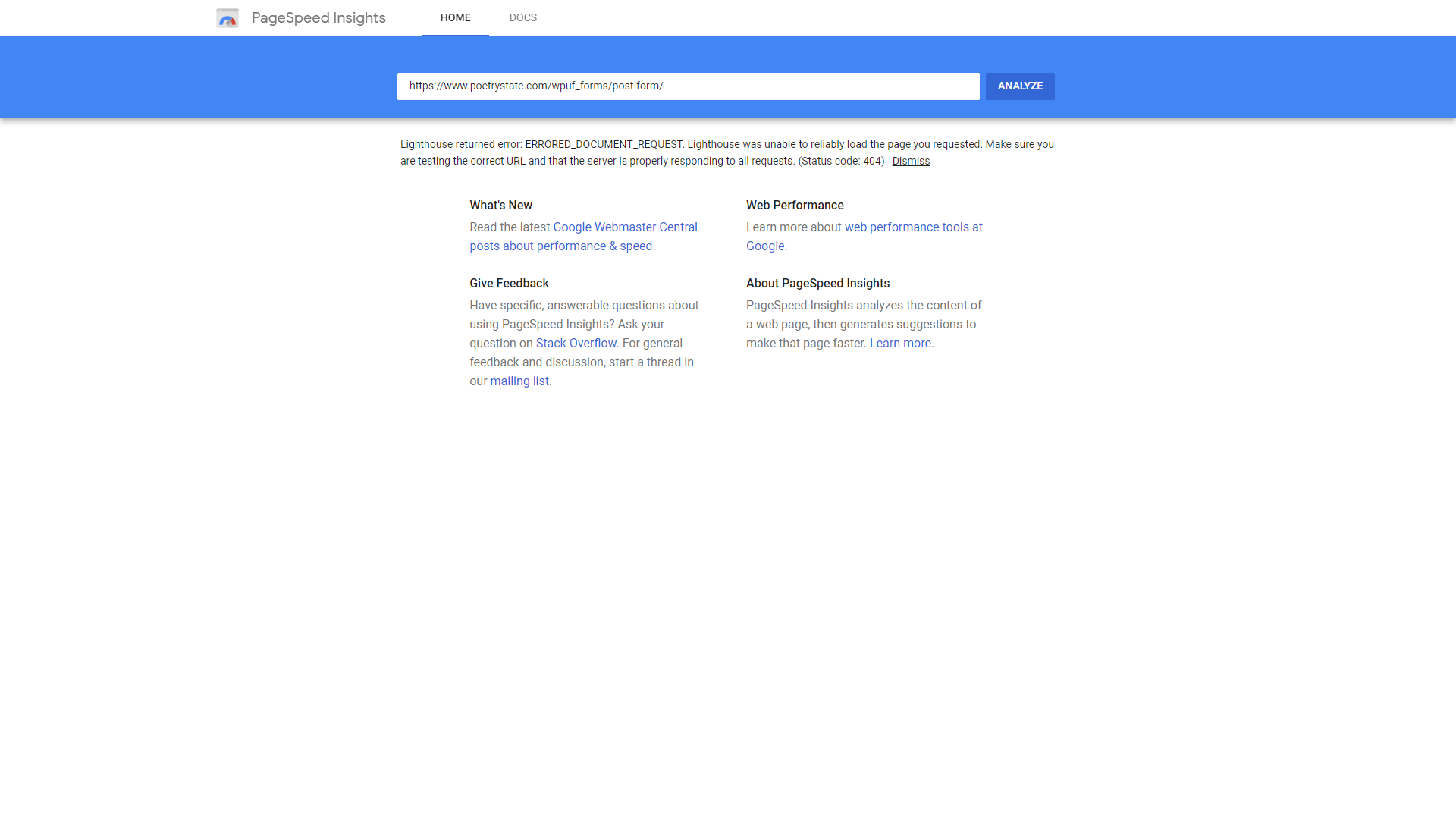
@streetboybd Thanks for reporting. I’ve tested out the plugin myself and I can recreate the same issue with PageSpeedInsights. I’ll do some further testing today before updating you here.
@streetboybd Just to keep you updated I’ve created a GitHub issue to keep track of this.
Thread Starter
 H
H
(@streetboybd)
Thats greet, I will follow.
Thread Starter
H
(@streetboybd)
Hi James,
I think the problem is belongs to WP User Frontend side. Now I noticed another strange issue in my hosting.
When I download entire home directory using cpanel backup wizards. Its only download the following files only. I have 3/4 more addon domain in my hosting and not all of them contain WP User Frontend. But its happen…
backup-jungle.com.bd-3-21-2020.tar/wp-user-frontend/

admin
assets
class
includes
languages''
lib
templates
vendor
views
.php_cs.dist
readme.txt
wpuf.php
wpuf-functions.php
my public_html directory suppose to be look like,
.well-known
cgi-bin
wfolder1
wfolder2
wfolder3
wfolder4
wfolder5
.ftpquota
.htaccess
.user.in
error_log
index.php
info.php
php.ini
redme.html
xmlrpc.php
I am not a tech person and now now completely blind. Can you give me any idea about this.
Thank You.
– K.
-
This reply was modified 6 years, 2 months ago by
 H.
H.
@streetboybd Thanks for the update. Can you confirm everything is working as it should be after checking your Site Kit dashboards?
For your other reported issue you will have to contact your hosting or other plugin providers unfortunately. We can only assist with Site Kit issues.
Thread Starter
H
(@streetboybd)
Hi James,
No. Error are still here. Nothing is changed, I disable and enable plugin and removed cache before and after checked. Nothing fixed yet.
And I am getting the following text in tag manager plugin in chrome, for Google Analytics which’s icon is blue.
Where to optimized
Non-standard implementation
I am thinking about to add code manually or add another plugin.
Thankyou.
– Kabir
-
This reply was modified 6 years, 2 months ago by H.
@streetboybd Thanks for the update. Likewise the same issue arose for me today in relation to the error. We’ll continue to work on this.
Where to optimized
Non-standard implementation
You don’t need to worry about this warning, you’ll find out more on the link provided. Site Kit places the Analytics tracking code correctly.
@streetboybd we released a fix for the conflict with WP Frontend User in the most recent version 1.14.0.
Could you update and let us know if the issue is resolved for you?
@streetboybd since we have not heard from you, I will mark your topic as resolved. Feel free to open a new support topic if you should have any questions.