Vertical content alignment not workng
-
Hello!
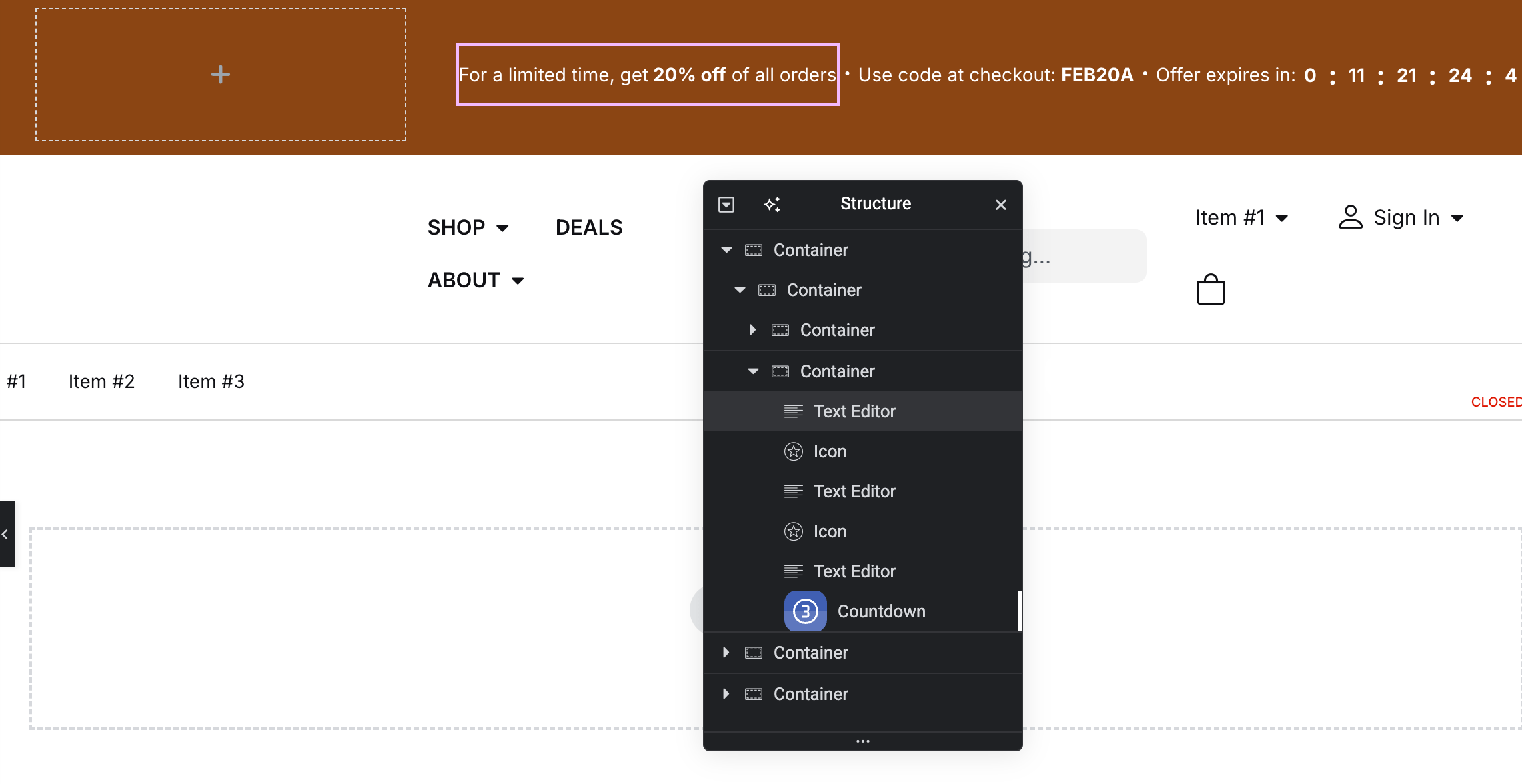
I’m having trouble with the vertical alignment of items in a simple container. On the frontend of the site, the first text element appears to be off-center despite all attempts and means to center it. Reordering of the child elements doesn’t change anything; always the first element in row remains misaligned. But in the editor, everything looks is ok. Why does this happen? What am I missing?
I have tried everything I can think of on the item itself and on the parent container. Please see the screenshots below; the site itself is not yet on the public web.
I’m a web developer but more focused on a back-end, sometimes front-end stuff confuses me a lot :S
On the frontend (misalignment of the first item in the row):

In the editor (looks ok):
Thanks in advance,


The topic ‘Vertical content alignment not workng’ is closed to new replies.
