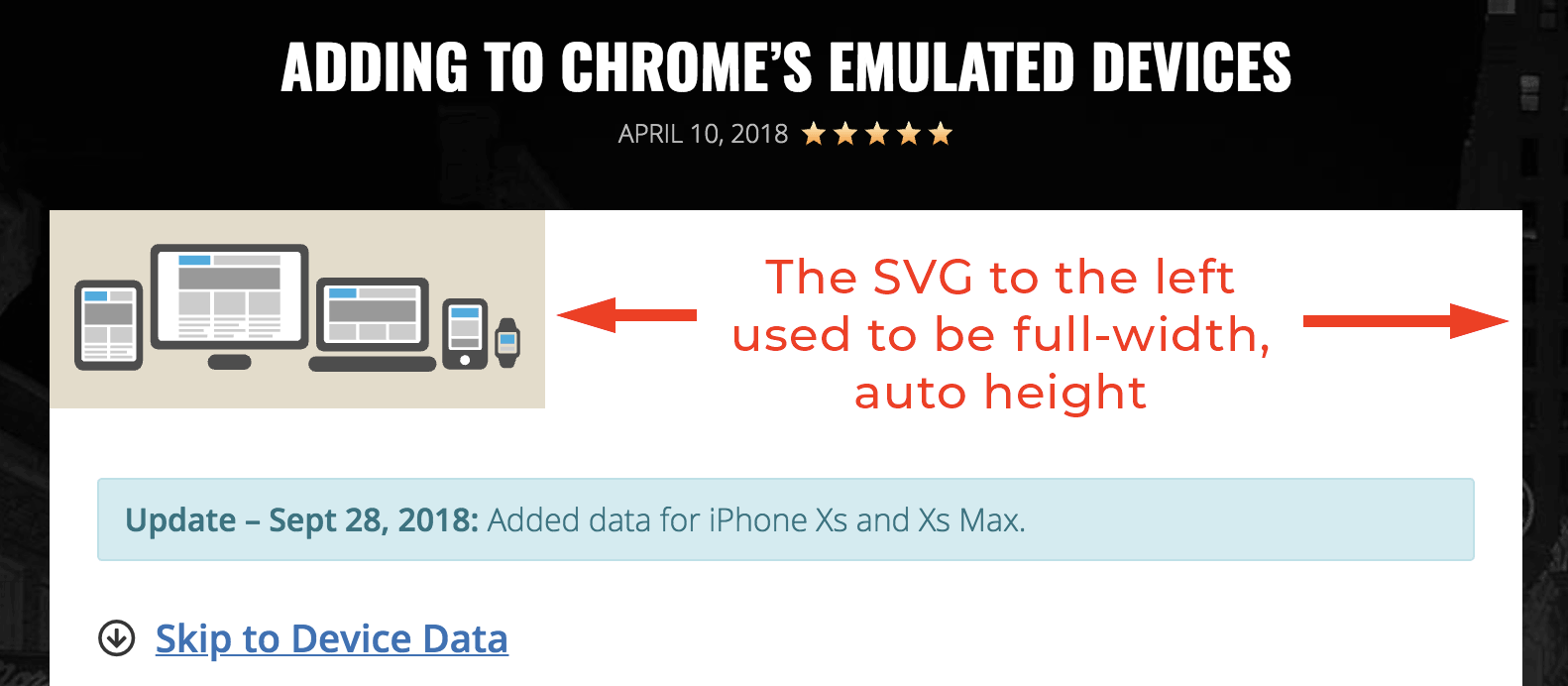
Width/height now set as attributes
-
Since I updated to 1.8.0, SVGs on the front-end of my site resized (several were no longer full width where they were before). Screenshot: https://snag.gy/1Nb6QI.jpg
According to the changelog, it appears that this was intentional:
Pull SVG dimensions from the width/height or viewbox attributes of the SVG.
Inspecting the element, I see that width and height attributes are now added (I don’t think that they were before? I may be mistaken).
<img src="https://mysite.com/wp-content/uploads/2018/08/hello-world.svg" class="attachment-post-thumbnail size-post-thumbnail wp-post-image" alt="Hello World" height="100" width="250" data-large_image_width="4200" data-large_image_height="1680" />As a quick fix, I added
img[src$=".svg"] { width: 100%; height: auto; }to Customizer > Additional CSS (I targeted my CSS a bit more, but left it generic here for others; caveat emptor; I will appropriately adjust my external sylesheet later). To be fair, I should have been specifying desired sizing more explicitly from the beginning. It’s just a personal blog site, and my usual diligence was evidently not thorough.Anyway, I thought I would bring it up since there may be others who had the same thing happen after update. I don’t have a recommended change for the plugin since sizing them in CSS is probably a good habit/most appropriate anyway, though this might cause some issues for neophytes updating the plugin or those that are confused by adding custom CSS where it was “just working” before.


The topic ‘Width/height now set as attributes’ is closed to new replies.