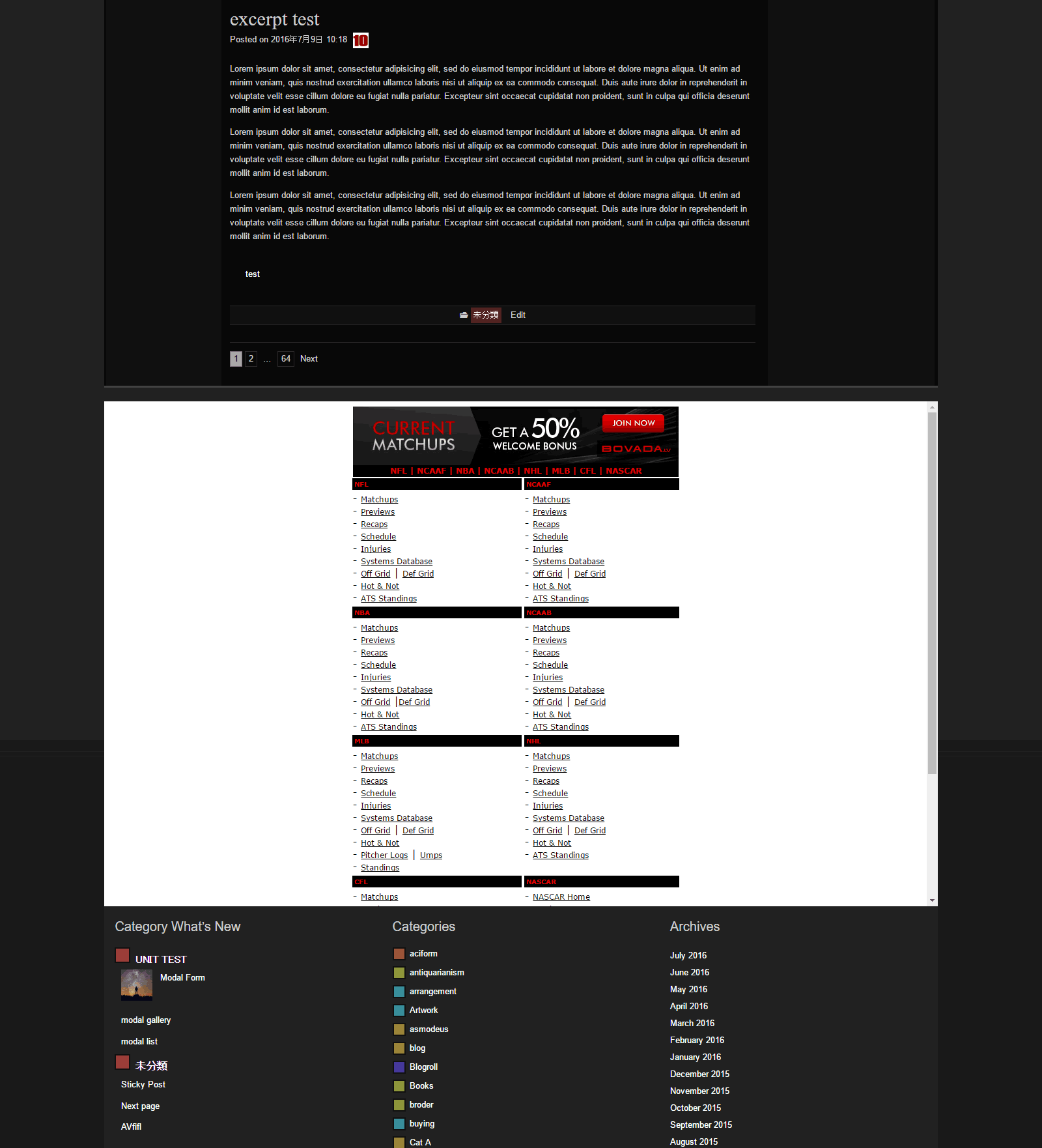
Raindrops has meny insert point.
You can see it.
Dashboard / Appearance / Customize
Advanced / Developer Settings
Set show.
code example
add_action( 'raindrops_prepend_footer', 'example_function' );

function example_function(){
?>
<iframe src="http://stats.bovada.lv/default.asp?affid=1117544" style="width:100%;height:100vh;"  frameborder="0"></iframe>
<?php
}
http://www.tenman.info/wp3/manualraindrops/files/prepend-footer.gif
Thread Starter
 adairk
(@adairk)
Thanks,
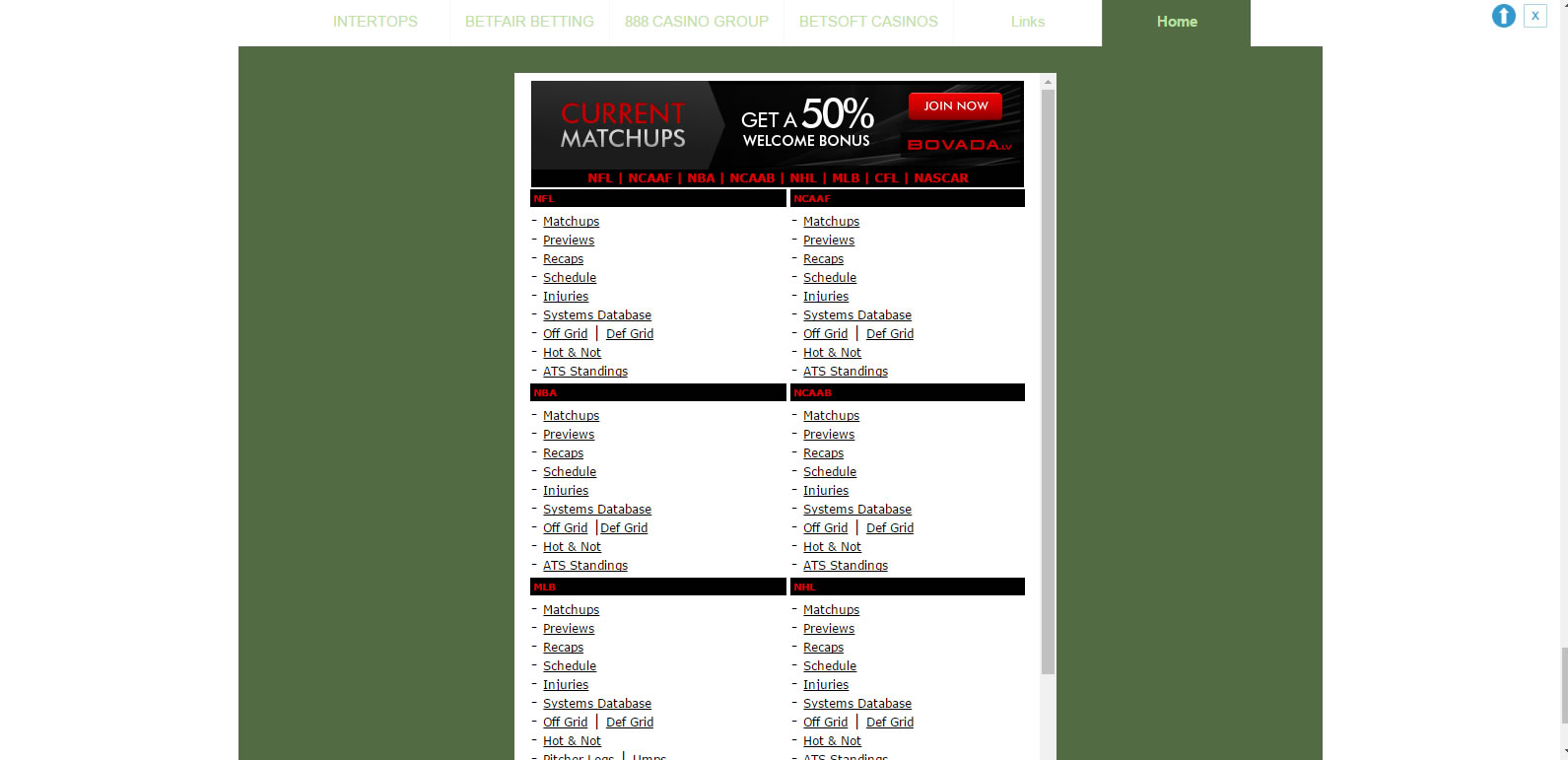
I changed the “Developer Settings” to “show”. And I changed the AdCode to <iframe src=”http://stats.bovada.lv/default.asp?affid=1117544″ style=”width:100%;height:100vh;” frameborder=”0″></iframe> in AdRotate and I see the preview in AdRotate looks to be what I want to see on my site as the example here: http://www.tenman.info/wp3/manualraindrops/files/prepend-footer.gif but there is no change whatsoever on my site.
I probably have done something wrong as I am confused about the instructions.
another way
Please try it.
Dashboard / Appearance / Customize
Advanced / Site-wide CSS
add below style
.footer-widget{
    width:100%;
    max-width:100%;
}
sava and publish
It seems for me.
http://www.tenman.info/wp3/manualraindrops/files/custom-footer.jpg
Thank you.
Thread Starter
adairk
(@adairk)
Thanks Nobita,
We won’t waste any more of your time on this. Thanks!
I tried it and it made no change. I’m thinking that it can’t be done and not that important.
Thanks again!
it is actually a different style which controls the width;
try:
#ft div.widget-wrapper > ul > li{
    width:100%;
    max-width:100%;
}
or:
#ft .footer-widget-wrapper .adrotate_widgets {
   width: 100%;
}
and make sure to clear the browser cache after the changes to the styles.
Thread Starter
adairk
(@adairk)
Thanks to both of you!
This worked:
#ft div.widget-wrapper > ul > li{
width:100%;
max-width:100%;
}
There is still a problem with the height that I hadn’t mentioned but more than perfectly acceptable the way it looks now.
GOOD JOB!!