Thread Starter
 AzRalL
(@azrall)
I forgot: Disabling all Plugins and changing the theme doesnt solve the problem
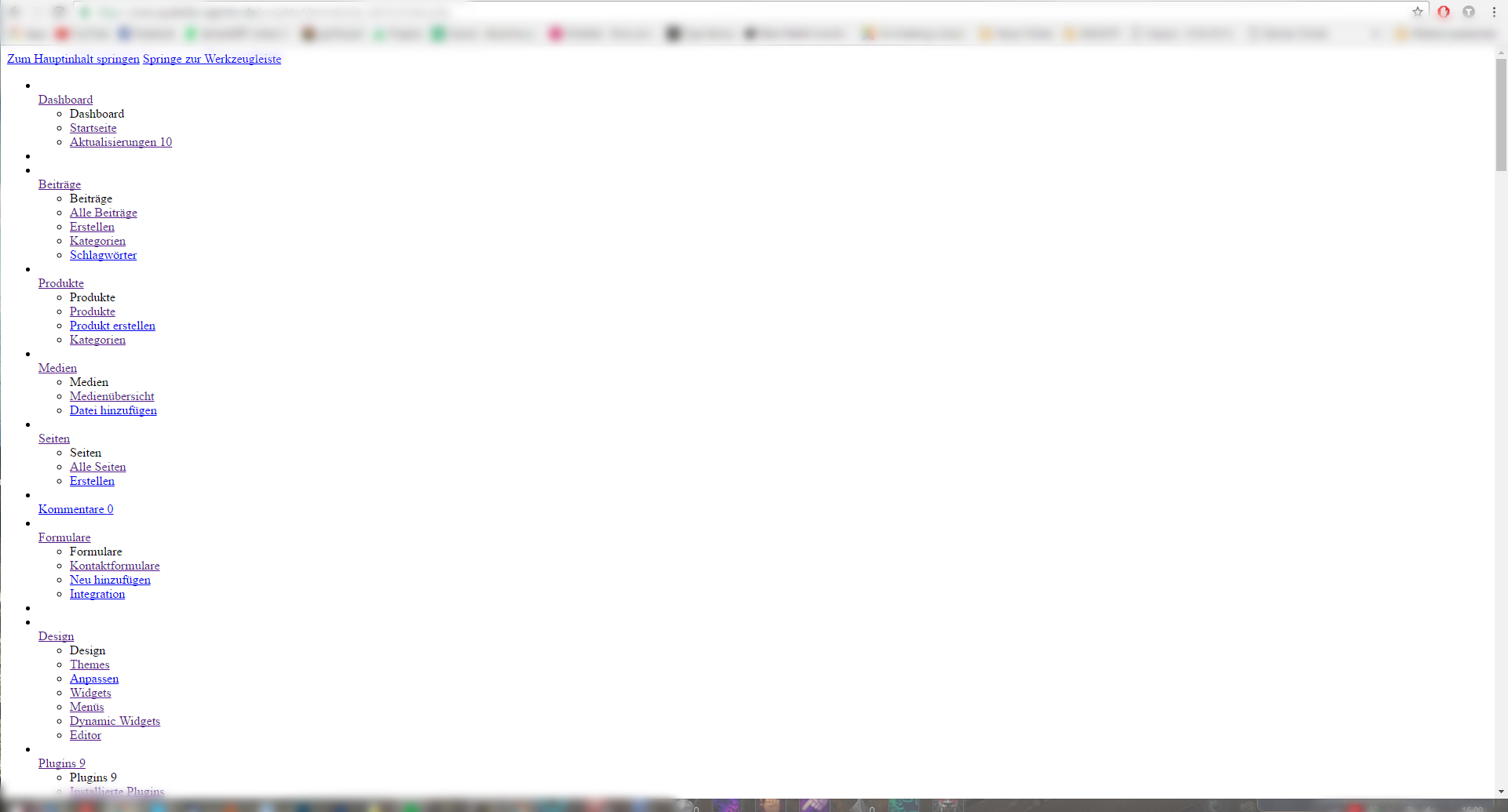
Go to that page in Chrome. Hit f12. Click on console. That will show you that the style sheet is not loading. You need to add the missing style sheet.
Thread Starter
AzRalL
(@azrall)
I looked up the errorlog file on my host and it stated the following error:
PHP Fatal error: Call to undefined function wp_raise_memory_limit()
I searched for the function in wp-includes/functions.php but couldnt find it so I tried to replace that file from a new WordPress but now I get an Error 500 when trying to access my sites Backend.
Any ideas?
-
This reply was modified 9 years, 8 months ago by
 AzRalL.
-
This reply was modified 9 years, 8 months ago by AzRalL.
Thread Starter
AzRalL
(@azrall)
Update: Doing a manual update of WordPress like it is suggested here didnt solve the problem http://wordpress.stackexchange.com/questions/238043/admin-blank-page-with-working-front-end-after-updating-to-wordpress-4-6
Console still says:
https://mywebsite/wp-admin/load-scripts.php?…ery-core,jquery-migrate,utils,underscore,wp-util,wp-a11y,updates&ver=4.6.1 Failed to load resource: the server responded with a status of 400
When trying to access this url I get the following screen in google chrome
Bad Request
Your browser sent a request that this server could not understand.
Request header field is missing ‘:’ separator.
P/1.1
The domain is running under https
-
This reply was modified 9 years, 8 months ago by AzRalL.
Please post a link to your site.
Thread Starter
AzRalL
(@azrall)
Deleting the .htaccess file resolves the problem but then I cant access the frontend because I use RewriteBase for my WordPress Installation since its in a subdirectory of my domain.
This seems to be a problem with my Host, at least thats what I think