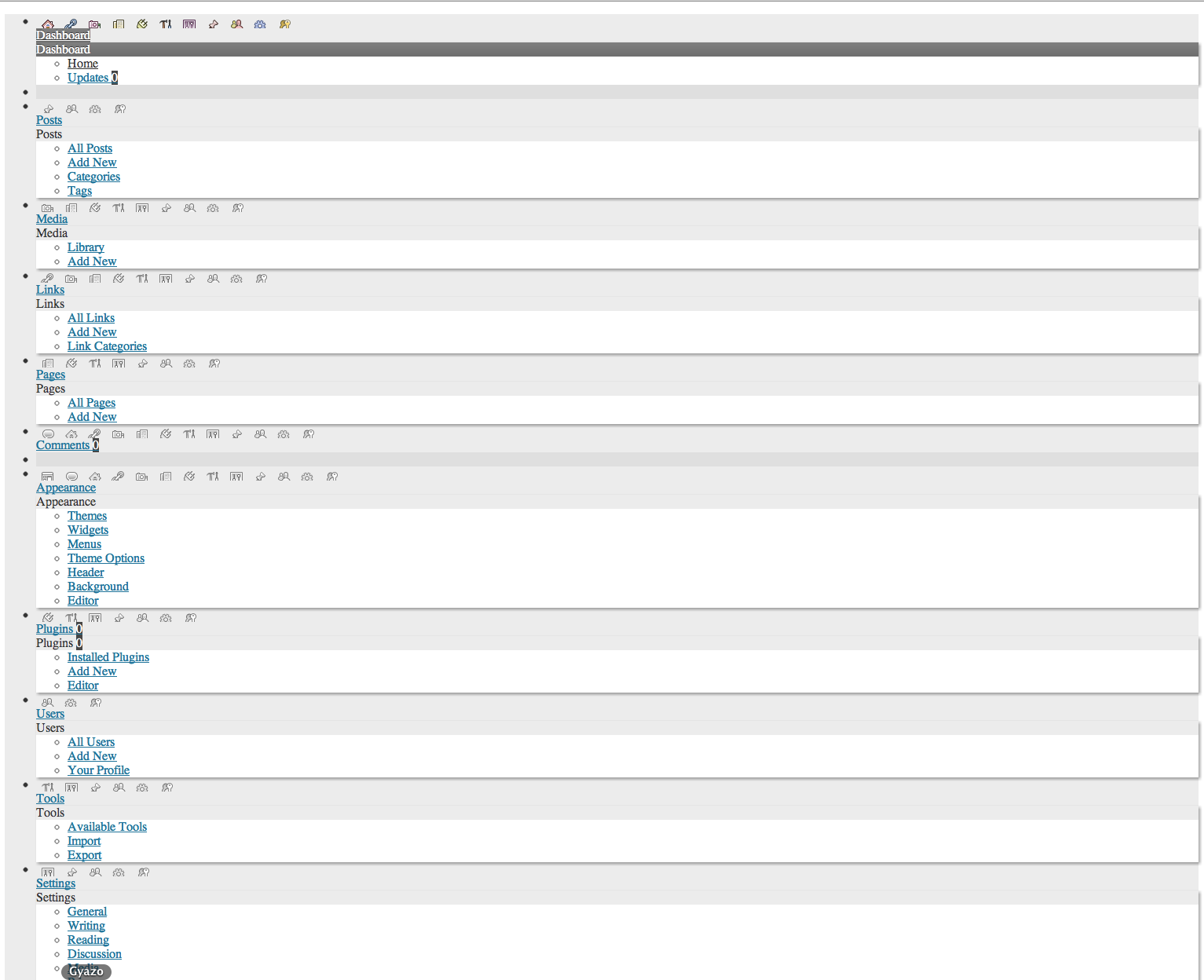
Is there something with a local network WordPress can’t handle?
Generally speaking, no. I’m currently running 5 WP installs locally without the slightest problem. Have you tried:
– deactivating all plugins to see if this resolves the problem. If this works, re-activate the plugins one by one until you find the problematic plugin(s).
– switching to the Twenty Eleven theme to rule out any theme-specific problems.
– resetting the plugins folder by FTP or PhpMyAdmin. Sometimes, an apparently inactive plugin can still cause problems.
– re-uploading all files & folders – except the wp-content folder – from a fresh download of WordPress.
is at least what I’ve done previously if I remember correctly!
I’m afraid your memory is playing tricks on you. This has never been the case. See Moving_WordPress.
Thread Starter
 tkse
tkse
(@tkse)
Well, the picture is from a totally clean install of WordPress, that’s what I don’t get? Meaning every of your solutions won’t work. :S
I will try using a sub-domain on my web-server to test it out now, MAMP has always been a problem for me. And thanks for the “Moving-WordPress” link. 🙂
Really? How can you be sure that you didn’t have a corrupt WordPress download?
Thread Starter
tkse
(@tkse)
I tried multiple downloads, but I’ll guess I can try one more time. One question though:
If I copy/paste from my webserver to local, I have to go into phpbbMyAdmin and change the URLs if I understood the guide correctly?
I have gotten this to work previously, wonder what I do wrong this time. 😛
In the local copy of your database, yes.
Thread Starter
tkse
(@tkse)
It looks like my webhosts backup-system didn’t do a complete backup, including all tables such as siteurl, so I guess I have to do a manuall backup, then I’ll try. Thanks for the help so far, I’ll post when I have tried this out again. 🙂
Thread Starter
tkse
(@tkse)
Okey, so I got in now. Two problems, I can’t get into anything but the front page and the front page is CSS-free for some reason. Do you know anything about that? :S
Sounds like you didn’t change all of the urls…
Thread Starter
tkse
(@tkse)
The guid-table for posts still have my websites URL. Do you know exactly where to change this? I changed both “Home” and “siteurl” in wp_options.
Sorry – the guid table? Try using http://ww.wp.xz.cn/extend/plugins/search-and-replace/ to replace the urls across all tables.
Thread Starter
tkse
(@tkse)
GUID-column I guess, sorry, not too advanced on this as you can tell. Thanks for the plugin, but I still have to get into wp-admin to install it though.
Thread Starter
tkse
(@tkse)
Tried deactivating all plugins through phpMyAdmin btw, didn’t work.
Suggestion: re-install WordPress locally and then use Tools -> Export/Import to import your site’s content rather than trying to carry out a database move.
Thread Starter
tkse
(@tkse)
Sure, I just hope it won’t fail on me like I showed in the picture before.
Thread Starter
tkse
(@tkse)
Finally everything works! Thank you SO much! 🙂