Hi there, @bellabranchdiy! Thank you for posting your topic, and we’re sorry to hear you are experiencing troubles with running the plugin. Please note we are not allowed admin access per forum guidelines, but we’d like to work with you to find a resolution.
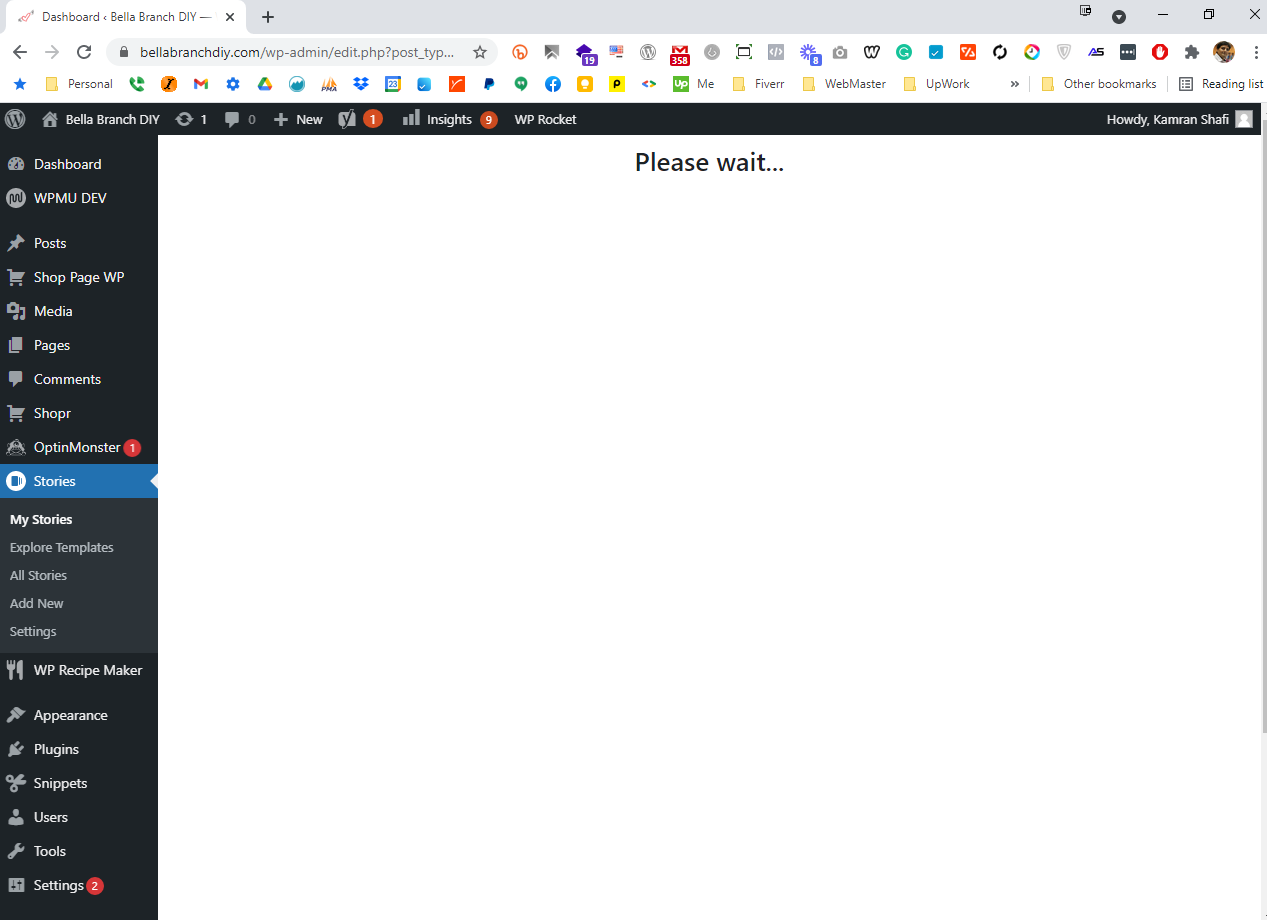
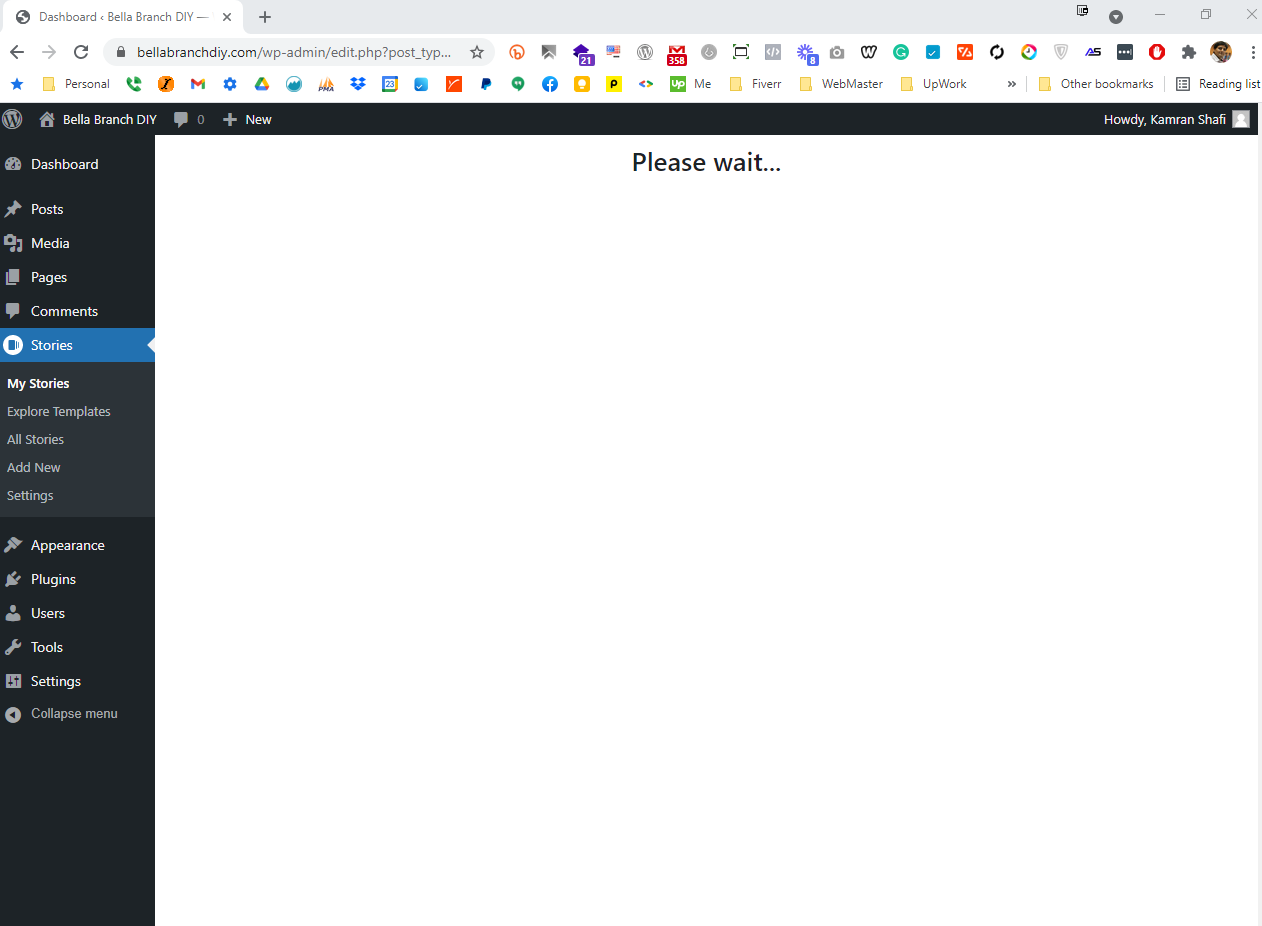
1. ) Are you seeing the “Please wait…” message when trying to access the Stories dashboard, or after you click into the Story editor?
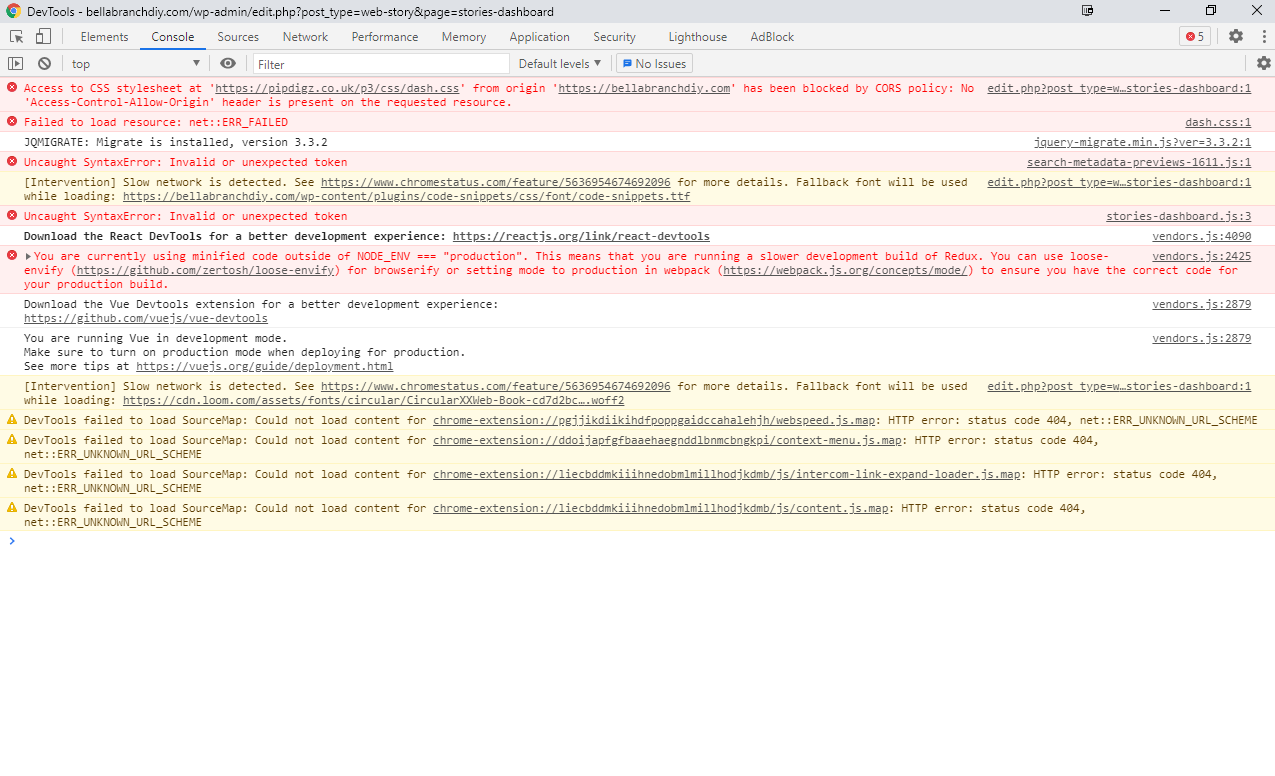
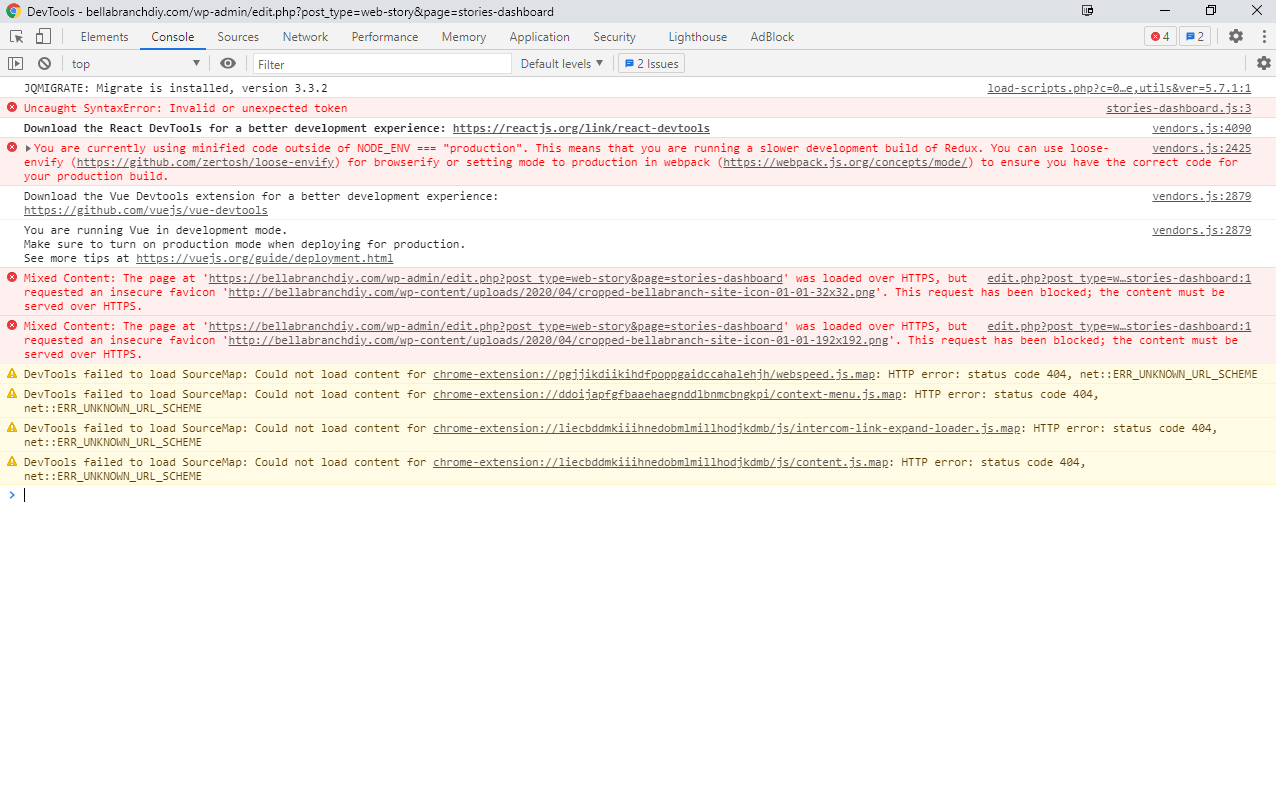
2. ) Can you open your browser developer tools to check for any browser console errors where this issue occurs?
3. ) Does this issue occur with all other plugins disabled and using a default theme (e.g. Twenty Twenty-One)? To best simulate this, I recommend you use the Health Check & Troubleshooting plugin and enable its troubleshooting mode. This mode disables active plugins and switches to a default theme safely because it only affects the experience of the logged-in user.
– Please enable the Web Stories plugin and let me know if the issue is present.
– Enabling plugins and your theme one by one in this mode may help pinpoint if something else is involved.
– Note you can disable troubleshooting mode from the plugins page.`
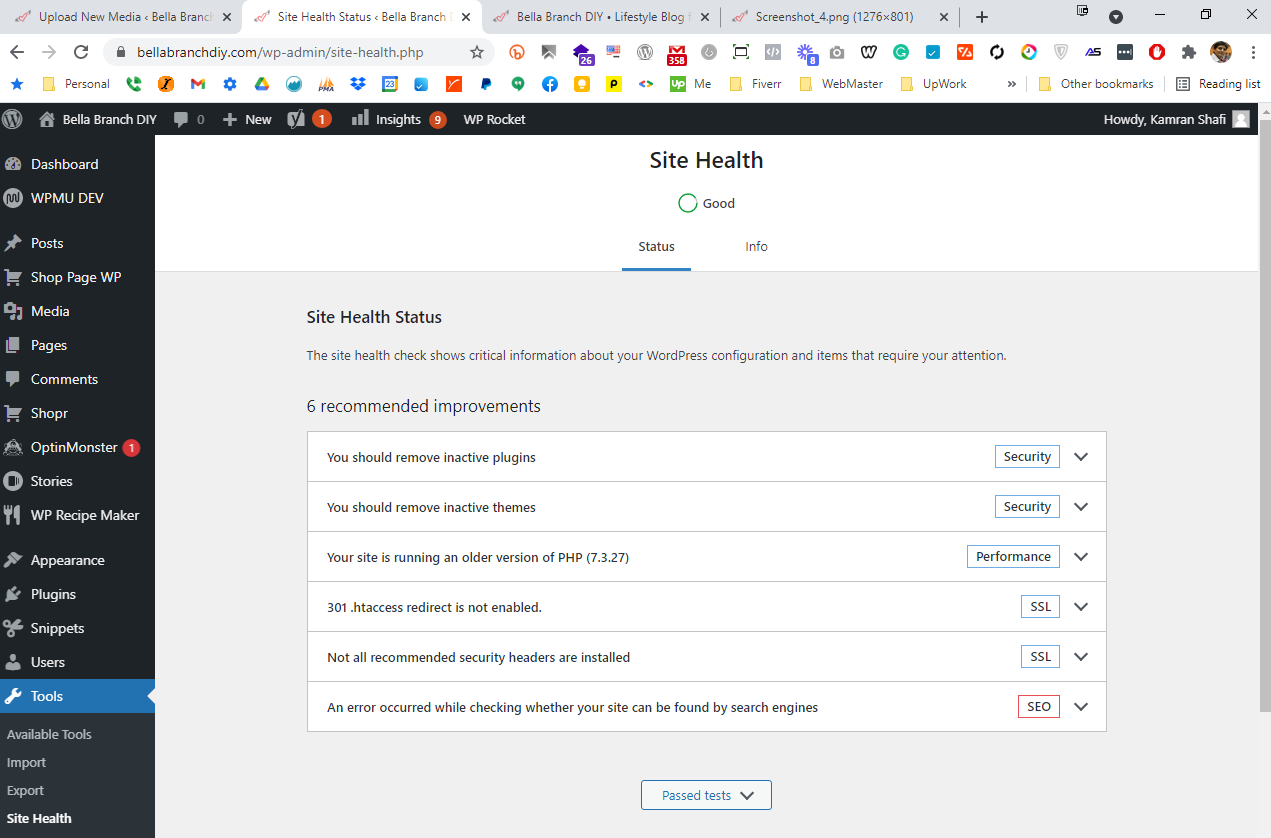
4.) We want can help check for any conflicting plugin, theme or configuration as well. Could you provide your Site Health information? You can share privately if you prefer.
Thank you!
@kamran9868 thank you for sharing these details.
– We notice there are mixed content issues in the console, what have you set for the “Home URL” and “Site URL” under Settings -> General? Stories will remain invalid AMP as long as they contain insecure (non-HTTPS) media.
– Could you please actually share your Site Health information through this form?
– In regards to this console error, the new video optimization feature in version 1.6.0 of the plugin requires a feature called cross-origin isolation. For this to work, external resources being loaded from a different host need to provide an Access-Control-Allow-Origin header.
If your site loads JavaScript files from a different subdomain, then your CDN needs to provide this Access-Control-Allow-Origin response header for all these assets. Access-Control-Allow-Origin: https://www.yourdomain.com or the less restrictive Access-Control-Allow-Origin: * should work.
Reach out to a website administrator or hosting provider to further assist with setting the header.
@kamran9868 As we haven’t received a response, I’ll mark this as resolved. Feel free to open a new support topic if you continue to encounter issues, or reopen this topic and we’d be happy to assist. Thank you!
Hi Bethany…
So sorry I didn’t get back to you. The app is working now…randomly!!! Super excited to start making my Google stories.
Have an awesome day!
MIchele
@bellabranchdiy No worries! Glad to hear it’s working, and just get back in touch if you have any other questions or issue about the Web Stories plugin. 🙂
Thanks Bethany!
Fingers crossed I don’t have any more issues.