Sure thing!
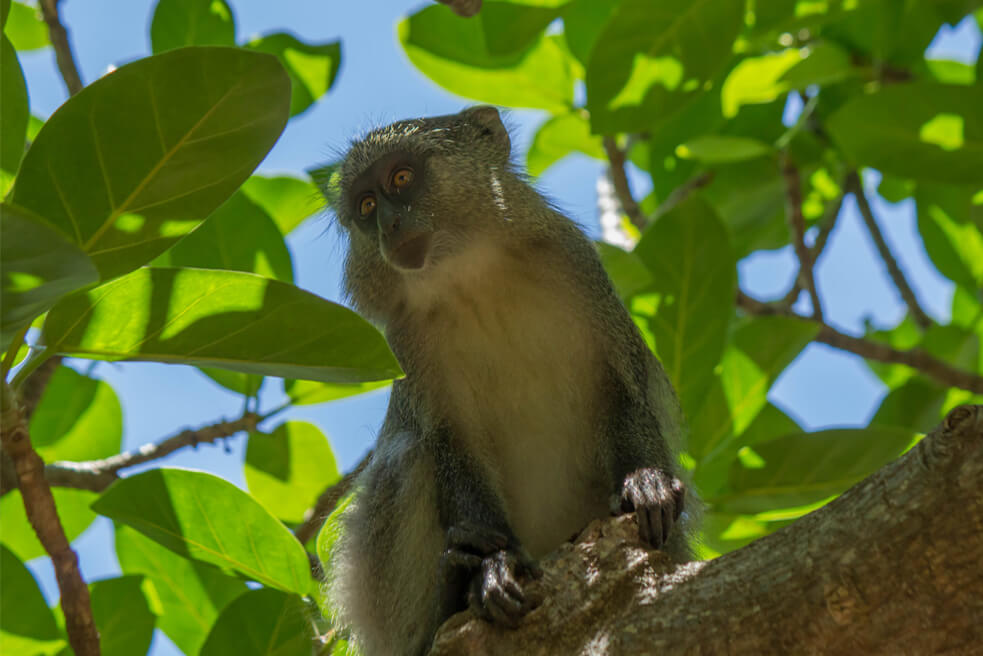
But it all seems right, I am baffled… It seems that even the simplest debug call like this http://wildlifevagabond.com/wp-content/uploads/2015/12/Blue-Monkey-@-Cape-Vidal-iSimangaliso-Wetland-Park-Home-Slider.jpg?debug=true is not working. And this is a direct request for the image that bypasses the CDN.
It’s like your images are not funnelled through /wp-content/plugins/adaptive-images/adaptive-images-script.php as the htaccess file directs. Is it possible to check this with your host and see if they have done some “unusual” configuration concerning the htaccess file?
Sorry for all the trouble, but this seems like a very peculiar case! But we will get to the bottom of this… 🙂
Hm.. the plot thickens!
I had a long chat with MaxCDN support right now (about something else for my SEO), but I asked him what the issue could be from their side regarding the plugin, and it seems everything is set up as it should. CDNs ignore query strings automatically, which would have explained it, but I already had enabled them not to ignore query strings. He said the plugin should work through the cdn server with that enbaled. So, that clears that at least…
I will try to check with my host, but it will have to e later tonight. I have to get going to work.
Oooh, they strip away the query strings in images? So this is something you can enable back yourself?
They strip away query strings in all files, unless you enable query strings manually on your MaxCDN dashboard site, which I did.
I thought maybe the plugin “Remove query strings from static resources” could be the problem so I deactivated it.. Didn’t seem to be that one though..
I have sent a support ticket to my host. Let’s see what comes out of it.
Well, if this helps at all, something is also adding a weird extra url parameter to your images like this:
http://cdn.wildlifevagabond.com/wp-content/uploads/2015/12/[email protected]?b203d6&resolution=600,1
Might be something here.. It is only added to photos within sliders and the main logo in the header. Which are the photos that take the longest to load as well.. I can’t seem to find out where it comes from though. It is the same on all, b203d6, but a google search gave me nothing..
It is not only the images, it is a lot of other files as well. Might be CDN related..
It was the BWP Minify plugin which caused the added paramteter. I had it enabled for CDN, which made it add the code to all files cached at the CDN server. I disabled it, but no results in the plugin itself…
At least none I can see. I also heard back from my host. He found nothing wrong with the .htaccess file, except somethig about GZip ninja perhaps causing some issues. I deactivated it, but still no luck with your plugin.
I disabled MaxCDN and it works! That was all it took… So much scratching the head, and all I ever needed to do was a simple deactivation of MaxCDN just to check… I guess I can’t enable MaxCDN now though… I guess now it’s figuring out why it didn’t work with MaxCDN..
That is -at least partially- good news then!
A quick note: I believe BWP was using this url parameter as a cache buster, which was useless in your case, where the CDN ignored url parameters.
Now, unfortunately, the reason why the Adaptive Images plugin did not work with MaxCDN remains a mystery and I will try to investigate it with the first chance I get!
—
Also, you really need to check why you need all these JS files! There are 47 of them in a normal page load. That is more than a lot. That is huge! There is no way you need all these, trust me. A normal number would be less than 10.
What’s worse, your page downloads 33 font files. This is crazy! You have to find out where these come from and if you actually need them. These should be reduced to something like 1 or 2.
Believe me if you tackle the JS and font sizes you will see amazing improvements!
It would be awesome if you manage to find a solution the problem with MaxCDN, as I really need both. Your plugin totally eliminated the “optimze images” google pagespeed kept going on a bout, and improved my site from a maybe a low 30/100 up to 80/100!
Now I am trying to tackle all the other issues.. Using webpagetest.com I only got 8 fonts, which I guess is still too many, but I have no idea how to reduce that number.. Is that theme specific? I have a premium theme, so I could contact theme support if that would be necessary.
The issue with all the JS files is a whole different monster… Been struggling to sort that out now for the last couple of hours, but it is not an easy thing to do… Combining JS-files through plugins breaks my site most of the time…
I am glad you actually got something out of all this. 🙂 I will definitely try to support MaxCDN better in the future and tackle its peculiarities.
Let me know if there is anything else you need.
Thanks a lot for all your help! I even managed to sort some of the JS and CSS files today. I had to get rid of W3 Total Cache and BWP Minfy to try something new. I ended up with ZenCache Pro, and it seems to be exactly what was needed for my site.
Btw, I just donated a beer for your troubles!
Thank you very much, you are welcome, and thank you for the beer!
🙂


![http://cdn.wildlifevagabond.com/wp-content/uploads/2015/12/[email protected]](http://cdn.wildlifevagabond.com/wp-content/uploads/2015/12/African-Wild-Dog-@-Tembe-Elepant-Park-Slider-Home.jpg)