Hi, are you trying to add an image as a button?
Regards.
Please try the following feature that allows you to create a payment option via a URL or Link. It might work for you:
https://wp-express-checkout.com/creating-a-shareable-payment-link-text-link-or-url/
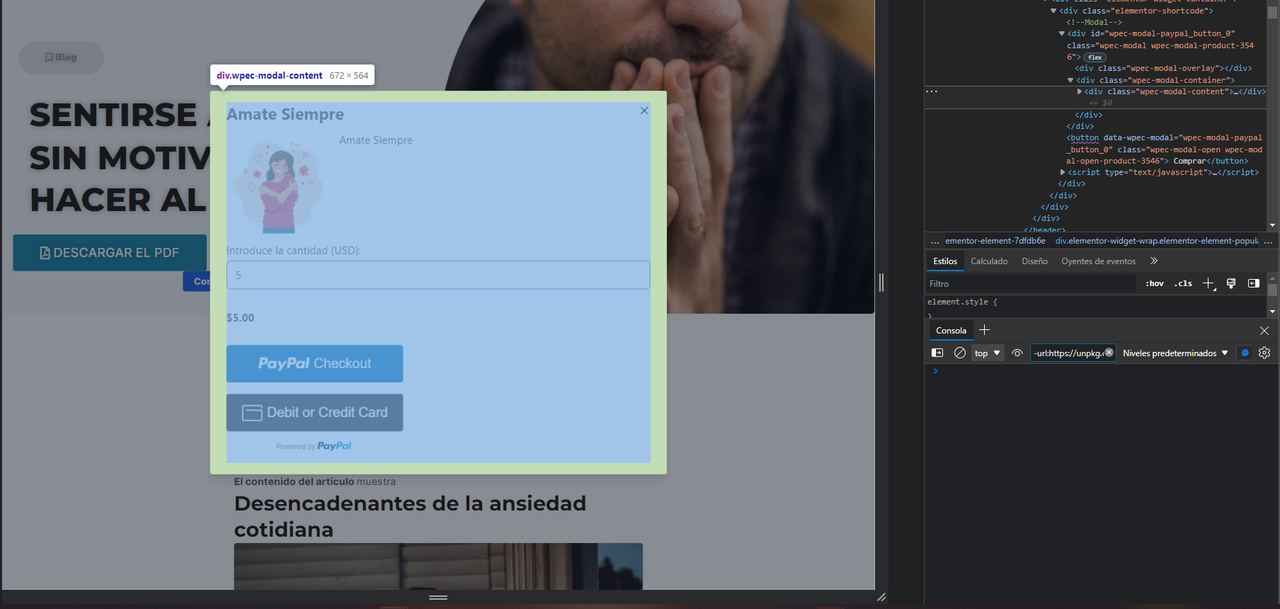
Hello, what I need is only to be able to obtain the code of the modal to call it from a custom button that I can create, in the part of the code it shows me the name of the modal, but it does not allow me to do it with the shortcode
https://i.postimg.cc/Dfcmz1h9/prueba.png
—-
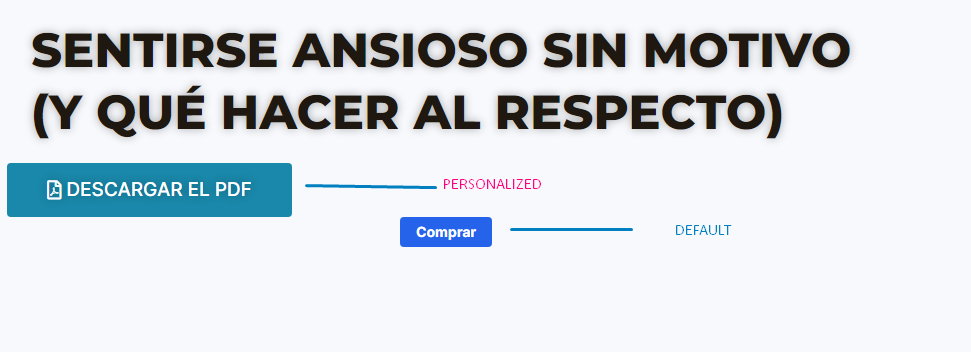
When you add an article or a product, the shortcode creates a default button that does not allow you to customize, I created my own custom button and I would like to know how I could make the payment modal of that article open when I click, so I use my own button and not the default one that is not editable at all.
https://i.postimg.cc/fy1PsJ8B/BUTTON.png
Hi,
When you add an article or a product, the shortcode creates a default button that does not allow you to customize, I created my own custom button and I would like to know how I could make the payment modal of that article open when I click, so I use my own button and not the default one that is not editable at all.
You an link the URL to your custom button as per the instructions shared by @mra13 above. Let us know if you understand how this works.
Thank you.
I understand the form of the URL, but the detail is that the URL only opens another site with the modal, that is, it takes me out of the main site, the idea is that I use my button and that when I click it opens the purchase modal without get off the same page.
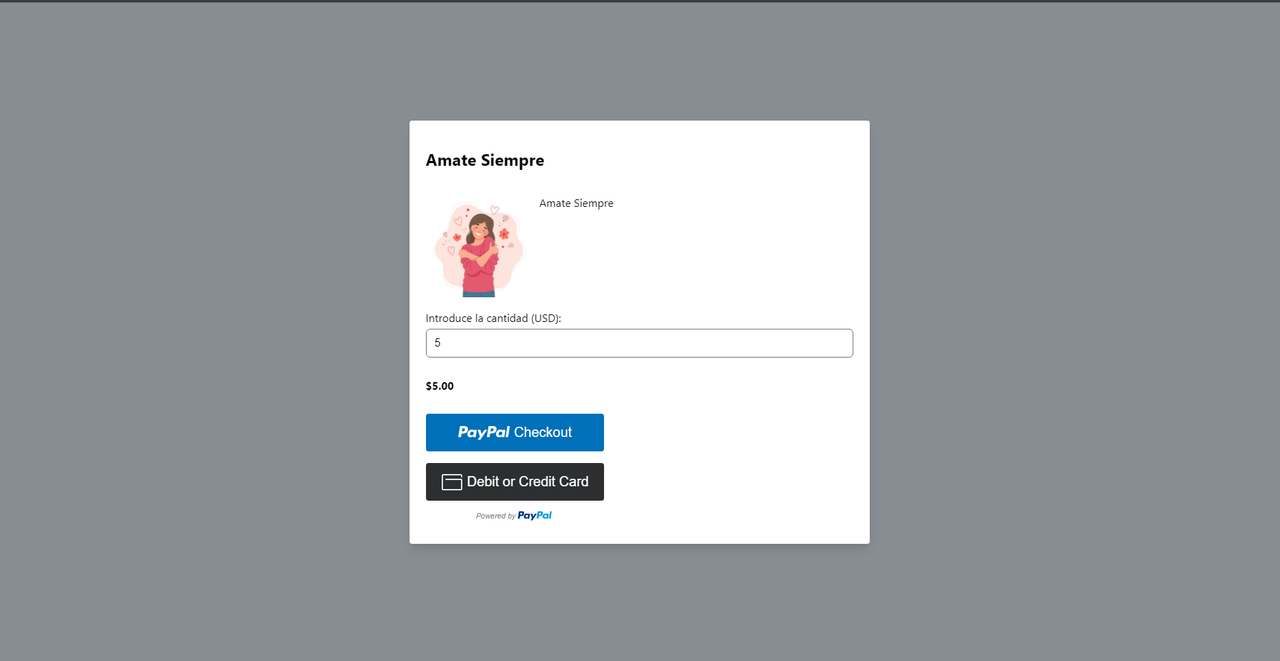
https://i.postimg.cc/MGGDp1vt/abra-solo.png
The URL opens the following page for me and as you can see it is already a separate page and I do not want them to leave the content or at least the site.
I understand what you are saying. Now that I have more information as to what you really want, it looks like our plugin won’t be able to do that with the following feature:
https://wp-express-checkout.com/creating-a-shareable-payment-link-text-link-or-url/
That modal feature needs to load a lot of HTML/JS/CSS code that can’t be loaded without the shortcode of our plugin. The link URL feature is useful sometimes but it won’t work exactly how you need it to 🙁