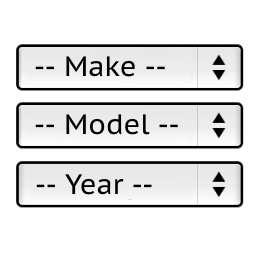
Hello,
Install the latest version 1.0.9 of the “Year Make Model Search for WooCommerce” plugin on your website.
Then modify the files:
wp-content/plugins/ymm-search/Model/Db.php
lines 42-79, 100, 116-124
wp-content/plugins/ymm-search/ymm_ajax.php
lines 38-75, 122-123
wp-content/plugins/ymm-search/etc/config.php
lines 11-13
You can download sample modified files with the “Year as first drop-down” modification:
http://hottons.com/ymm_modifications
Download it to your computer and unzip the files.
The modification is for some older version of this plugin.
So do not replace entire files. Just find and edit the modified lines.
Stanislav