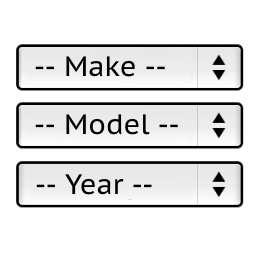
YMM filtering – 2 issues
-
Hello Stanislav,
First of all – thank you for this great plugin and for your support. Alas, during the usage, I encountered problems which are primarily related to filtering.
Straight to the point – when I choose: make + model + year + category + subcategory it shows correctly items that I assigned. But problem kicks in, just if I skip selecting subcategory. (any other combination works, e.g. just make or make + model with skipping rest). Instead of showing filtered assigned vehicles’s products from that category, it just shows regular WP/Woo SHOP page for that Category and thumbnails of it’s subcategories – without any correlations to chosen vehicle model and products.
For much better user navigation, I set WP Product Catalog display as Show Subcategories. Problem is somewhat “fixable” if I set WP to – show products, but… in that case it is a mixed mess, confused for users. Same goes for show subcategories + products.
—-
2nd issue:
Some of my (sub)categories have at least 2,3 pages. If I select vehicle filter widget within opened (sub)category page, it perfectly sorts out products for vehicle. But, if I go to 2nd, 3rd or whatever page of category and try filter – it just adds upon existing permalink ending with page/2/?s=&ymm_search… and ofc, it doesn’t work.
I was able to kind of a “fix” it by using Infinity Scroll plugin and getting rid of pages, but…
—–
Just to add, I tested it on Wamp and live site, with different combinations of versions and of course deleting many plugins to avoid conflicts. Can it be somehow related to WP Hestia theme or is it due to YMM plugin itself? Any ideas? 🙂
Again, thanks a lot for your efforts.
All the best,
GoranThe page I need help with: [log in to see the link]


The topic ‘YMM filtering – 2 issues’ is closed to new replies.