@chekki
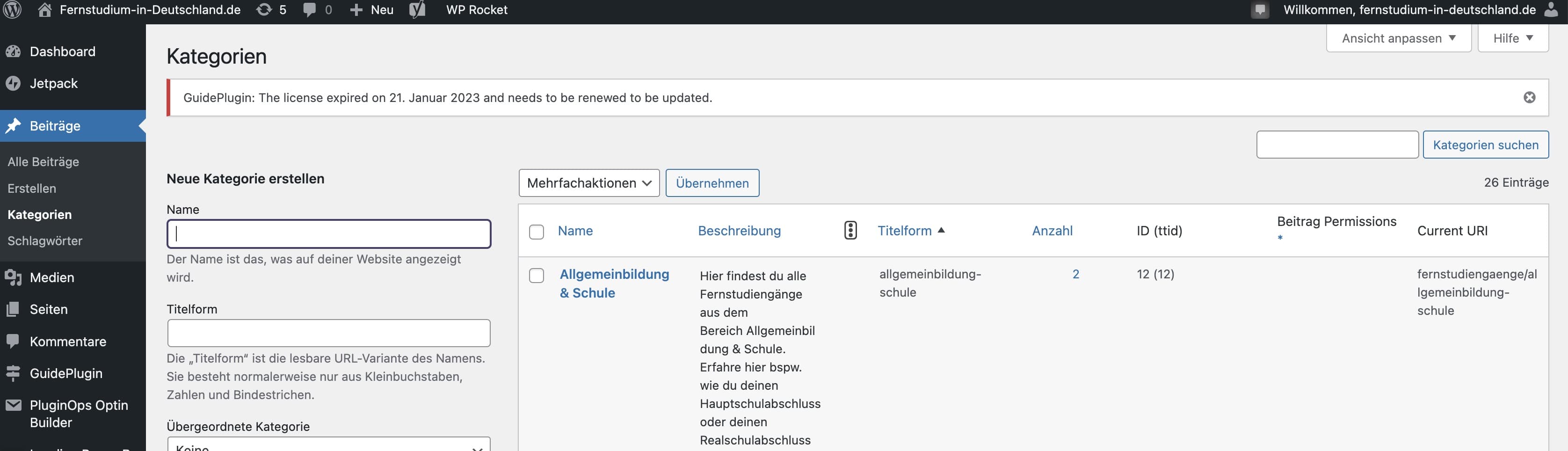
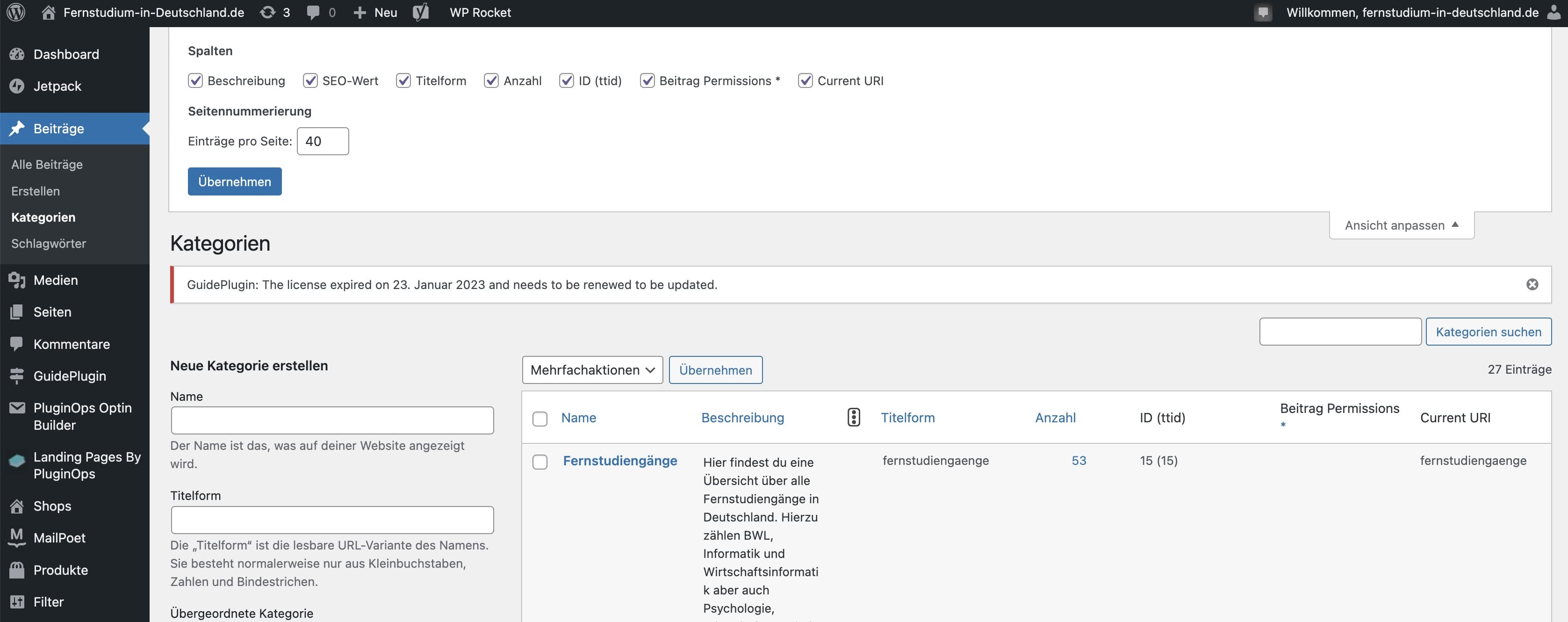
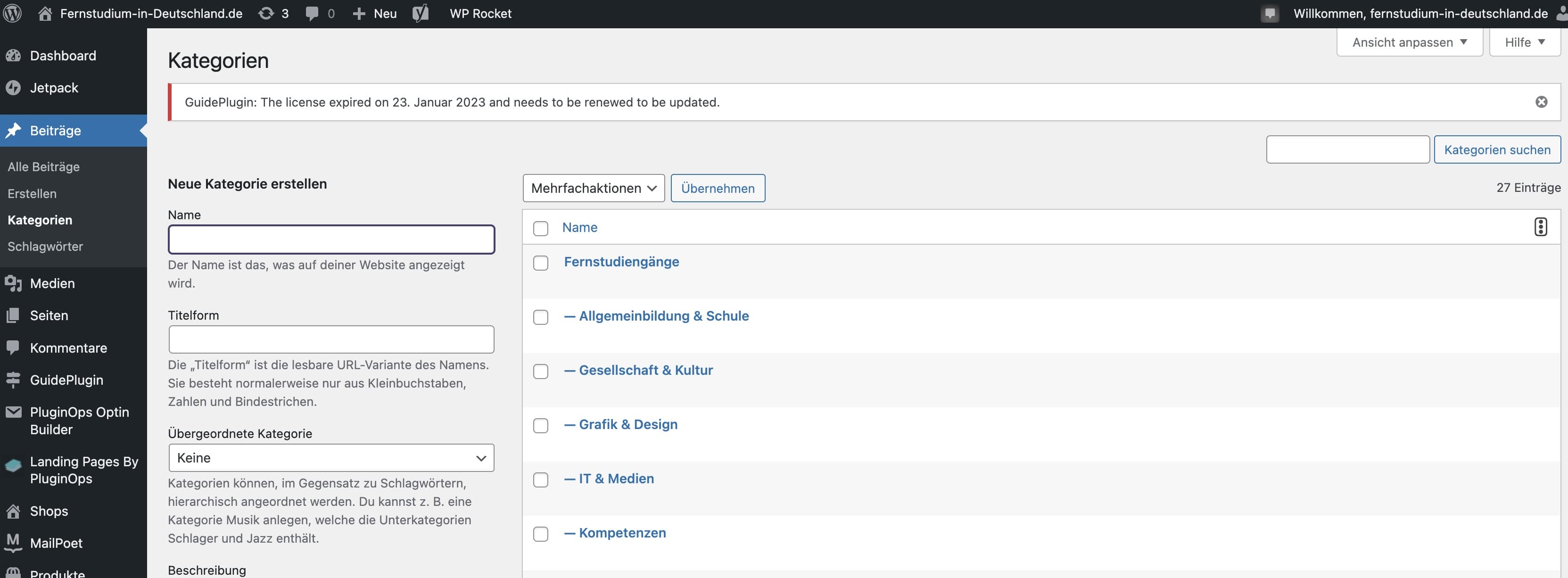
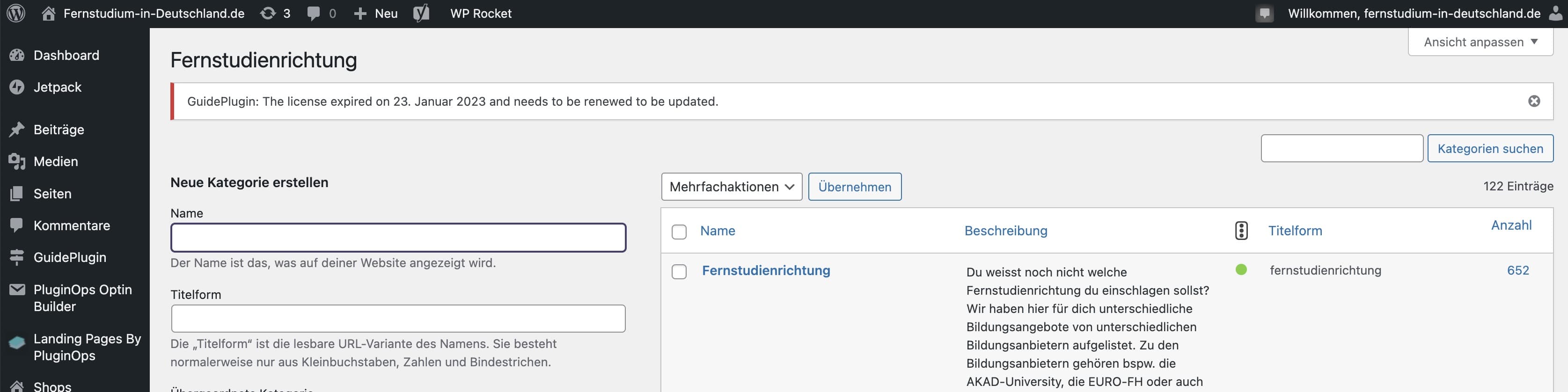
Traffic SEO signs are expected to work in categories and tags overview page. Can you please try temporarily disabling other columns and see it works fine now?
Thread Starter
 Chekki
(@chekki)
Thanks for the screenshots @chekki
Did you recently import the categories and tags into your WordPress instalation? Can you pick one category and edit then save changes? Do the SEO scores show?
Thread Starter
Chekki
(@chekki)
Hi, thanks. I didn´t made any imports, but when I am adding a new category the problem don’t appear for this category (the SEO score will be shown for this one). After editing, there is no improvement.
Best regards
Alright, can you please make sure you’ve completed the SEO Data Optimization by going to SEO > Tools page?
Also please make sure that each of you categories has a main focus keyphrase set.
Thread Starter
Chekki
(@chekki)
I confirm both, but no improvements.
Hi @chekki
Can you confirm you’re using the latest version of Yoast SEO for WordPress 19.14 and have enabled the SEO and Readability Analysis under the Yoast SEO > General > Features tab?
Often, we see problems occur in combination with another plugin or theme. The fastest way to rule out any conflict is to deactivate all non-Yoast plugins and switch to a standard theme like Twenty Twenty.
Please test this on your development or staging site if you have one. If not, we recommend using the Health Check & Troubleshooting plugin. This plugin has a troubleshooting mode, which does not affect normal visitors to your site.
If you’re unfamiliar with checking for conflicts, we’d like to point you to a step-by-step guide that will walk you through the process: How to check for plugin conflicts
If you feel uncomfortable doing this yourself or if this does not solve your issue, our Yoast SEO Premium plugin comes with one year of (technical) support.
Thread Starter
Chekki
(@chekki)
Thanks, its because of the Plugin “PublishPress Permissions” Version 3.8.4. Any idea to keep it?
Hey @chekki,
Thank you for your reply and troubleshooting. If the issue is with a 3rd party plugin, please contact their support to check where the conflict lies in their plugin/integration with Yoast SEO.