aprilmackwrites

Forum Replies Created
-
Forum: Fixing WordPress
In reply to: Unable to edit or create any pages/postsI figured it out. It WAS a plugin. Apparently the Health Check plugin technically deactivating the rest of them was not the same as manually deactivating them.
I’m sorry I thought they were the same thing and didn’t follow your steps.
The culprit was the plugin “Progress Bars” by WPDeveloper. Too bad, because it did exactly what I wanted it to do. 🙁
Forum: Fixing WordPress
In reply to: Unable to edit or create any pages/postsCan no one else help me? 🙁
Forum: Fixing WordPress
In reply to: Unable to edit or create any pages/postsAll plugins were disabled when I ran trouble shooting on Health Check (it’s the only plugin enabled/activated right now), which is still running, so I don’t think they’re the problem. Even with all of them currently deactivated I have the problem I stated in my last reply.
Dashboard functions normally. But when I try to edit or create a new page/post it still gives me an error message (as described in my first post), and since installing Health Check and the theme 2020 as it instructed me, now I get the “critical error” message at my domain as I stated above (it seems to be when I’m logged in, because in an incognito window my site looks like it always does).
So if I’ve understood you correctly, I don’t need to manually reset my plugins because they’re already deactivated.
Going to try going into my server via FTP now…
My theme was “catch-vogue” so I renamed that by taking out the hyphen.
Aaaaand now my site is totally blank in a normal window. In an incognito window, the elements are there (photo, text) but it’s a mess, like there’s no layout and it’s all just stacked on a white page.
I tried creating a new page via the Dashboard and I was able to do so without error messages, but my site still looks blank to me.
Does this mean there’s something wrong with my theme? They did release an update recently but for several days there were no issues.
EDIT:
I put the hyphen back so visitors can still see my site. The “critical error” still shows up for me since Health Check is still in trouble shooting mode, BUT I am able to create a new page! What in the world???- This reply was modified 5 years, 8 months ago by aprilmackwrites.
Forum: Fixing WordPress
In reply to: Unable to edit or create any pages/postsJames, I did what you said. I installed the plugin you linked to and in trouble shooting mode it said site health status is good, but that I needed to install the 2020 theme as a backup (I had deleted it months ago).
So I installed it.
Now my website is no longer displaying on the front end and it says, “There has been a critical error on your website.” https://www.aprilmackwrites.com/
Now what???
Dashboard still works fine, but I’m still unable to create or edit any pages, and my front end is an error message. EDIT: I tried going to my website in an incognito window and it still displays my website. But in a normal window it displays the error message.
- This reply was modified 5 years, 8 months ago by aprilmackwrites.
- This reply was modified 5 years, 8 months ago by aprilmackwrites.
- This reply was modified 5 years, 8 months ago by aprilmackwrites.
I had already checked multiple browsers and cleared the cache. That didn’t fix it, which is why I reached out here.
But I finally figured it out! It’s because I use Adguard on my computer. It typically just blocks ads, not images, which is why I had no problem seeing it before. But someone somewhere must have flagged it (the “Smash Balloon Instagram Feed” plug-in) as spam, and so now I can’t see the plug-in on any website that uses it unless I tell Adguard to whitelist the site—including my own!
Posting here in case others in the future do a search for their similar problem and realize it’s their ad blocker’s fault. Also so your team at Smash Balloon is aware that someone flagged your software as spam.
Forum: Fixing WordPress
In reply to: Unable to access dashboard and my site looks brokenHurray! I was able to move the files as instructed so that everything is working properly again. Thank you, @jnashhawkins! That did the trick.
Forum: Fixing WordPress
In reply to: Unable to access dashboard and my site looks brokenI can use my FTP client to upload and access files (I use Fetch). Maybe there is something I can do there to fix this? Maybe I need to move a file to a different location? I don’t want to make it worse by trying to move things without a recommendation from someone who knows what they’re talking about.
Forum: Fixing WordPress
In reply to: Unable to access dashboard and my site looks broken@binarywc How am I supposed to install a plugin if I can’t get to my dashboard to install it?
@jnashhawkins
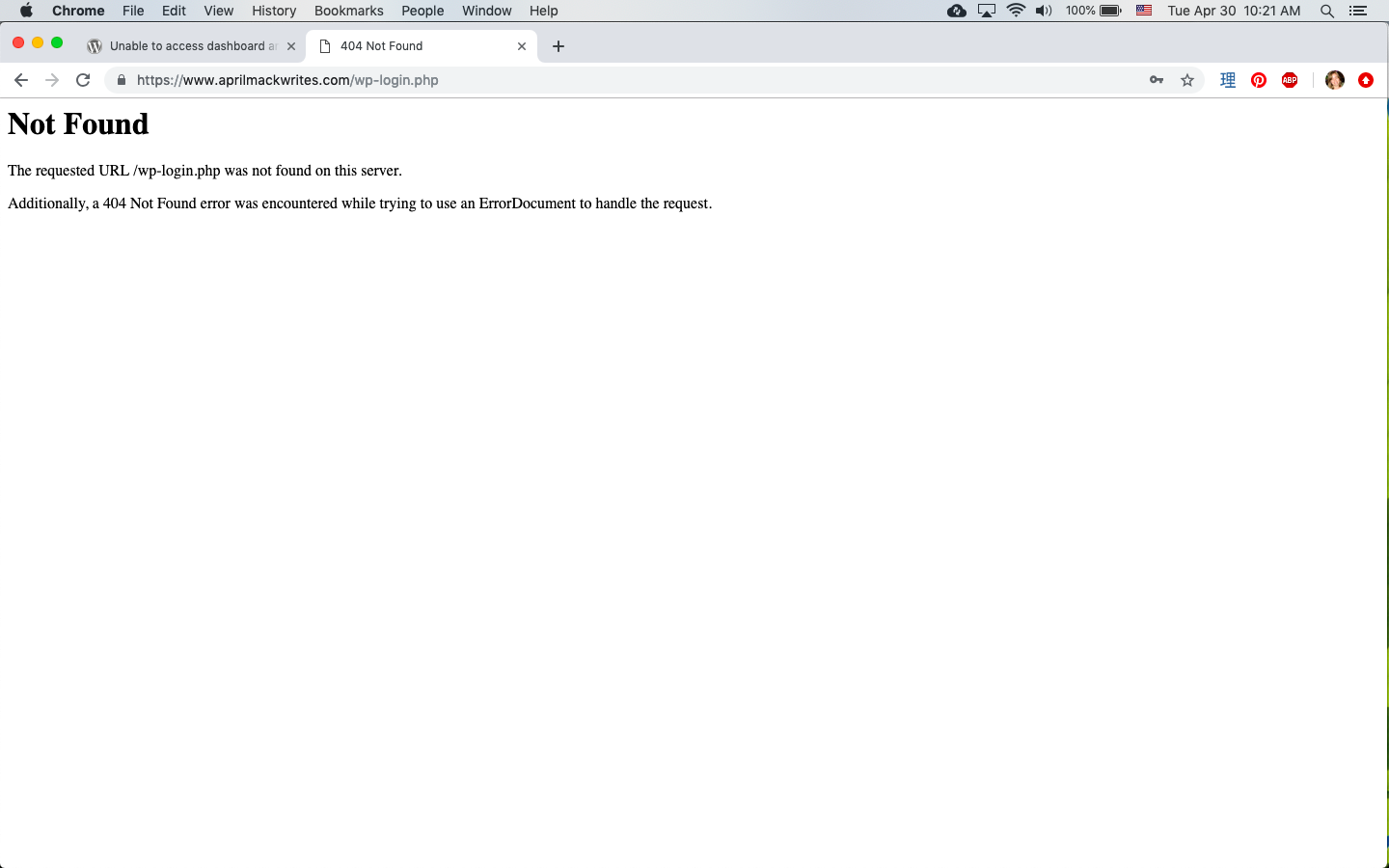
I followed your first link and this is what I saw: http://aprilmackwrites.com/ScreenShot2019-04-30at10.21.05AM.pngI logged in with my correct username and password and it took me to this page:
http://aprilmackwrites.com/ScreenShot2019-04-30at10.21.42AM.pngAs you can see, I still can’t get into my dashboard.
As for your second link, it is the same as the first, not a tutorial.
Thank you for your time, and I appreciate any help you can give.