atalanttore

Forum Replies Created
-
Hi @kel-dc
I wouldn’t label a workaround as “issue resolved”, but as a second-class solution.
@kel-dc Thanks for your advice. Yes, the parent
Groupblock is included in a Template part.Thanks also for your recommendation of a workaround.
Hi @jordesign,
Thanks for pointing out the alpha value. The header appears to be transparent. When scrolling down, the website content or background should shine through the header. That’s what I planned.
Unfortunately, I’ve been struggling with a new problem, which I haven’t been able to solve. The parent
Groupblock within the header is set as ‘Sticky’, but when scrolling down the page, the header does not remain at the top, but disappears as if it were not ‘Sticky’.Does ‘Sticky’ also work differently than I meant it to?
Hi @jordesign,
I have just realized that my question is somewhat imprecise. From the beginning, I thought of a percentage value for setting the transparency of the background color of the header.
Hi @jordesign,
I’ve been creating posts and pages for 2 different headers for a few weeks now. So far, both headers only have a different background color and a different title. A
Site Titleblock is used in the first header and aHeadingblock in the second header.I kept looking for a setting to add transparency to the second header. Unfortunately, I can only find settings for the color, but not for transparency. I never had a eureka moment.
How can transparency be added to a header?
Forum: Localhost Installs
In reply to: Using WordPress Multisite locallyThanks for your advice. I first need to find out how to configure virtual hosts for my WordPress Docker container.
Hi @jordesign,
Many thanks for your screencast. I finally found the place.
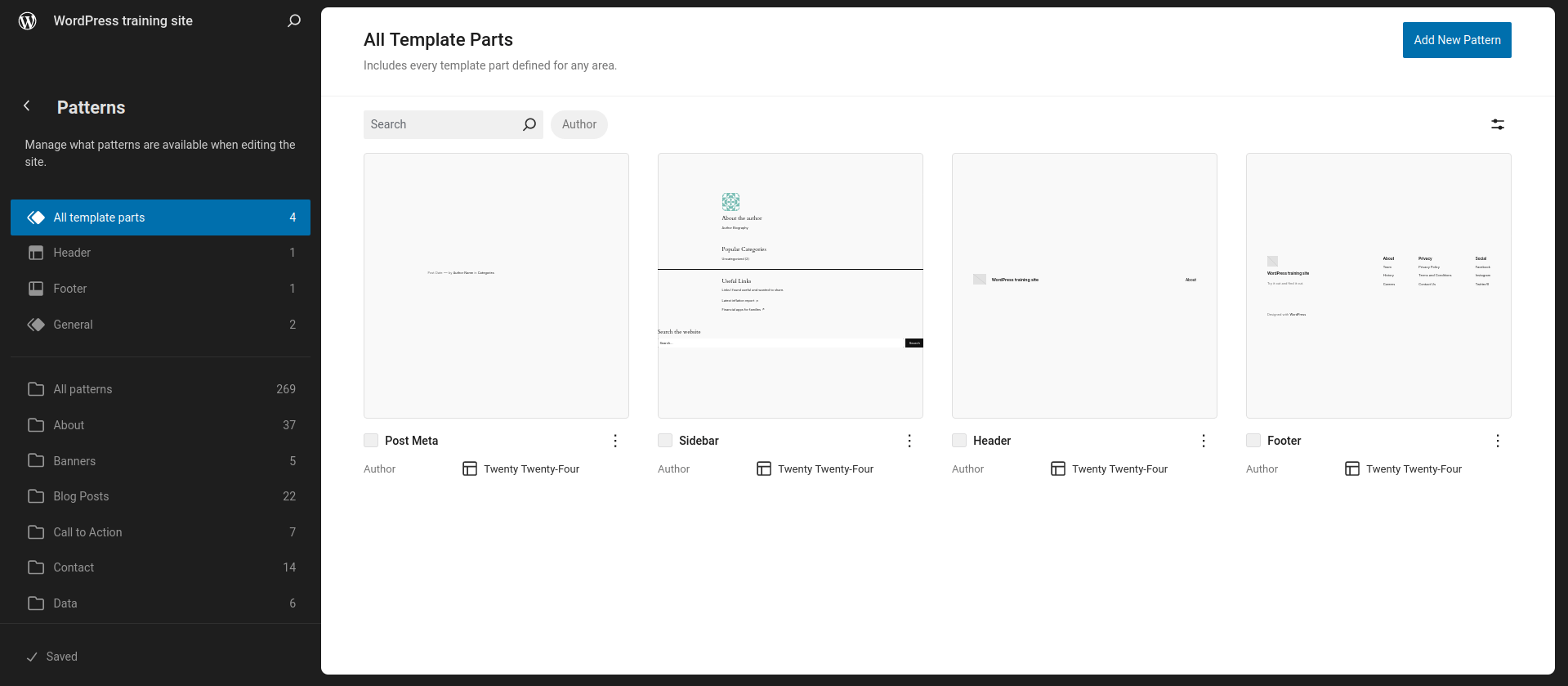
I have created a new, second header template part.
So that I don’t have to start from scratch with an empty new second header, I copied and pasted the complete code of the original, first header via the Code Editor. I then changed the title in my new second header, but this also changed the title in the original first header.
Why can’t the second header be edited independently of the first header?
Hi jordesign,
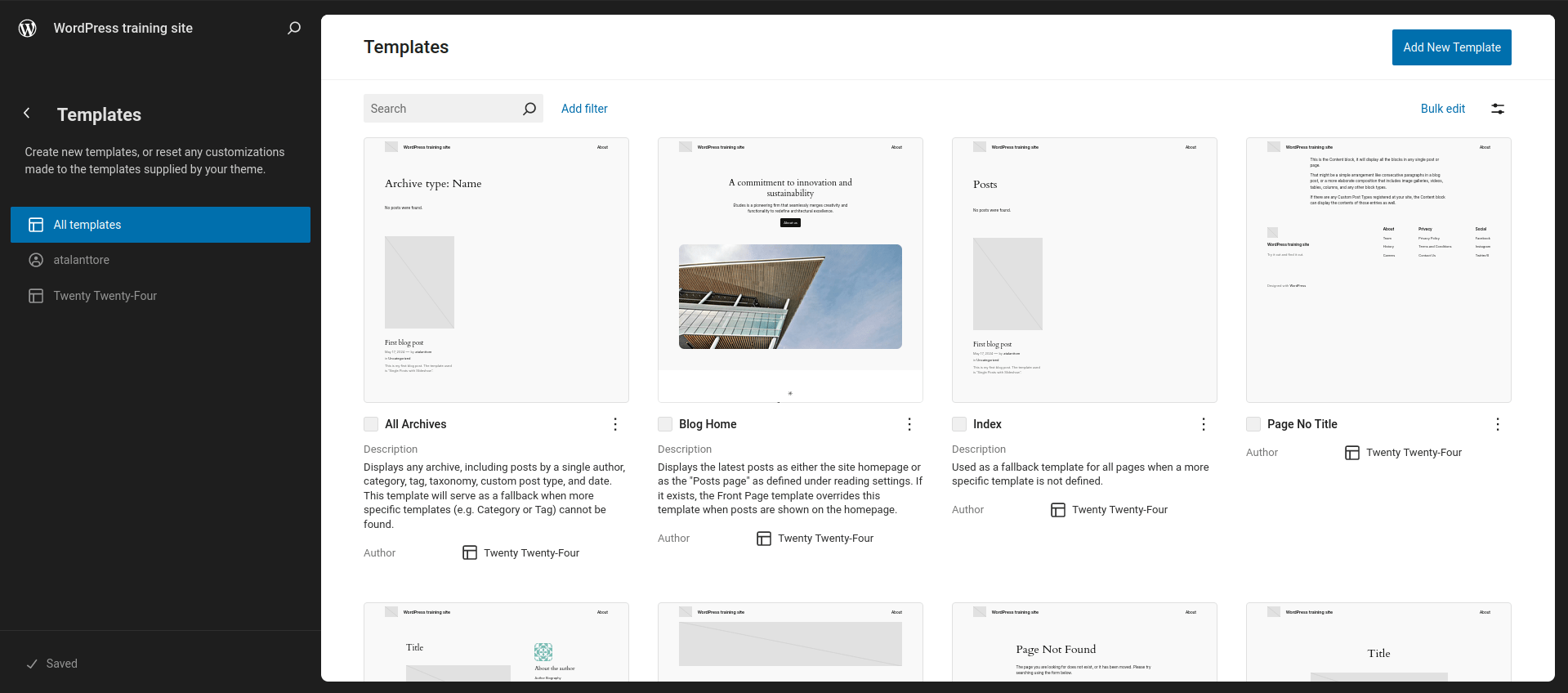
Unfortunately, there is no ‘Add New Template part’ button in my WordPress 6.5.
However, there is an ‘Add New Template’ button.
 Forum: Localhost Installs
In reply to: Using WordPress Multisite locallySince my WordPress address (URL) is
localhost, I assume that Docker with its many settings cannot help me out.Hi @erania-pinnera,
On your advice, I created a new GitHub report about this issue.
Hi @erania-pinnera,
It’s great that you were able to reproduce the issue. In this specific case, the issue is the use of the
Slideshowblock in a template for a blog post.If I need a
Slideshowblock in a template, the Jetpack plugin in its current state is not a viable solution for me. Unfortunately, but that’s the way it is.Hi @erania-pinnera,
As already mentioned, I have only been using WordPress locally so far. This is where I encountered this issue. I only used WordPress.com to create a sample page that is accessible on the internet.
The issue exists both with my local WordPress installation and with my sample page on WordPress.com.
Hi @erania-pinnera,
The word “here” in my post is linked to my sample page. The URL of the link is as follows.
https://atalanttore.wordpress.com/2024/05/17/first-blog-post/
So far, I have only used WordPress locally. I set up a new and web accessible WordPress website at WordPress.com.
A blog post that uses my
Single Posts with Slideshowtemplate described above can be found here.The
Featured Imageblock has been replaced by aSlideshowblock.
In the blog post, which uses the
Single Posts with Slideshowtemplate, the option to set a featured image is still available even though there is noFeatured Imageblock. However, there is no option for theSlideshowblock used instead.