AzMandius

Forum Replies Created
-
Hello
Have you tried testing the issue on my website?
I am using the Freshio theme v 2.2.5 by pavothemes.com
WooCommerce v 8.8.5
WordPress v 6.5.3
Do you need login data to my site?
Hello
Sorry for bothering you but is there any followup on my issue?
Hello there 🙂
Any updates on my issue?
Thanks!
Hello,
I did initiate a ticket as suggested via email.What should i do next?
Hello
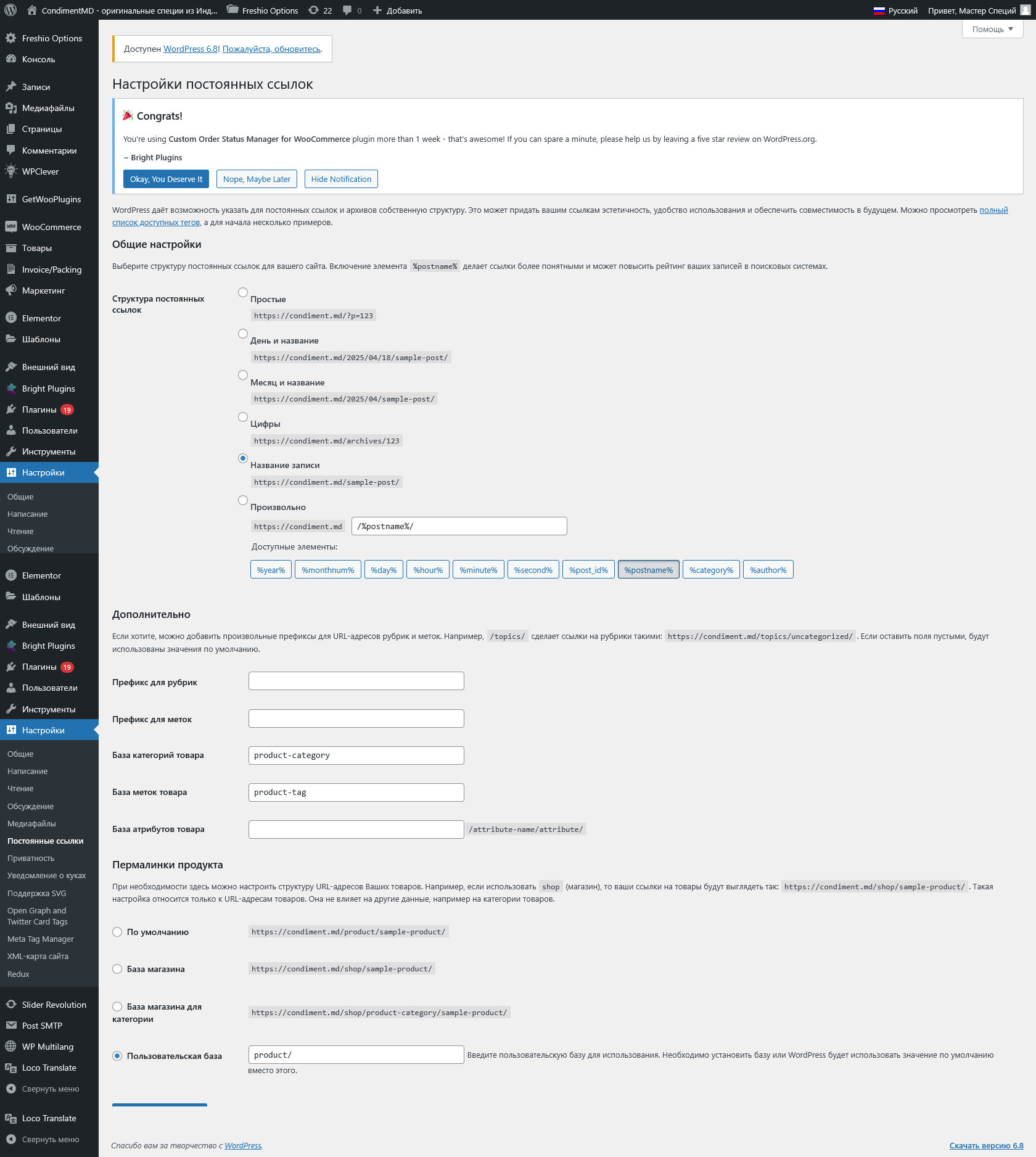
Theme used: https://themeforest.net/item/freshio-organic-food-store-wordpress-theme/28365085Permalink structure https://i.postimg.cc/54N9nqHW/image.png
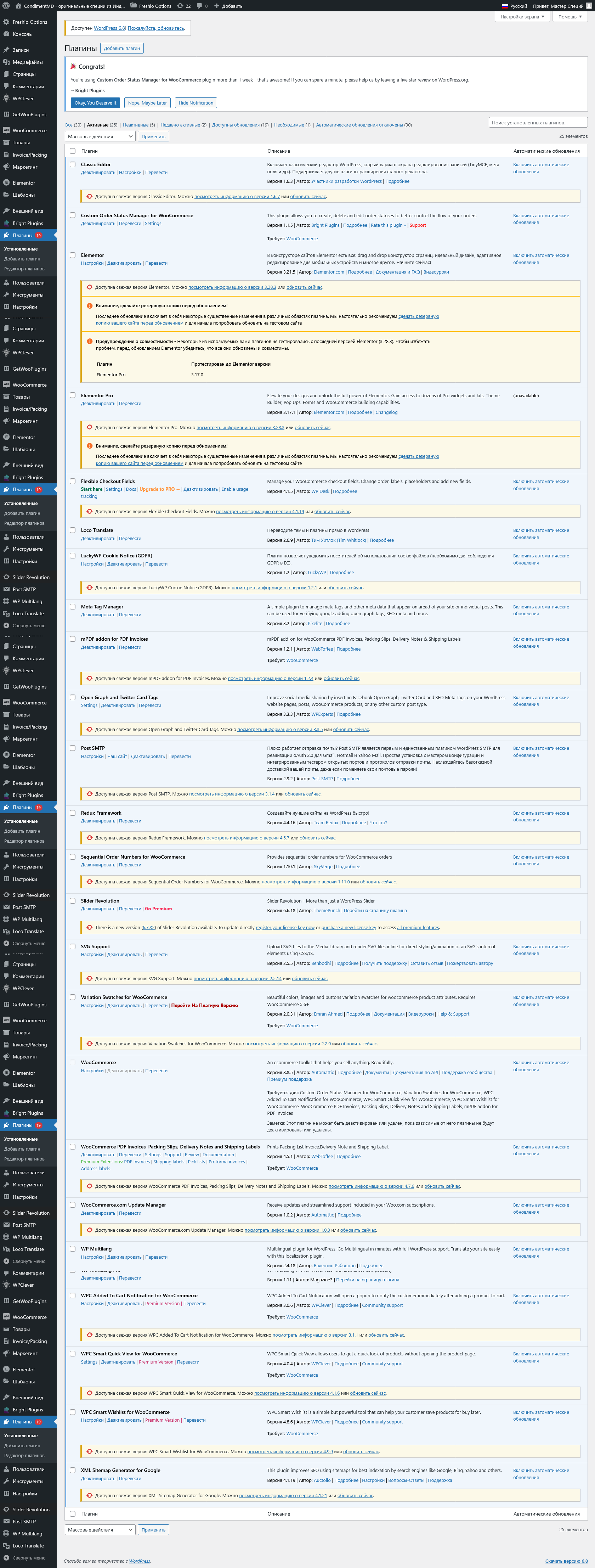
Plugins https://i.postimg.cc/ZTnDHWTD/image.png
Thank you.
- This reply was modified 1 year, 1 month ago by AzMandius.
Hello
I would like to check if there is any progress on my issue.Thanks!
Just a small bump… 🤭
Hello
Sure, here screen recording https://www.youtube.com/watch?v=VMY1UWVoO0o
Update: plugins were outdated and that was the reason for slugs not being translated separately.
But now after update there is a different issue.
I used to transliterate Cyrillic characters to Latin using Cyr To Lat plugin, but now transliteration does not work anymore, Cyrillic characters keep staying Cyrillic.
Is there a solution for that issue?
Oops… actually found it in Advanced options section of General tab on General settings page
Forum: Plugins
In reply to: [Polylang] Theme menu layout broken by PolylangI could share it with you if you’d be kind to have a look into it 🙂
Forum: Plugins
In reply to: [Polylang] Theme menu layout broken by PolylangChouby, it does display fine in just sidebar, while not getting displayed in top, middle and bottom sidebars, and unfortunately i don’t need it in the sidebar.
This was their reply: “we can’t guarantee the theme compatibility with this widget/plugin at all. We can guarantee the theme proper functioning with widgets created by our developers, with basic WooCommerce widgets and basic WordPress widgets”.Chrystl, could you please tell me in which php file should i include code from pll_the_languages page?
Thanks!Forum: Plugins
In reply to: [Polylang] Theme menu layout broken by PolylangYes, indeed now i have troubles have the language switcher show on home page. I have tried all template sidebars, and the widget shows only in traditional sidebar, while top, middle and bottom sidebars don’t display it.
Again i contacted theme authors to ask for a good sidebar or position to publish the widget, and again they told me it’s a matter of the widget not being compatible with their theme, so they can’t help much.
Adding the language switcher to menu works fine, but i wanted to publish it as a widget.
Is there a way to hard-code it manually into template php, to a desired position? If so, which code should i try post in php file?
Thank again!
Forum: Plugins
In reply to: [Polylang] Theme menu layout broken by PolylangI guess that was it, i had to once to that tab and click save, then it got fixed.
Thank you a lot my friend, you saved me from from further long look for another plugin, so I’ll stick with it, if i will be able to have the language widget displayed on my site.