blavaque

Forum Replies Created
-
Forum: Plugins
In reply to: [Trackserver] No live feed with OruxMaps, screenshots to explainNo, there is not.
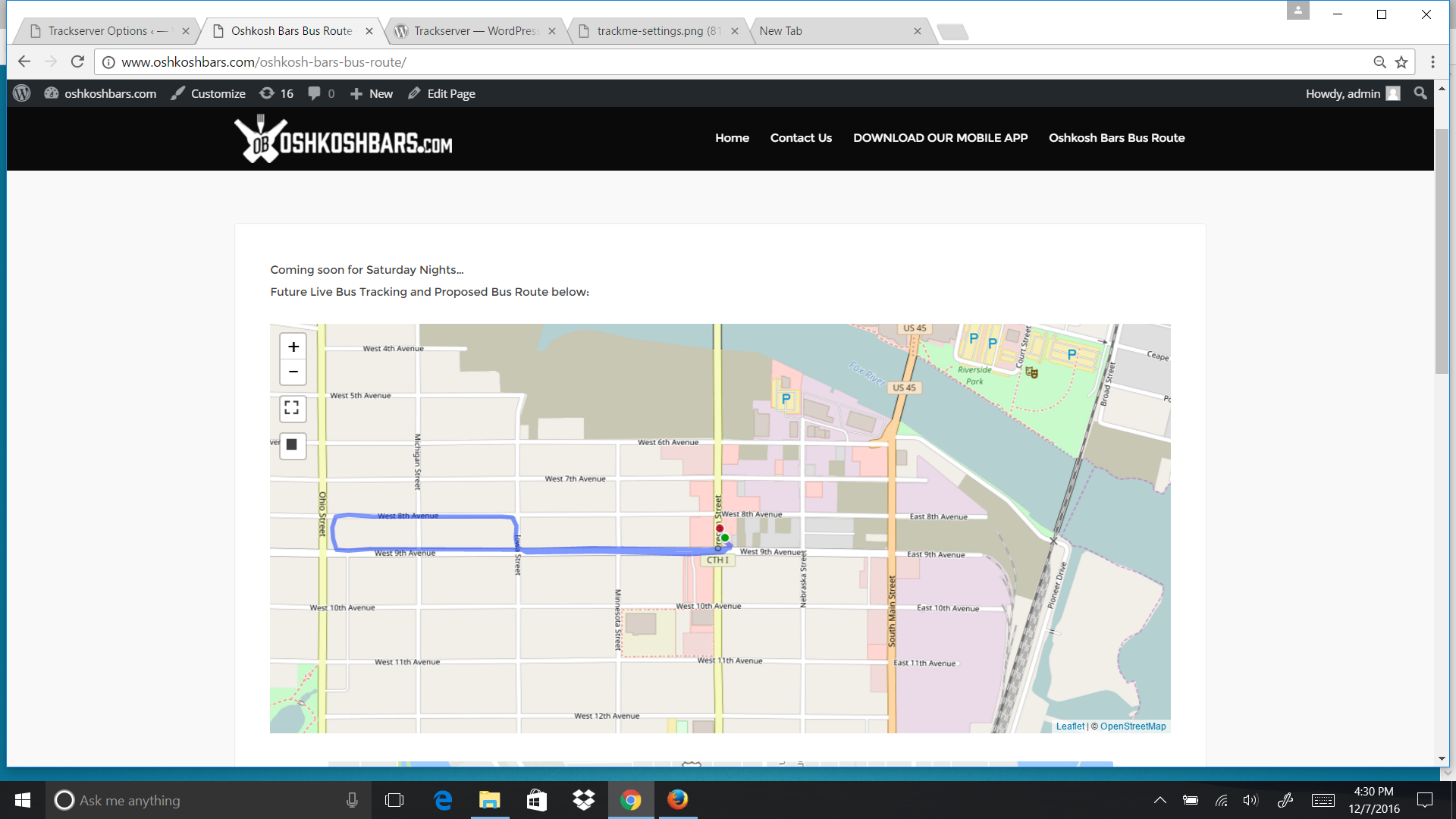
Another question for you. I would like to lay a .gpx file onto the TrackServer, so the red tracking dot follows a designed blue route. Is there short code I could use, if I place the .gpx file into the TrackServer backend?
I tried to upload a .gpx file to the TrackMe App but receive a message stating “This feature is not available yet” in the Import GPX files menu option. Or use KML instead? And will this show the route and tracking combined on TrackServer going with this option?
- This reply was modified 9 years, 5 months ago by blavaque.
Forum: Plugins
In reply to: [Trackserver] No live feed with OruxMaps, screenshots to explainHello Martijn,
Got the TrackMe working again, and used your shortcode to take the trail off:
Just used the short code that you provided:
In a feature request I was asked to make it possible to draw just a marker on the last known location, and not draw a track at all. Use ‘markers’ and ‘opacity’ to accomplish this:
Example: [tsmap track=live markers=e opacity=0.0]This will work for us. Still didn’t get the OruxMaps to work. Password was correct.
Have a suggestion to use for the mobile upload to server, that has settings for uploading every 2 seconds. CelltracGTS/Free app. Simple user interface.
I actually got it to somewhat work with your TrackServer. It was recognizing the upload as a SendLocation in ‘Manage Tracks’. But, it would state 0 Points & 0 Distance.
Thanks again for getting back!
Forum: Plugins
In reply to: [Trackserver] No live feed with OruxMaps, screenshots to explainMissing from above:
5.
Screenshot:
http://www.oshkoshbars.com/wp-content/uploads/2016/12/gpx-works.png7.
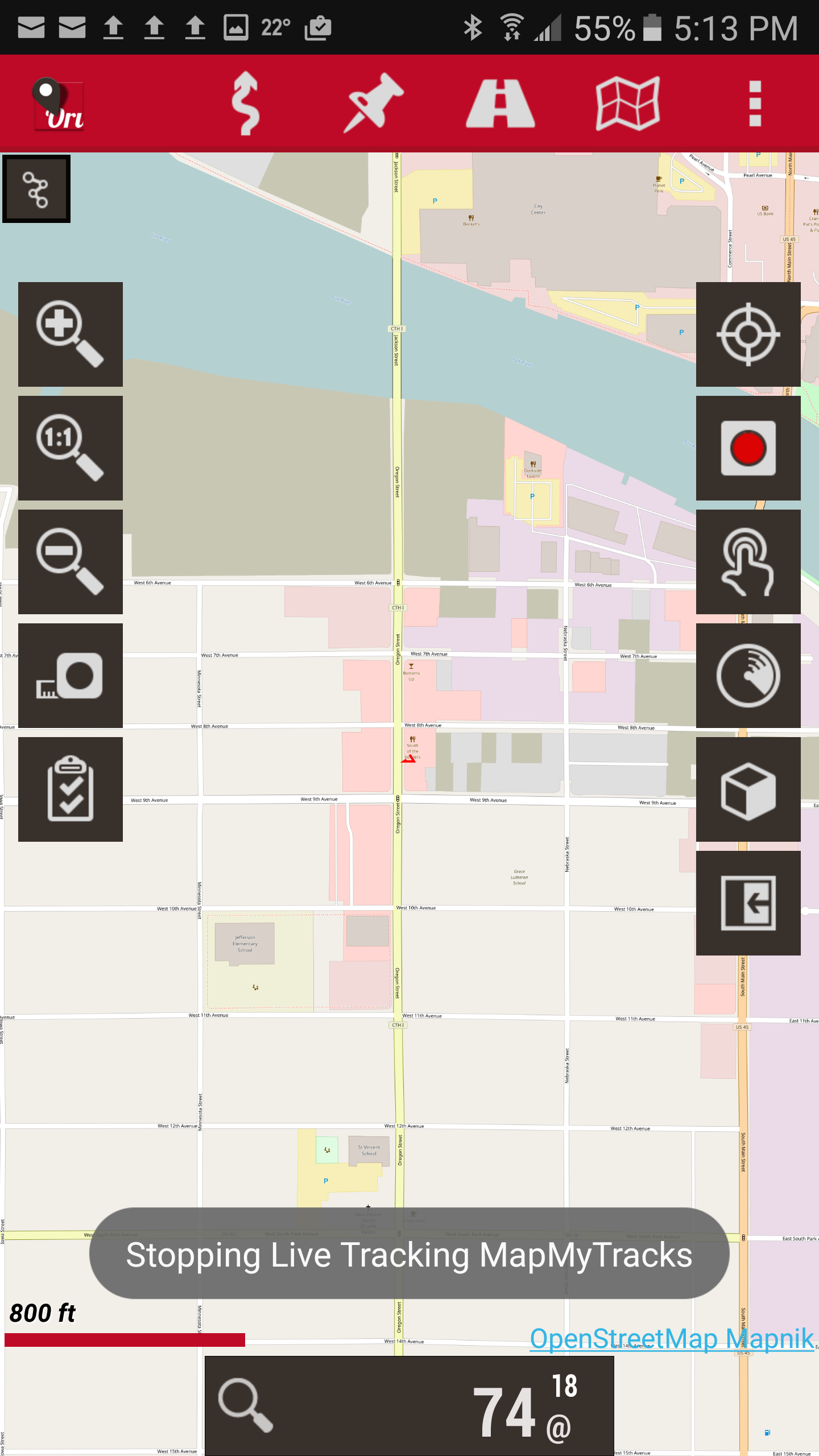
Screenshot:
http://www.oshkoshbars.com/wp-content/uploads/2016/12/stopping-live-tracking.png