dpr99

Forum Replies Created
-
Forum: Fixing WordPress
In reply to: Media Library Problem after update to WordPress 7.0I really don’t have the time to do this. Sorry.
If you use the same theme, either Woostify or Ocean WP, then upload some images to the WordPress media library, deleting the image title when doing so, exit the media library, then re-open it, it will recreate my scenario.Forum: Fixing WordPress
In reply to: Media Library Problem after update to WordPress 7.0@threadi I have two websites with 2 themes – Ocean WP and Woostify. Changing theme makes no difference.
Also it happens on the Avada theme as mentioned by the other poster @mangolozolo above
I have deactivated the Elementor plugin, cleared the website and browser cache but the problem persists.
As @mangolozolo states in his post, he was advised to add a title to the image for this issue to be fixed. I can confirm that this is the only workaround.
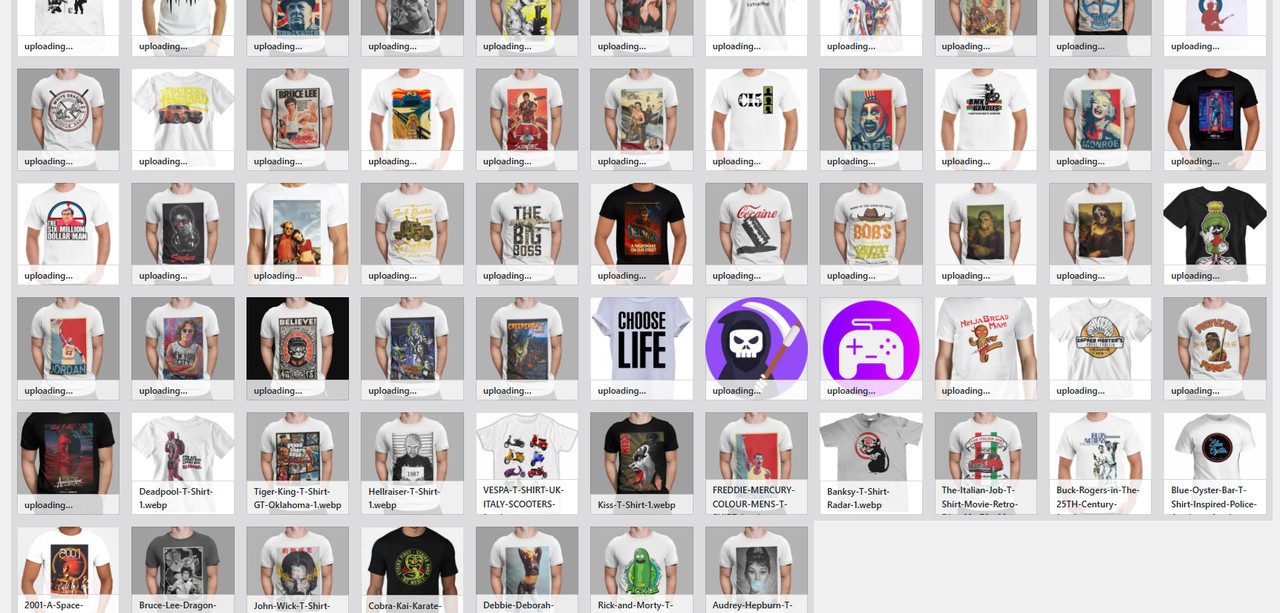
see screenshot https://i.postimg.cc/YjKsjzZ9/da12250a-3295-4ba7-9c8a-45f80516ef8e.jpgThe images with a Title display correctly. Those without a Title show “Uploading”. This should display the file name.
I have for many years deleted the title of uploaded images because many themes display the title on hover on the live website, which is a feature I do not want.Therefore this is definitely a WordPress 7.0 issue.
- This reply was modified 3 weeks ago by dpr99.
Forum: Fixing WordPress
In reply to: Media Library Problem after update to WordPress 7.0Yes @mangolozolo this problem persists in both my websites since the upgrade to WordPress 7.
I too have never used titles for my images as I never wanted these displayed on my live website. I’ve been a wordpress user for many years and this has never been an issue. I use Ocean WP and Woostify themes.
To @thread given all that has been established, this appears not to be an Elementor issue, but a WordPress Media Gallery issue.
Forum: Fixing WordPress
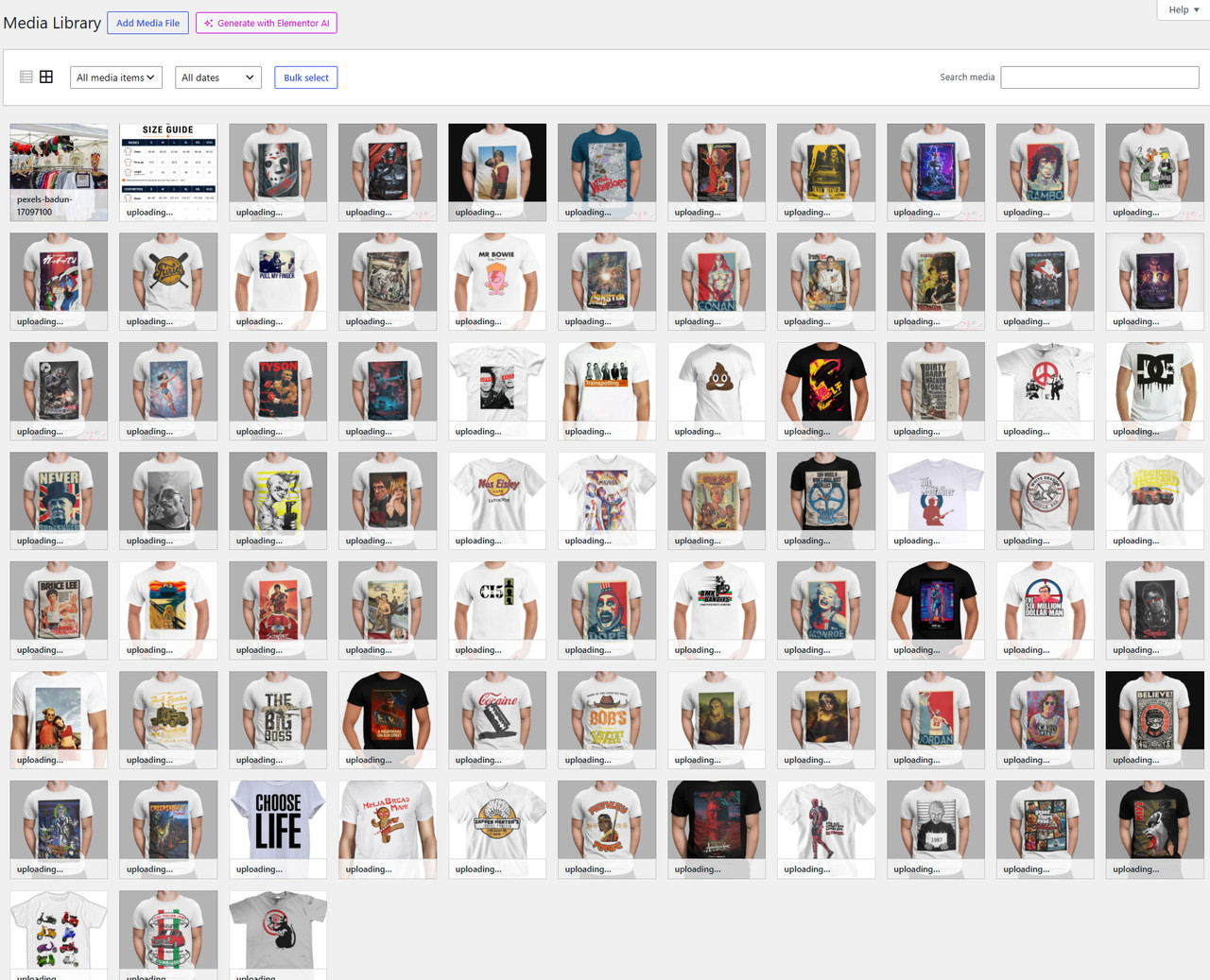
In reply to: Media Library Problem after update to WordPress 7.0Here is my media library view https://i.postimg.cc/ncrms1MW/6758346a-2a15-408d-8207-b8b744fbee37.jpg
Forum: Fixing WordPress
In reply to: Media Library Problem after update to WordPress 7.0i have done. The problem still persists
Also of note: /wp-admin/load-scripts.php is blank
- This reply was modified 1 month ago by dpr99.
Forum: Themes and Templates
In reply to: [OceanWP] Product Images Aspect Ratio ProblemHere you can also see the similar reported issues.
https://ww.wp.xz.cn/support/topic/thumbnail-crop-is-not-working-2/
https://ww.wp.xz.cn/support/topic/product-page-thumbnail-images-alignment/
Forum: Themes and Templates
In reply to: [OceanWP] Woocommerce product archive imageI have the same issue.
Did you find a solution?