Dylan Abbott

Forum Replies Created
-
I’ve already seen that article, tried the suggestions, and haven’t been able to resolve the issue.
I’ve already been in touch with my host, and they had this to say:Since the files are being written by Duplicator Lite with permissions set
to0600, this behavior is likely defined within the plugin’s settings
or coding logic. I recommend checking the plugin’s documentation or
reaching out to the plugin author to verify:– What specific PHP settings are required by the plugin for file
permission handling?
– If there are configurable options within the plugin to adjust the
default permissions for generated files.If the plugin has particular PHP requirements, please provide those
details so we can review further and ensure that your hosting environment
is properly configured.Forum: Plugins
In reply to: [Simple Custom CSS and JS] Editor broken after updateNot the original user in this thread, but I was having a similar issue on a local development site, and found this thread. The 3.45.1 update linked above worked perfectly for me.
I’ll see what I can do in the next few days, and see if I can narrow down the cause any further.
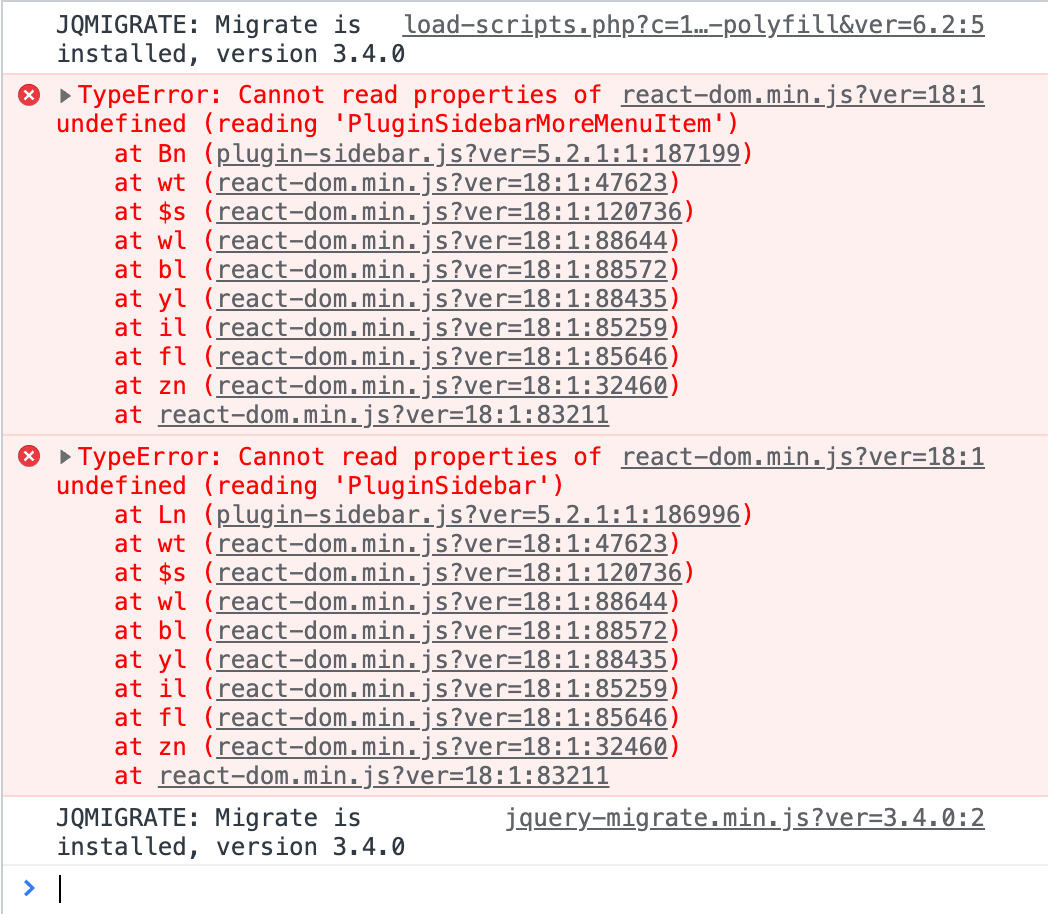
I’m seeing this error message too, in a custom block/FSE theme that I’m working on. I also have the latest Gutenberg plugin activated. Despite the error message, Instant Images seems to work perfectly, either in the site editor or in a regular page/post editor. It’s not stopping the plugin from working, but I can see how some users would be scared by the big error banner.
Here’s a screenshot of the error notification and the console error: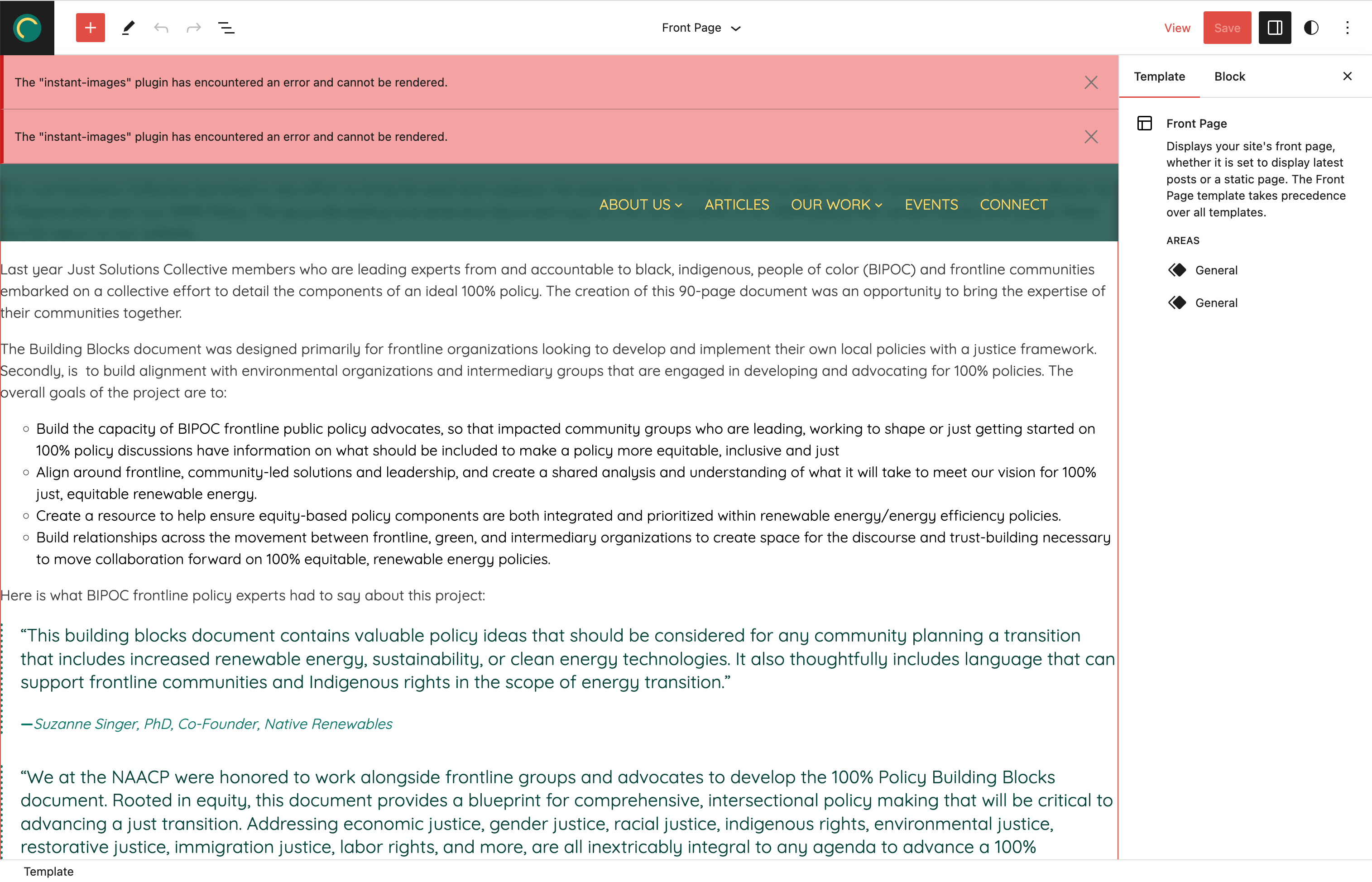
 Forum: Plugins
In reply to: [BlockMeister - Block Pattern Builder] Excerpt panel disabledI just gave it a try and everything is working perfectly on my end! Thanks for the quick fix.
Forum: Plugins
In reply to: [BlockMeister - Block Pattern Builder] Excerpt panel disabledThanks, I appreciate the quick update!