Hey Sam,
Deactivate/Activate plugins fixed the problem. That would never have occurred to me. I don’t understand why that worked, but then there are some things in the universe that we aren’t meant to understand, I guess. 🙂
Thanks for your help.
Gary
I’m having the same problem. This seems to have started with recent updates.
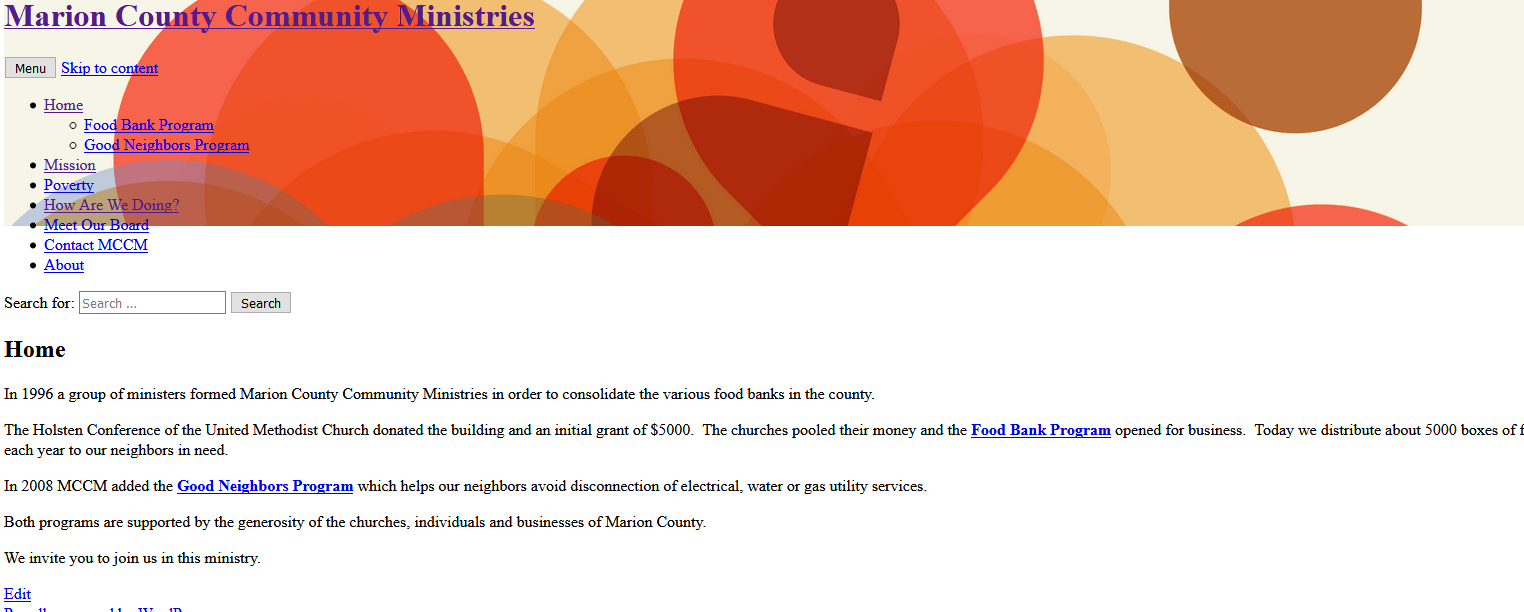
The included image is only one example. Any of my downloaded commercial themes yield similar results. Oddly the “Live Preview” of any theme looks ok. The scramble occurs on activation.
Thoughts?
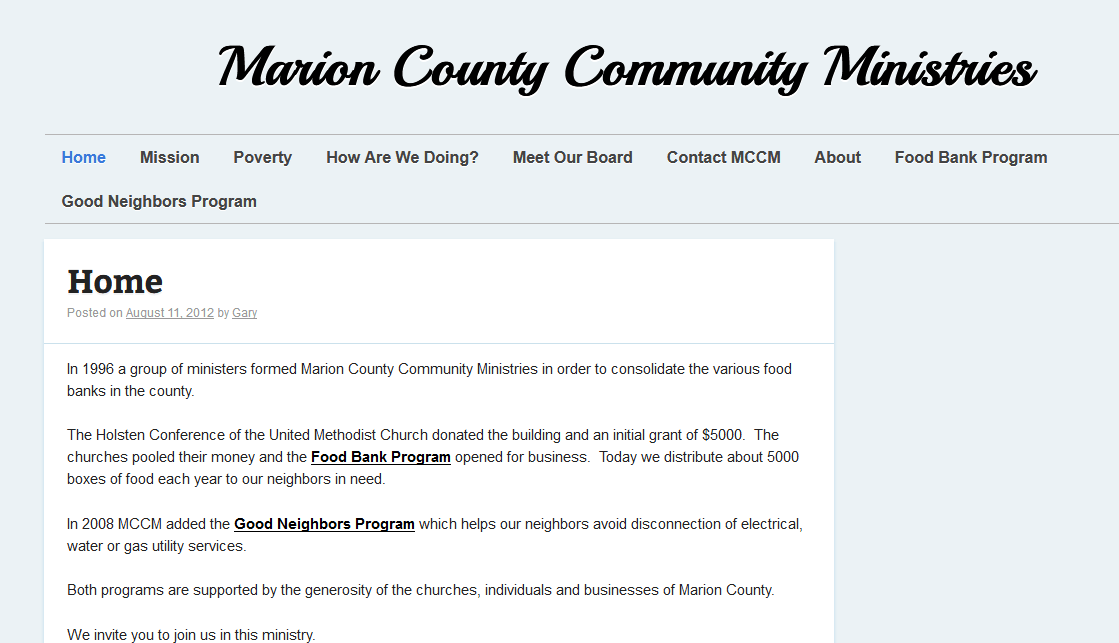
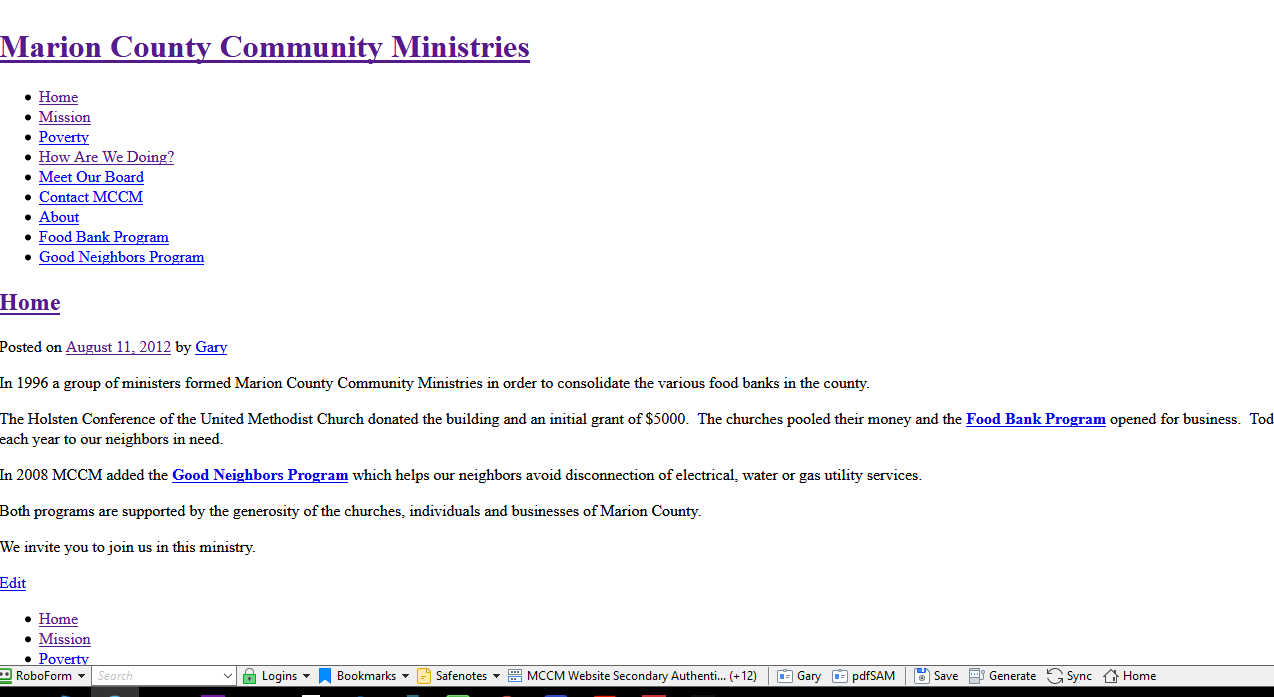
Here’s two other images:
“Live preview”
“After Activation”
-
This reply was modified 8 years, 10 months ago by garyengland. Reason: Add two more images
