hero2

Forum Replies Created
-
Good idea to remove W3 Total Cache and all of it’s files.
Now I got 2-factor authentication to work again.
It would be nice to know why the “Activate” button on the Wordfence 2-factor authentication settings page does not work. As you know, I did have 2-factor authentication before. And I would like to activate it again…!
OK. But pressing the “Activate” button on https://www.transformation.dk/wp-admin/admin.php?page=WFLS#top#manage does nothing…!?
Thank you for your response. Yes, it worked:
- Disabling Wordfence in my webhost controlpanel.
- Login to WordPress.
- Activate W3 Total Cache and Wordfence.
- Enable Object Cache (ignoring warning)…
- Emptying all caches.
- Disabling Object cache again.
- (Now both Wordfence and W3 Total Cache is active, but without 2-factor identification and without any caches.)
- Log out of WordPress.
- Login again – worked (without 2-factor ID or error messages).
Now the question is if I can have 2-factor identification in some way, and if I can have some kind of caching…?
I also have the “CAPTCHA EXPIRED: The CAPTCHA verification for this login attempt has expired. Please try again.”-problem.
Here is a copy of a message I posted on https://ww.wp.xz.cn/support/topic/wordfence-blocking-admin-login/#post-18363215. That thread is marked ‘Resolved’, although there are no solutions in the thread:
OK… Renaming “/public_html/wp-content/plugins/wordfence” makes it possible to login and then rename it back again. Then I chose “Wordfence > Tools > Diagnostics” and “Send Report by Email“.
As you can see in that report, I disabled “W3 Total Cache”. That didn’t help.
I have also deactivated “Two-Factor Authentication” under Wordfence -> Login Security. That didn’t solve the problem either…!
OK… Renaming “/public_html/wp-content/plugins/wordfence” makes it possible to login and then rename it back again. Then I chose “Wordfence > Tools > Diagnostics” and “Send Report by Email“.
As you can see in that report, I disabled “W3 Total Cache”. That didn’t help.
I have also deactivated “Two-Factor Authentication” under Wordfence -> Login Security. That didn’t solve the “CAPTCHA EXPIRED: The CAPTCHA verification for this login attempt has expired. Please try again.”-problem either.
Why is this tread marked ‘Resolved’, when there is no answer to what to do about not being able to login to WordPress because of the meaningless message “CAPTCHA EXPIRED: The CAPTCHA verification for this login attempt has expired. Please try again.”?!?
And how would I go to “Wordfence > Tools > Diagnostics” when I cannot login to my website??
I am increasingly shocked by how impossible WordPress is.
Great! Thank you! 🙂
It would be nice with a conformation, that I understand you correctly. 🙂
Did you get my message with 2 screenshots?
Hi! Thank you for reply!
Am I understanding you correctly, that I only need to put Wordfence in learning mode when trying to RESTORE a backup? Not when creating the backup?
Hi. Thank you for your reply.
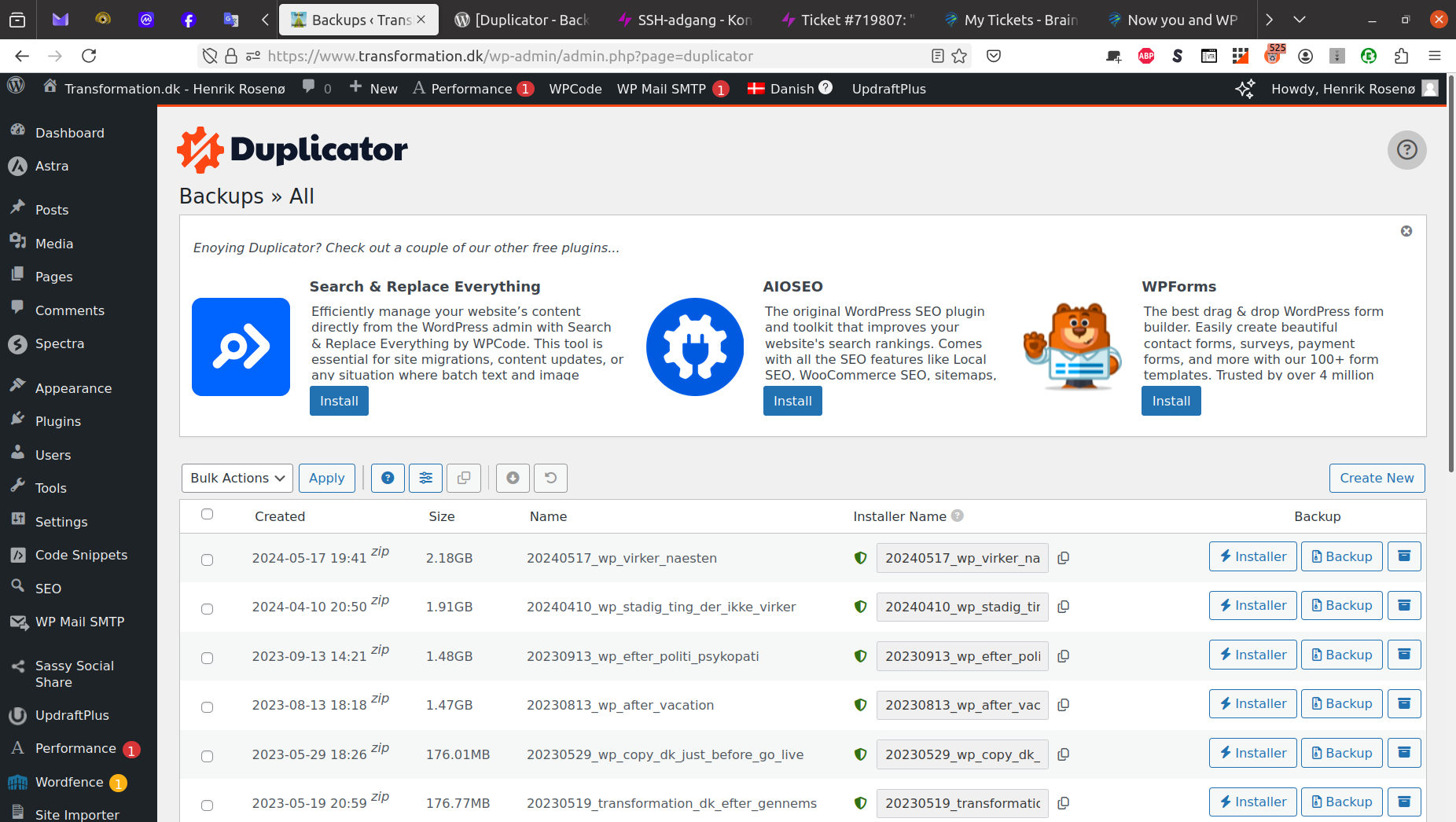
Here is the folder with Duplicator backups: https://www.transformation.dk/wp-content/uploads/2024/12/Duplicator-backups-in-Simply-SSH-2024-12-06.png
And here is the list in WP dashboard: https://www.transformation.dk/wp-content/uploads/2024/12/Missing-backup-in-Duplicator-list-2024-12-06.png
Please answer my question!
Forum: Fixing WordPress
In reply to: ‘Stick to the top of the blog’ not really workingYes – I would like the Post to also stick to the top of the categories it belongs to. 🙂
Hi
Thank you for your reply.
There are no trailing / in the 2 URL-settings.
I don’t think I have any site cache (yet).
In .htaccess I found that WordPress has set this:
RewriteBase /
Could that be the problem?