j889

Forum Replies Created
-
Forum: Plugins
In reply to: [WooCommerce PayPal Checkout Payment Gateway] Paypal checkout don’ t workHello,
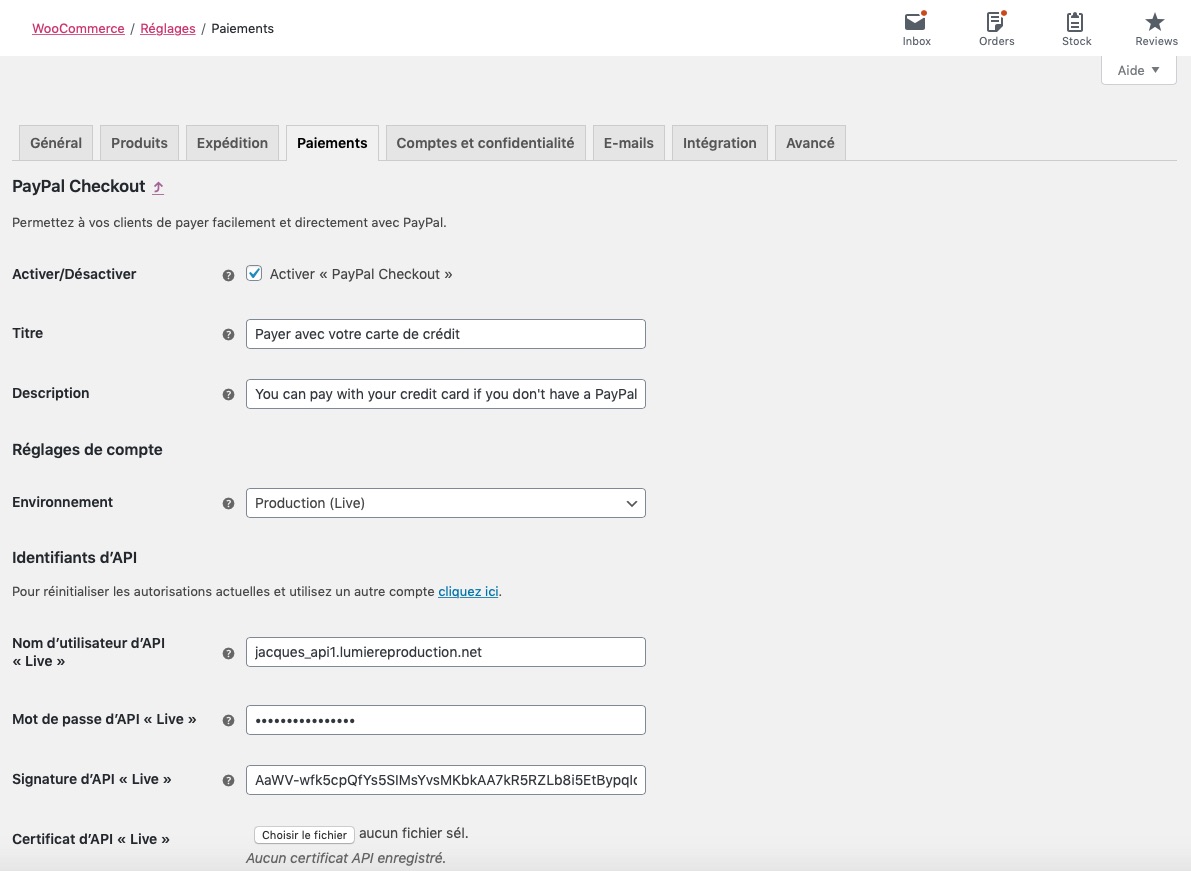
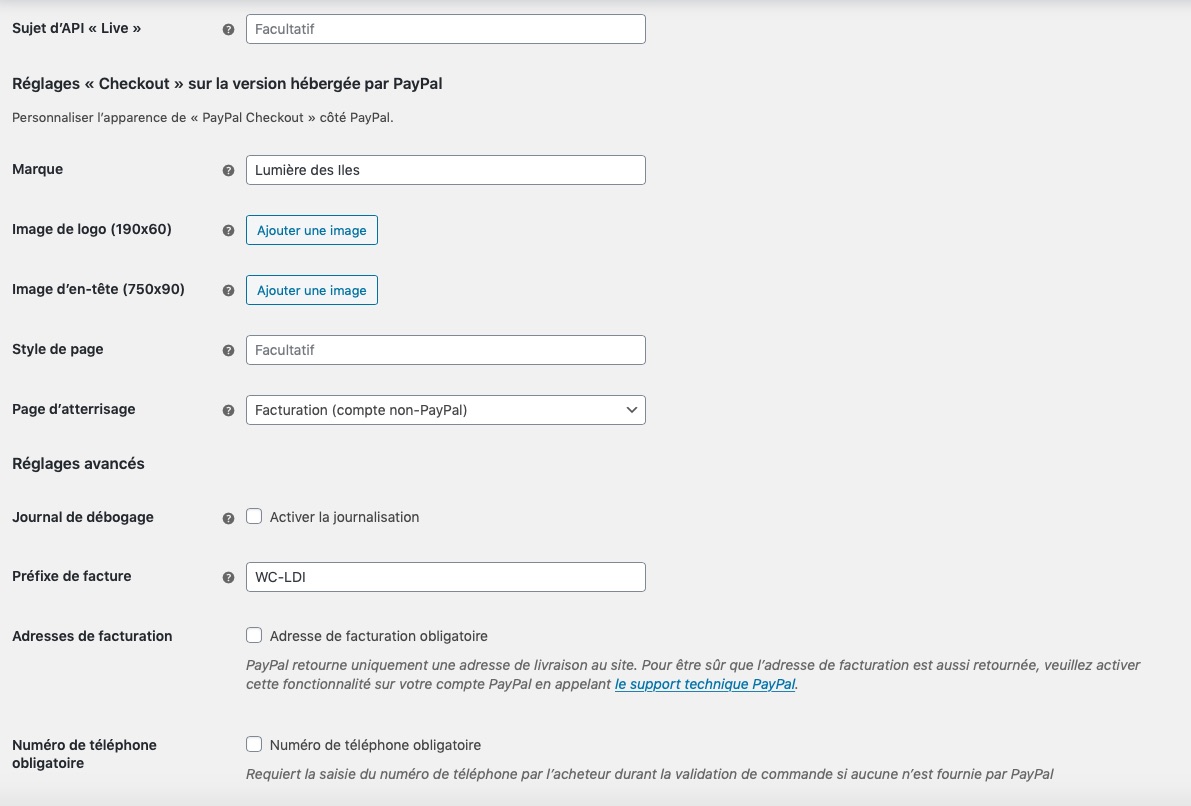
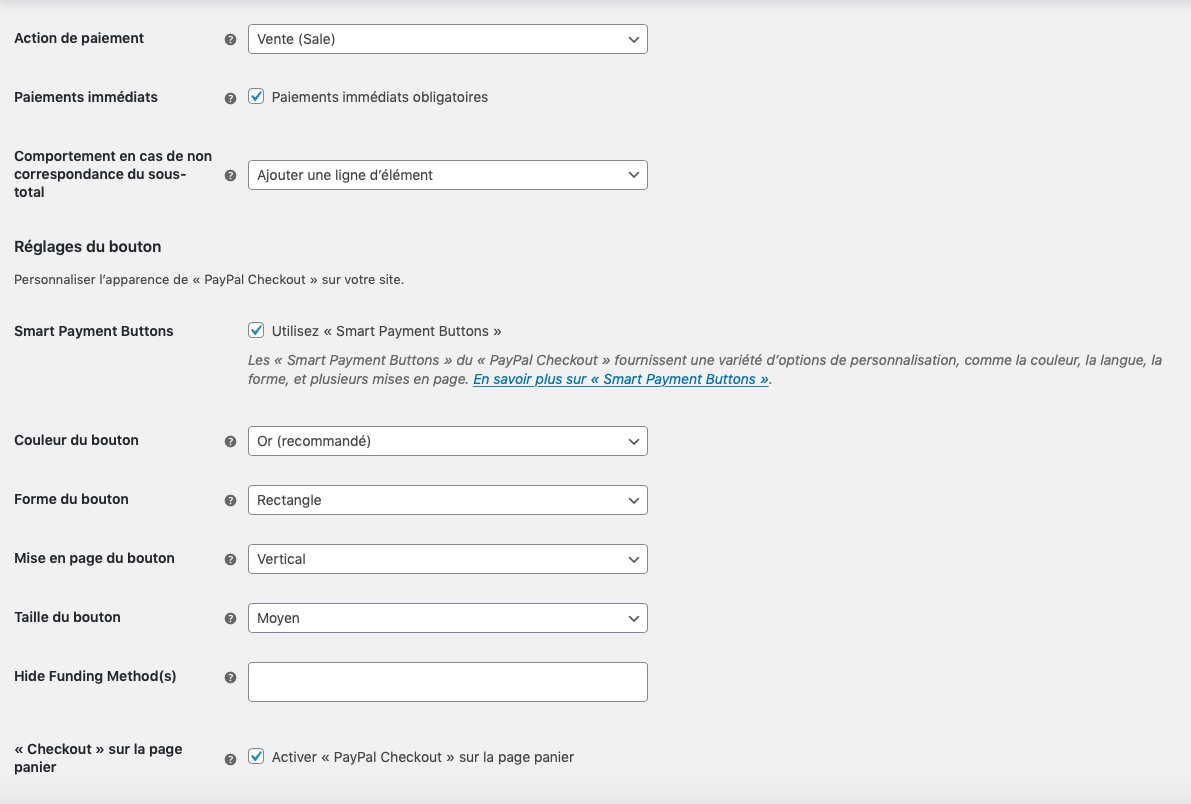
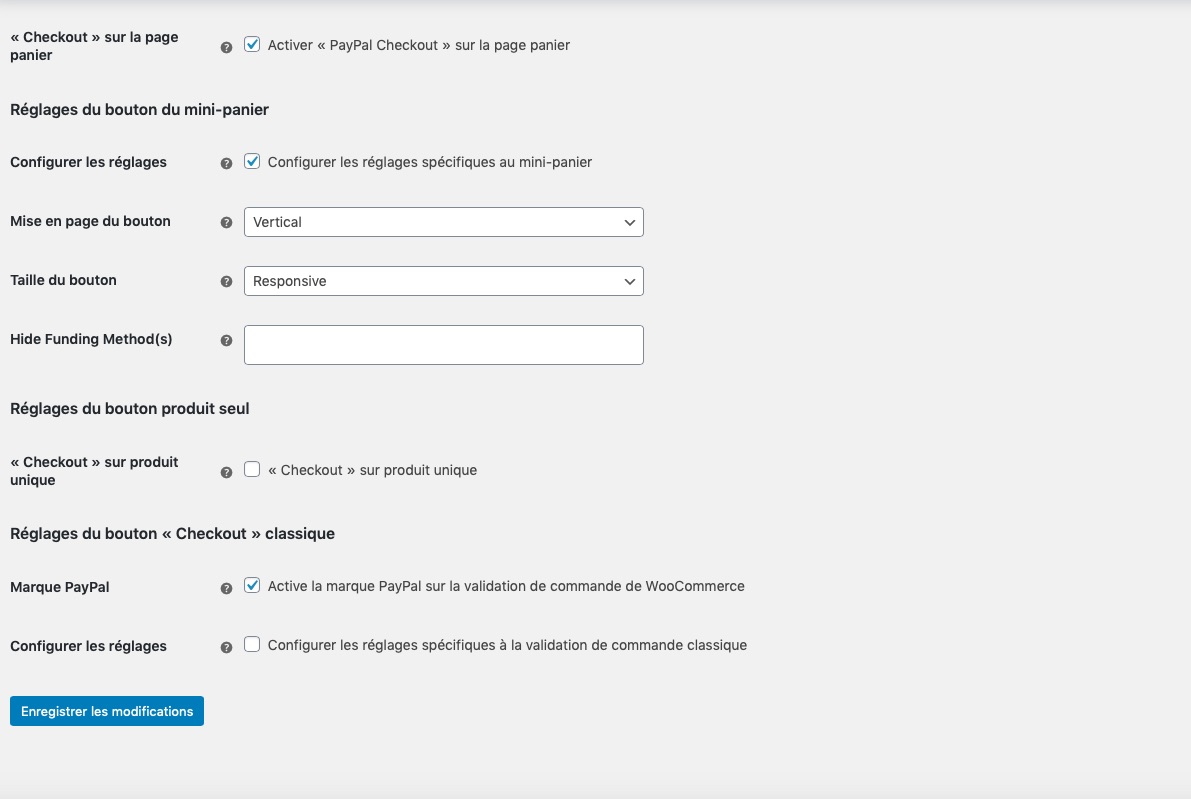
You can see screenshot of the Paypal Checkout Setting on this links :
https://www.lumieredesiles.com/images/screenShot05.jpg
https://www.lumieredesiles.com/images/screenShot06.jpg
https://www.lumieredesiles.com/images/screenShot07.jpg
https://www.lumieredesiles.com/images/screenShot08.jpgThe country where my bank is located is Mauritius island.
Thank you,
J889
Forum: Plugins
In reply to: [WooCommerce PayPal Checkout Payment Gateway] Paypal checkout don’ t workHello Joey,
I tried what you told me.
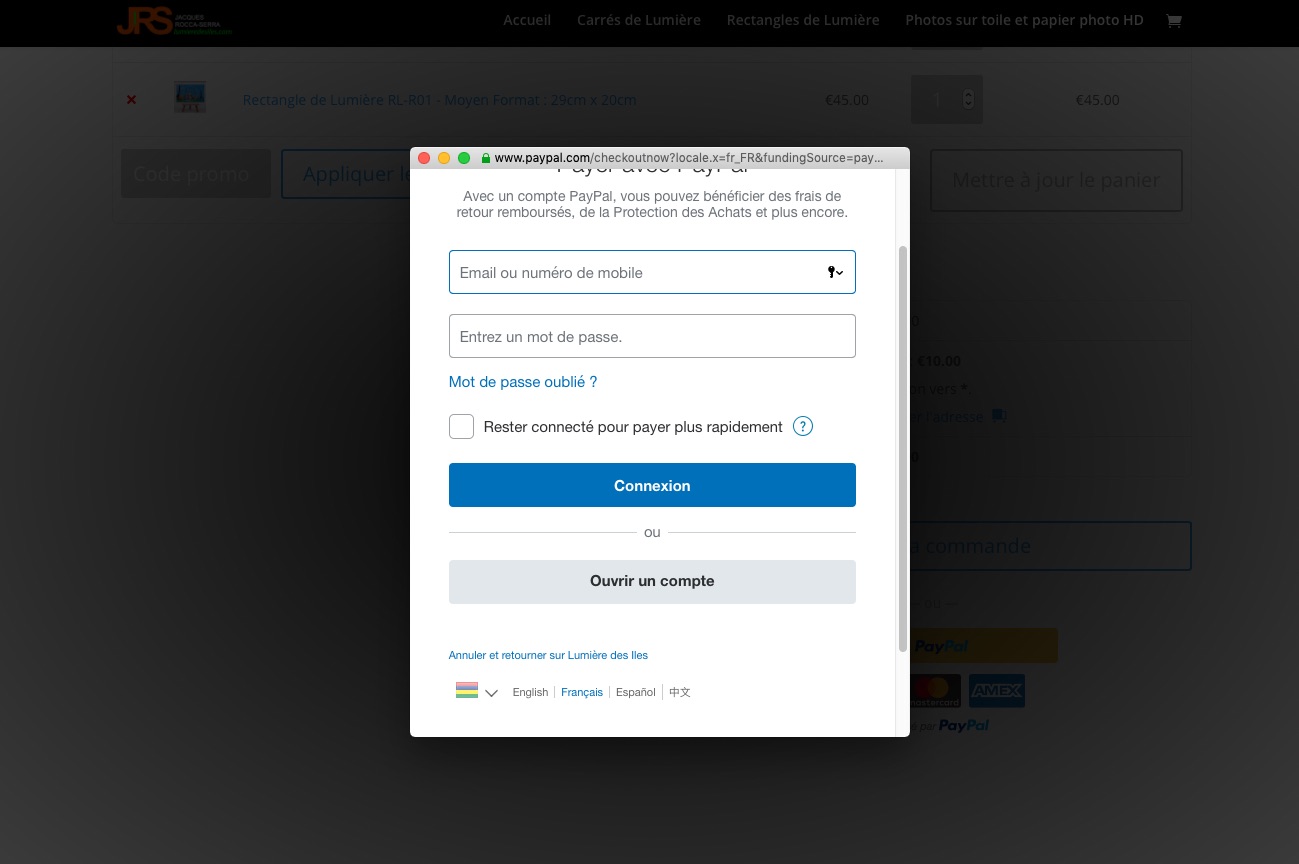
But when I click on the button PayPal I can’ t choose to pay with my credit card as you can see on this screenshot :
https://www.lumieredesiles.com/images/screenShot02.jpgThe only way I can pay with my credit card is when I do what you told me to do “If you see ‘Credit Card’ in that field, go ahead and remove it and save the page. You should then also see credit card icons show up underneath the PayPal Checkout button.”
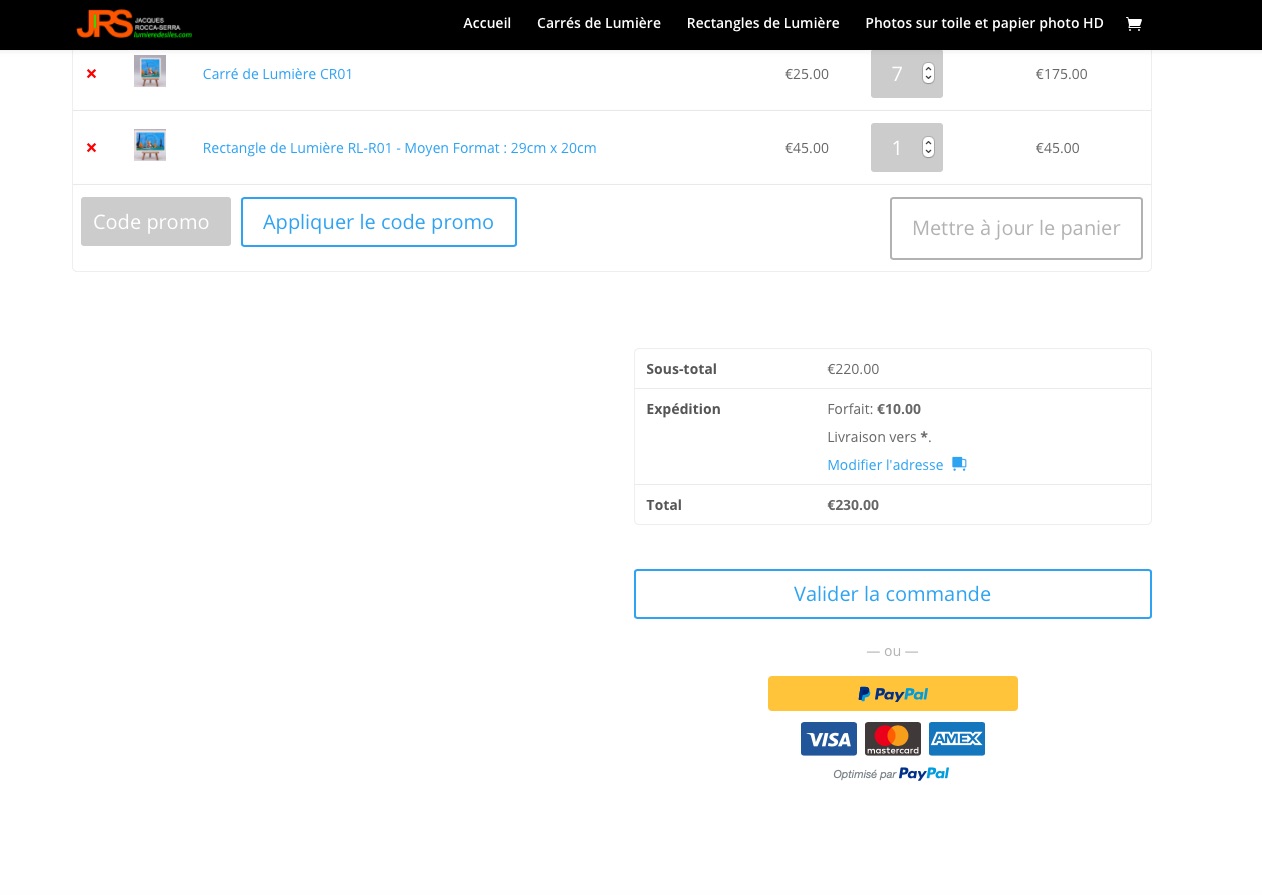
At this time I see the logo of credit card :
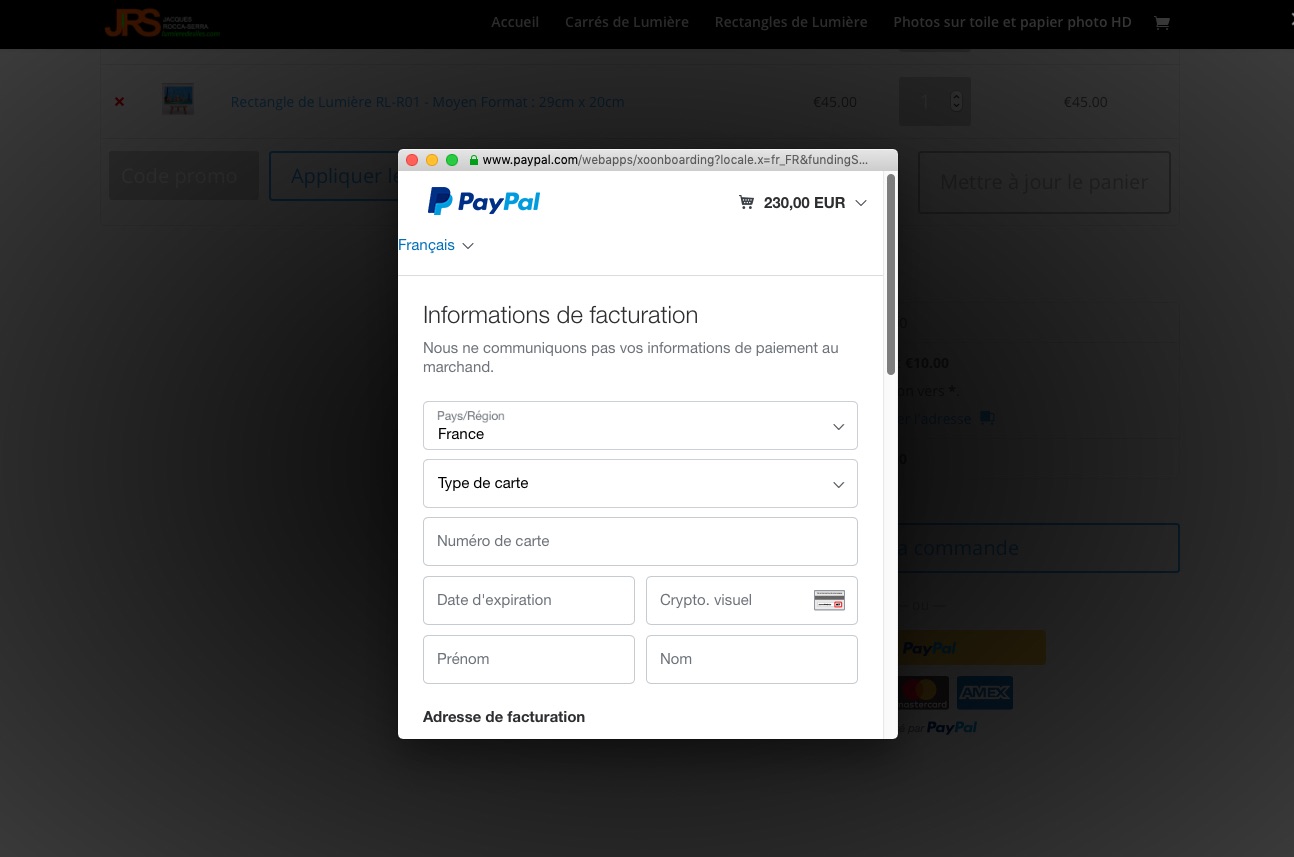
https://www.lumieredesiles.com/images/screenShot01.jpgand if I click on it I can pay with my credit card as you can see on this screenshot :
https://www.lumieredesiles.com/images/screenShot03.jpgBut is there a way there is only one button “Paypal Buy now” and from this only one button “Paypal Buy now”, the client can choose the payment method he want ?
whithout the just “Paypal” button and the logos of credits cards ?
As you can see on this video :
Thank you.
J889
Forum: Plugins
In reply to: [WooCommerce PayPal Checkout Payment Gateway] Paypal checkout don’ t workHello Joey,
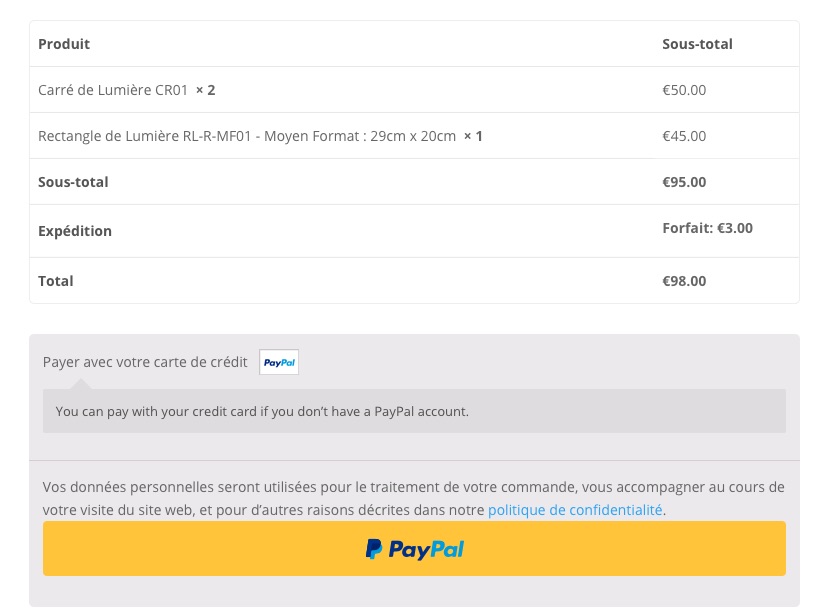
On which button did you press to see this ?
Me when I go on the command page I don’ t see the button to pay with card.
You can see what I see on this link :
https://www.lumieredesiles.com/images/screenShot.jpgThank you.
J889