John

Forum Replies Created
-
Forum: Plugins
In reply to: [PHP Browser Detection] How to Redirect?Hello, I have been attempting to do exactly what the author of this post has been attempting to do, which is redirect just one of my WordPress pages for mobile users, however I have gotten stuck. This is the code I’m using so far:
<?php
if ( is_mobile() && get_the_ID(2766) ) {
wp_redirect(‘http://www.lifebyjohn.com/mobile-schedule’);
exit;}
?>I tried adding the code in header.php, as well as using the Code Snippets plugin so that it would go in functions.php. Did I mess the code up by chance? Or am I putting the code in the wrong place? I’m a relative newbie so patience with me would be appreciated 🙂
Thanks!
Forum: Fixing WordPress
In reply to: What's the best way to redirect a single page for mobile devices?Well, I’ve tried the following code using the PHP Browser Detection plugin, which didn’t seem to work:
<?php
if ( is_mobile() && 2 == get_the_ID(2766) ) {
wp_redirect(‘http://www.lifebyjohn.com/mobile-schedule’);
exit;}
?>I tried adding the code in header.php, as well as using the Code Snippets plugin so that it would go in functions.php. Did I mess the code up by chance? Or am I putting the code in the wrong place?
Thanks!
Forum: Fixing WordPress
In reply to: What's the best way to redirect a single page for mobile devices?Hi there,
I was unsuccessful using the PHP Browser Detection plugin, however I have come across the Shortcode Exec PHP plugin (haven’t used it yet). Having done some research online, I’ve also come across some PHP code that can distinguish between different pages on a WordPress website, such as:
<?php if (is_page(1111)) {…….}; ?>
What I’m thinking of doing is putting some kind of mobile redirection script in there, so that I achieve my goal of only needing the mobile redirection to happen for one page on my website.
However, I have attempted to put the code (both PHP and Javascript) downloaded from http://www.detectmobilebrowsers.com into that PHP code, and have tried putting it in both header.php and page.php to no avail (in fact, it crashes my site in most cases, or just doesn’t work). Am I going about this wrong? Am I using the wrong code? Do I need a plugin to help with that?
Thanks so much to everyone who can help!
Forum: Fixing WordPress
In reply to: What's the best way to redirect a single page for mobile devices?Negative on that I’m afraid, I suppose I should have mentioned that I’m looking for a free solution (sorry about that!). I know that there has GOT to be a very simple script out there that I can put in my header to simply route mobile users from one page to another.
Any other ideas out there by chance? 🙂
Forum: Fixing WordPress
In reply to: What's the best way to redirect a single page for mobile devices?@mesquite_murph Thanks for the help. I tried downloading that plugin and I can’t say it’s what I would need, but I appreciate the suggestion.
@Scriptruner Thanks for the help too. Just even adding the files of Equivalent Mobile Redirect to my website crashes it, so it’s completely out of the question. Thanks also for explaining user agent vs screen size.
So I must say I’m still looking for a good solution. I am considering using some sort of script that references http://www.detectmobilebrowsers.com or WURFL, but I’m not sure what actual script to type.
Can anyone else help by chance?
Thanks!
This worked perfectly, and I appreciate the time you put into making the color come out right. I truly appreciate it!
You guys are awesome! 🙂
I meant to say, Can you try subscribing to my posts again, this time with an email account that you can read via Microsoft Outlook for Windows. Thanks!
Hi Jeremy,
That’s a great point. So I tested it in Gmail and Hotmail/Live and it worked fine. What I was using before was Microsoft Outlook for Windows, so that must be what is creating the error.
Can you try subscribing to my posts again, this time with a Hotmail/Live account and then I’ll go ahead and make a new post and we’ll take another look?
Thanks!
I just did so now, thanks!
Forum: Fixing WordPress
In reply to: Comment notification email "in response to" name problemsThis issue is resolved. Filling out my WordPress.com profile completely, and then ensuring that my Jetpack plugin was connecting to the correct WordPress.com account fixed the issue. Thanks!
Doing that, coupled with filling out my WordPress.com profile on WordPress.com completely fixed the issue. You, my friend, are a genius 🙂
Sure thing!
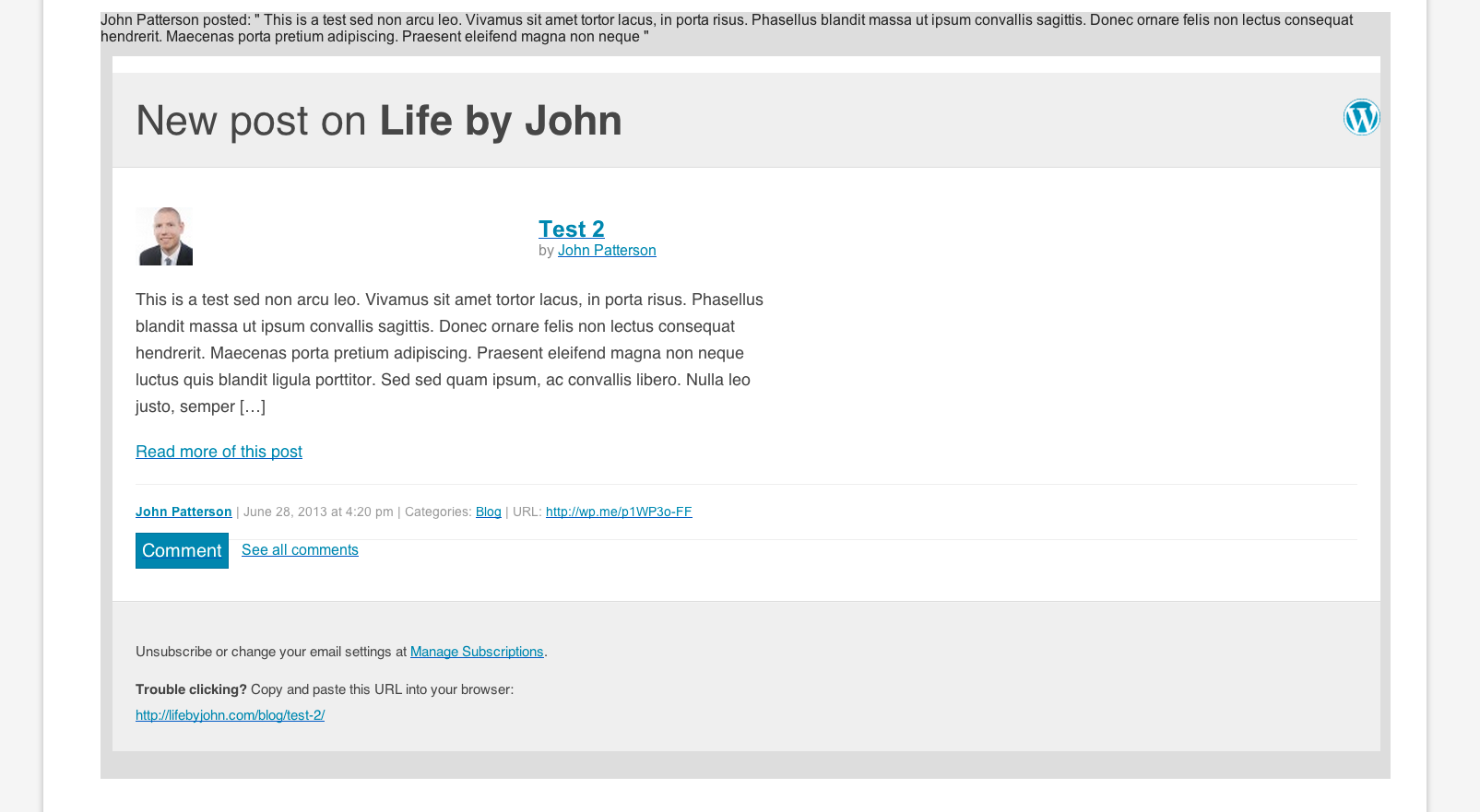
The screenshot of the post is here: http://snag.gy/c5poN.jpg
My blog is here: http://lifebyjohn.com/blog
You can just go to any of the posts and make a comment and then subscribe to future posts, and then let me know and I’d be happy to then go in and make another post so that you’ll be notified.
Thanks so much!
Actually, I found the solution here: http://ww.wp.xz.cn/support/topic/wordpress-seo-yoast-duplicate-site-title?replies=17
Thanks!
That worked perfectly, you my friend, are a genius 🙂