Lock

Forum Replies Created
-
Forum: Fixing WordPress
In reply to: You totally destroyed my visual editor! :(((This is another example of a dynamic page:
https://www.lemonskin.net/io/i-libri-che-ho-letto/
My code is this:

No need to say that WordPress 7 totally destroys it.
I really can’t understand why, if someone decides to insert a personalized HTML block, they need to change it to a visual output.
Forum: Fixing WordPress
In reply to: You totally destroyed my visual editor! :(((Guys, sorry for the rant. I was convinced this was a WordPress developers’ forum (is there one?), and I was shocked to discover that my blog had suddenly become unusable.
I’m not normally against new features. When the WP editor moved from pure HTML to blocks, it was a bit challenging at first, but in the long run it turned out to be a successful change. In this case, however, it’s a disaster, and switching from the visual editor to the code editor is no longer a viable workaround. You can adapt to almost anything, as long as the editor’s behavior remains consistent. But in this case, my custom HTML code has somehow been altered, or at least interpreted differently. As a result, if I try to change anything, the output becomes completely wrong. 🙁
A large portion of my articles are dynamic, like this one:
https://www.lemonskin.net/io/20265/
Under the old version of WP, the code looked like this:

The code section represents the book spines, which I need to be able to edit and reorder quickly. With WP 7, I get an endless vertical list of images, and when we’re talking about 100+ books, editing them becomes a real pain. On top of that, each individual item uses classes—for example, to indicate whether a book has already been read or not.
With the new view, all the code is hidden away, and I have to hunt through everything just to find the right spot.
In short, this new version of WP isn’t evolutionary—it’s destructive. I managed to roll the site back to version 6.x using the plugin I mentioned earlier. Unfortunately, I’m still stuck with the new dynamic interface, which feels heavier and less pleasant to use (I’m not an expert and have no idea how to restore the previous setup), but I can live with it.
I’ve had to disable automatic core updates, but I don’t really have another option. My journey will have to stop at WP 6. 🙁
Forum: Fixing WordPress
In reply to: You totally destroyed my visual editor! :(((Update: it’s not just a visual problem, if I edit a page with an html code, something gets broken. So I need to switch back to WP 6. 🙁
Is WP Downgrade (or any other plugin) safe to roll back from 7 to 6? :(((
- This reply was modified 3 days, 21 hours ago by Lock.
Forum: Plugins
In reply to: [LiteSpeed Cache] No WebP images in Safari, ok in ChromeSorry, my technical knowledge of Web is very limited, so I’ve no idea what your’e asking about.
Forum: Plugins
In reply to: [LiteSpeed Cache] No WebP images in Safari, ok in ChromeYeah, if I “dis-uncache” the page as login user the .webp images reappear.
What I don’t understand is: why on other pages I still got .webp images even when my user was “uncached”?
Forum: Plugins
In reply to: [LiteSpeed Cache] No WebP images in Safari, ok in ChromeYes, I get .jpg on Chrome too if I’m logged in.
When I configured LiteSpeed I remember I used a cached version of the page for normal users but, since I have some dynamic form as administrator (some blocks are visible) I had to keep the page “uncached”. I wonder if this could be the problem.
But, even in case, it doesn’t show why webp are served on other pages if logged in.Forum: Plugins
In reply to: [LiteSpeed Cache] No WebP images in Safari, ok in ChromeUpdate: Hmmm, this is very interesting… after several other cache cleaning attempt I just discovered a very simple thing: when I’m logged in my WP user Safari only shows .jpg files on that page. If I log out all the images served are automatically .webp!!
This is very weird, because on other pages I get .webp images even when logged in.
Do you think this info could be useful?
Forum: Plugins
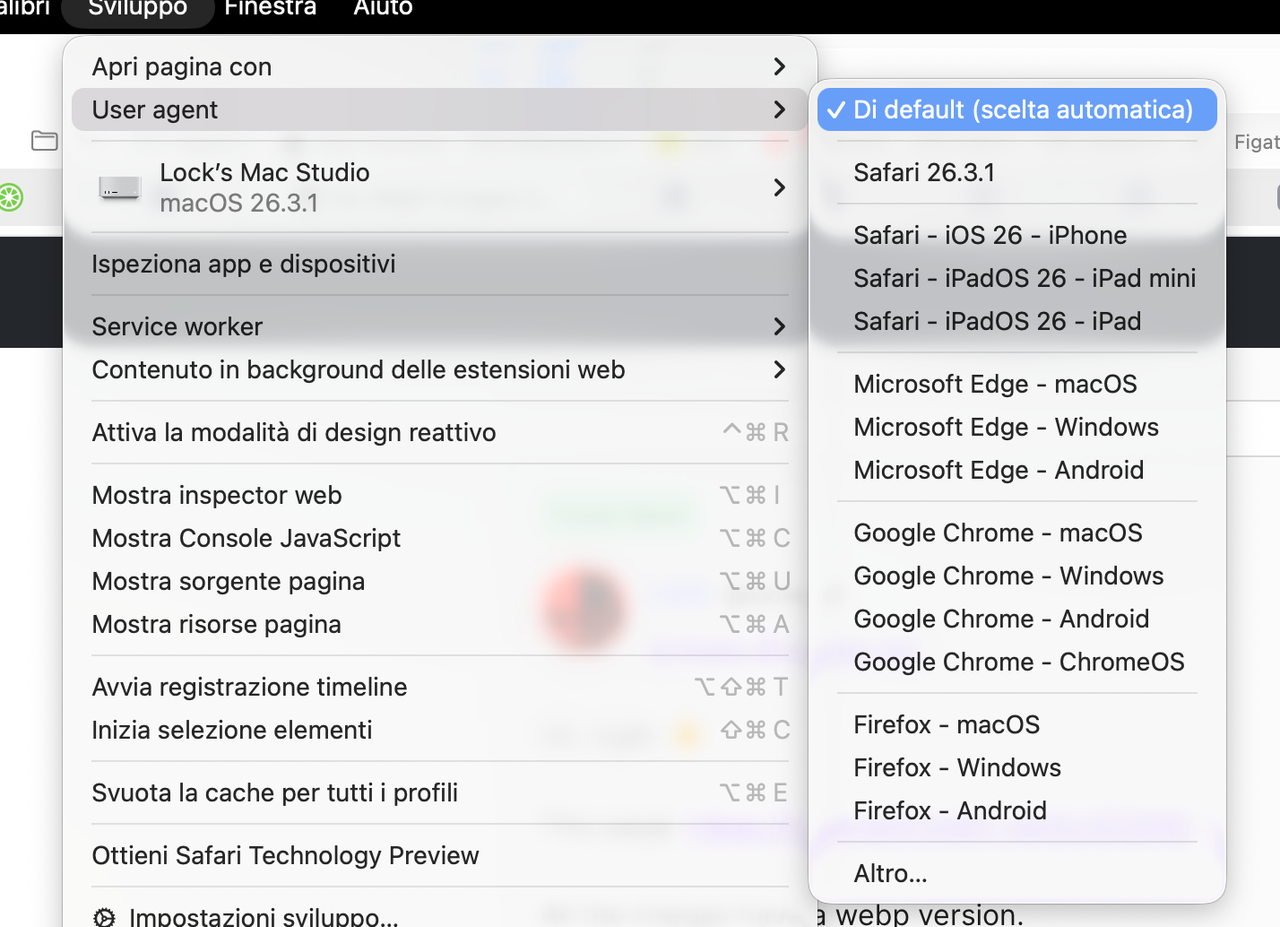
In reply to: [LiteSpeed Cache] No WebP images in Safari, ok in ChromeI don’t think it’s something related to user agent. This is my setting:
https://i.postimg.cc/Gp6B6n5F/Screenshot-2026-03-25-alle-14-45-35.png
I tried to change it, even to Chrome, but still the page loads with .jpg instead of .webp
Forum: Plugins
In reply to: [LiteSpeed Cache] No WebP images in Safari, ok in ChromeOk, right. 🙂
This page: https://www.lemonskin.net/io/20265/
All the images have a webp version.
Chrome → Shows all .webp
Safari (private tab) → Shows all .webp
Safari (normal tab) → Only shows .jpgI emptied all Safari and LiteSpeed caches, restarted the Mac several times but still I can’t see .webp images in this page within a normal tab in Safari. But other images in other pages are served as .webp, so it seems something somehow related to cache (or other reasons I can’t understand).
Forum: Plugins
In reply to: [LiteSpeed Cache] No WebP images in Safari, ok in ChromeOk, fair.
Still I can’t understand why Safari doesn’t load the webp images in my library page.
Forum: Plugins
In reply to: [LiteSpeed Cache] No WebP images in Safari, ok in Chromeyes but why? I was thinking webp versions were created automatically.
Forum: Plugins
In reply to: [LiteSpeed Cache] No WebP images in Safari, ok in ChromeI still see all .jpg
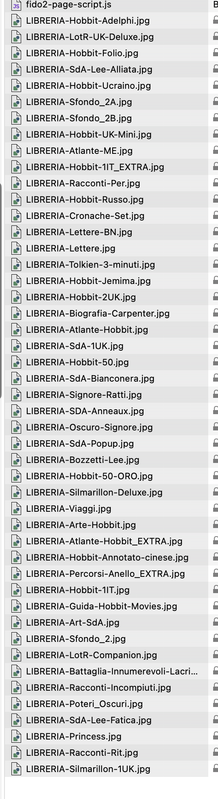
https://i.postimg.cc/rsPYfV07/Screenshot-2026-03-23-alle-15-49-39.pngBut, if I open a private window I can see the webp
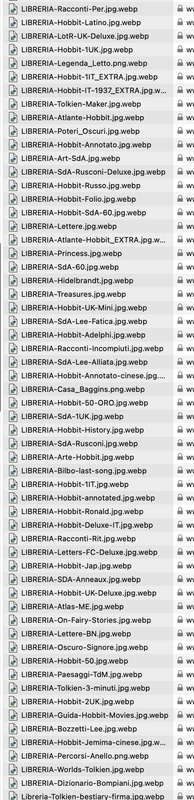
https://i.postimg.cc/d10BgMK5/Screenshot-2026-03-23-alle-15-51-03.png
So I’m a bit confused. I cleared Safari cache several times, and LiteSpeed do provide the webp. Is it possible there’s still some issue for Safari serving these little images without a privacy tab?
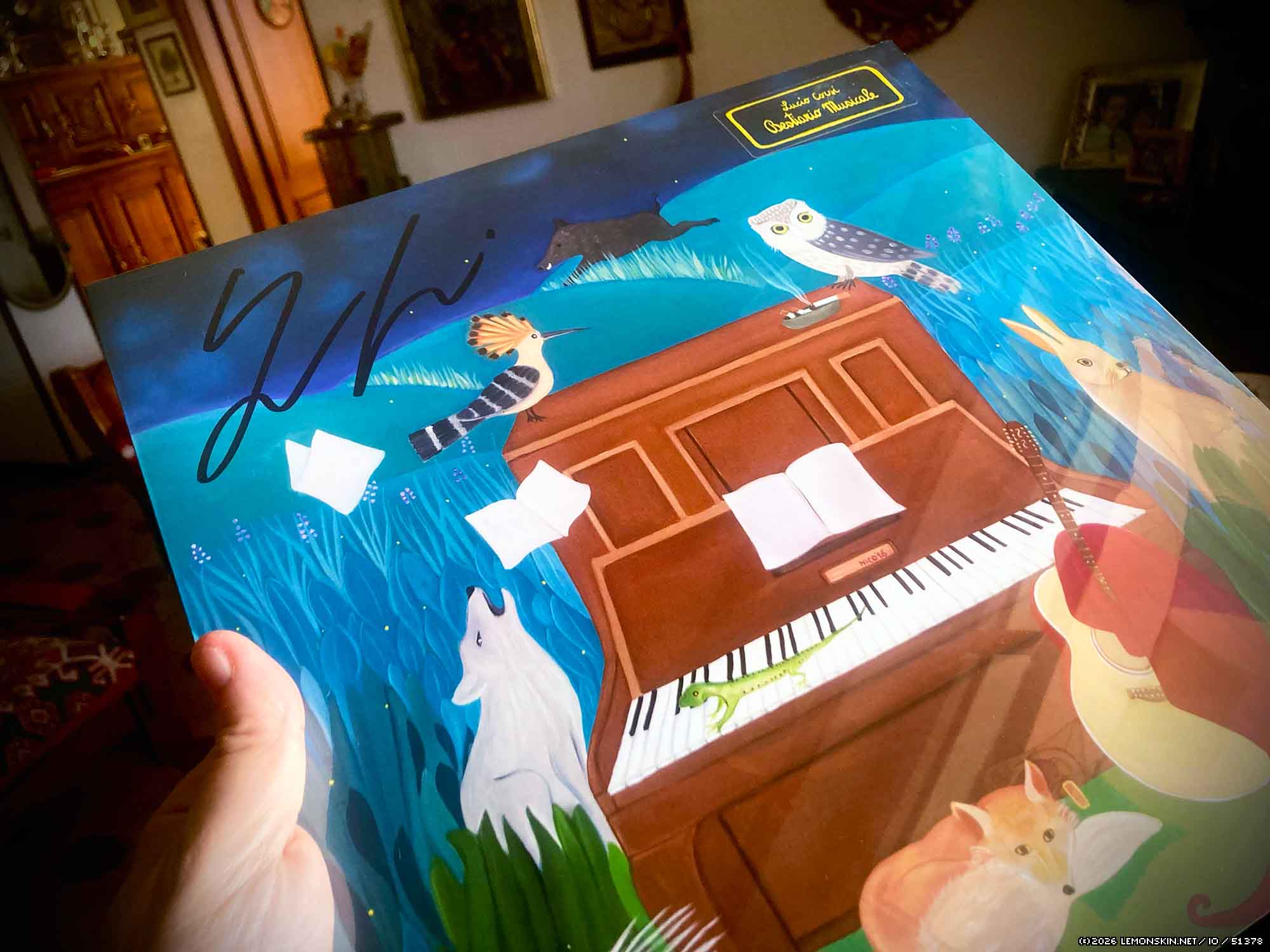
However I still see that this image (on this page: https://www.lemonskin.net/io/51378/) still don’t have and don’t serve the webp version, even in private tab:
https://www.lemonskin.net/io/wp-content/uploads/2026/03/Bestiario_musicale-Cover.jpg
Forum: Plugins
In reply to: [LiteSpeed Cache] No WebP images in Safari, ok in ChromeSorry, I’m a bit confused. Usually, when I write a new article, I attach jpg images. After a while, after LiteSpeed creates the webp images, it serves them automatically.
While that book webp image exists, only the jpg one is loaded. I’ve no idea if it’s a cache problem: I already cleared it several times, and also restarted the Mac.
Forum: Plugins
In reply to: [LiteSpeed Cache] No WebP images in Safari, ok in ChromeThis one:
https://www.lemonskin.net/io/20265/
It’s in the 5th shelf from top (Arte e racconti).
- This reply was modified 2 months, 3 weeks ago by Lock.
Forum: Plugins
In reply to: [LiteSpeed Cache] No WebP images in Safari, ok in Chromewebp images do exist, like:
https://www.lemonskin.net/io/wp-content/uploads/2026/03/LIBRERIA-Tolkien-Maker.jpg
and
https://www.lemonskin.net/io/wp-content/uploads/2026/03/LIBRERIA-Tolkien-Maker.jpg.webpBut Safari only loads the .jpg
Also I see in the backoffice that, while Litespeed says 100% of images are processed, some still have this text:
Originale (nessun risparmio)
WebP—even if the .webp image is loaded.
For example in my last article:
https://www.lemonskin.net/io/51378/
The first image is .jpg only, the second serves the webp version. Since in the backoffice it says “(no gain)” (no idea about the english translation, basically it saying the resulting image isn’t smaller) could it be the .webp image was not generated?
Still I can’t understand why my book sides are sometimes served as .webp and sometimes in .jpg, even if the .webp version does exist.
- This reply was modified 2 months, 3 weeks ago by Lock. Reason: Corrected some typos