Ooh, thanks for the tip! I ended up using this code, which solved the problem:
<div class="”googlecal”">[if-whole-day][event-title]

[/if-whole-day][if-not-whole-day][link newwindow=”true”][event-title][/link]
[start-time][/if-not-whole-day]</div>
Here’s the final result:
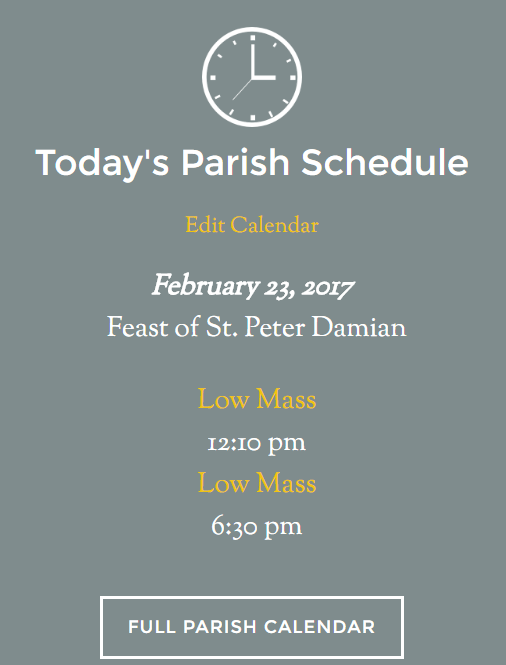
And this is the CSS I used to make the information centered within the widget with my theme on the front page of my site (which was SUPER tricky, so I thought I’d share):
/*
Google Calendar
---------------------------------------------------------------------------------------------------- */

.simcal-day-label {
	margin-top: -10px;
}

.simcal-day-label span {
	color: #ffffff;
        background: #7f8c8d;
	font-style: italic;
	font-weight: 700;
        font-size: 28px;
}

dt.simcal-day-label {
        border: 0 !important;
}

li.simcal-event {
        margin-left: -30px;
}
