Sidimar

Forum Replies Created
-
Hi @tigroumeow thank you for coming back to me.
I’ve tried many ways but didn’t work. As I already have a full back I recover files manually.
I hope this latest update works for a future same issue.Thanks.
Hi Jordy,
Same for me! It’s not recovering any file either multiple or single.
I have tried with and without define( ‘MEDIA_TRASH’, true );I hope you could help, thank you.
Forum: Plugins
In reply to: [Ultimate Product Catalog] Custom Page – Related ProductsOnly set manual.
There are 7 categories and they are related, yes.Forum: Plugins
In reply to: [Ultimate Product Catalog] Custom Page – Related ProductsYes,
You can get on this link:
http://www.petitos.com.br/petitos_error.pngForum: Plugins
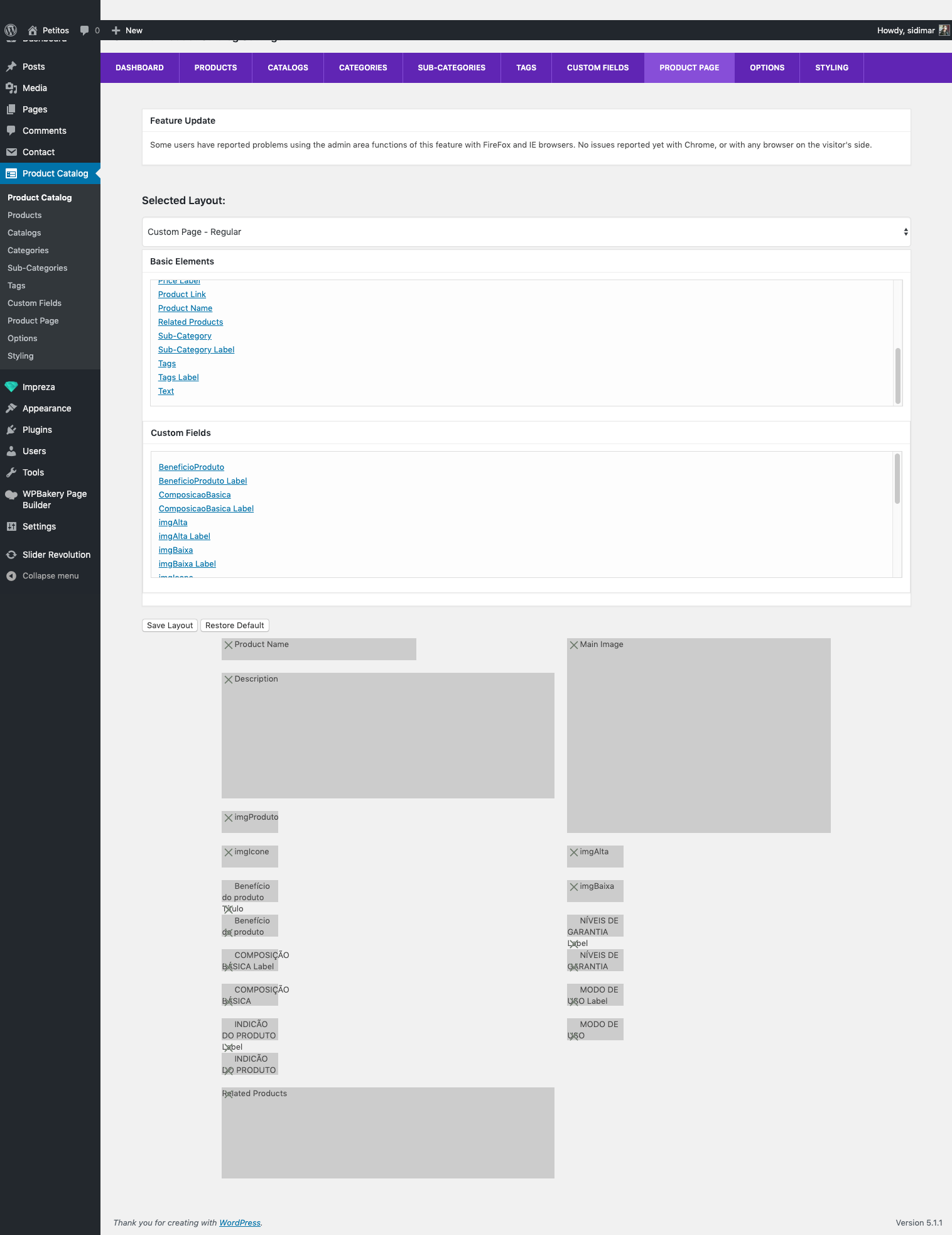
In reply to: [Ultimate Product Catalog] Custom Page – Related ProductsIt’s disabled (grey) and this is the result when I add “related products”:
http://www.petitos.com.br/produtos/product/petitos-bifinho-sabor-carne-60g/?This is the site
http://www.petitos.com.brForum: Plugins
In reply to: [Ultimate Product Catalog] Export to excel not workingI’ve downloaded old version and before version 4.4.0 it’s working.
But missing 2 custom fields (file custom field).Forum: Plugins
In reply to: [Ultimate Product Catalog] Export to excel not workingI have the same error:
Local (using Vagrant/Linux) returned: HTTP ERROR 500On host (online):
Parse error: syntax error, unexpected ‘.’, expecting ‘&’ or variable (T_VARIABLE) in /var/www/html/petitos.com.br/web/wp-content/plugins/ultimate-product-catalogue/PHPSpreadsheet/vendor/phpoffice/phpspreadsheet/src/PhpSpreadsheet/Calculation/Calculation.php on line 3036Both I’ve to disable all plugins before and leave only the product plugin to enable.
- This reply was modified 7 years, 2 months ago by Sidimar.
Forum: Plugins
In reply to: [Ultimate Product Catalog] Different images for thumb in category and productHi there,
I think I misunderstood you because what I am looking for is a way to upload two images for the same product but one will be displayed at catalog page as a thumbnail and other in the product page, as the main product image.
I saw it’s possible to upload more than one image but all go to the product page and the first go to catalog page.Hi there,
I have sent an email.Many thanks.
SidimarForum: Plugins
In reply to: [WP eCommerce] Upload image doesn't workReinstalling the theme / replacing all files for theme.
The theme was not using a child theme, and probably some file was affected
I didn’t find the problem, but I tried replace the WP and then Theme.
Good luck.Sidimar