Sabina

Forum Replies Created
-
Forum: Themes and Templates
In reply to: [MesoColumn] Author Archives change textfound the solution myself 🙂
Forum: Fixing WordPress
In reply to: How can i change the archives text?MesoColumn 🙂
Forum: Themes and Templates
In reply to: [MesoColumn] Change size of foto in top of postsYour the best! 🙂 it workt! looks great! 🙂
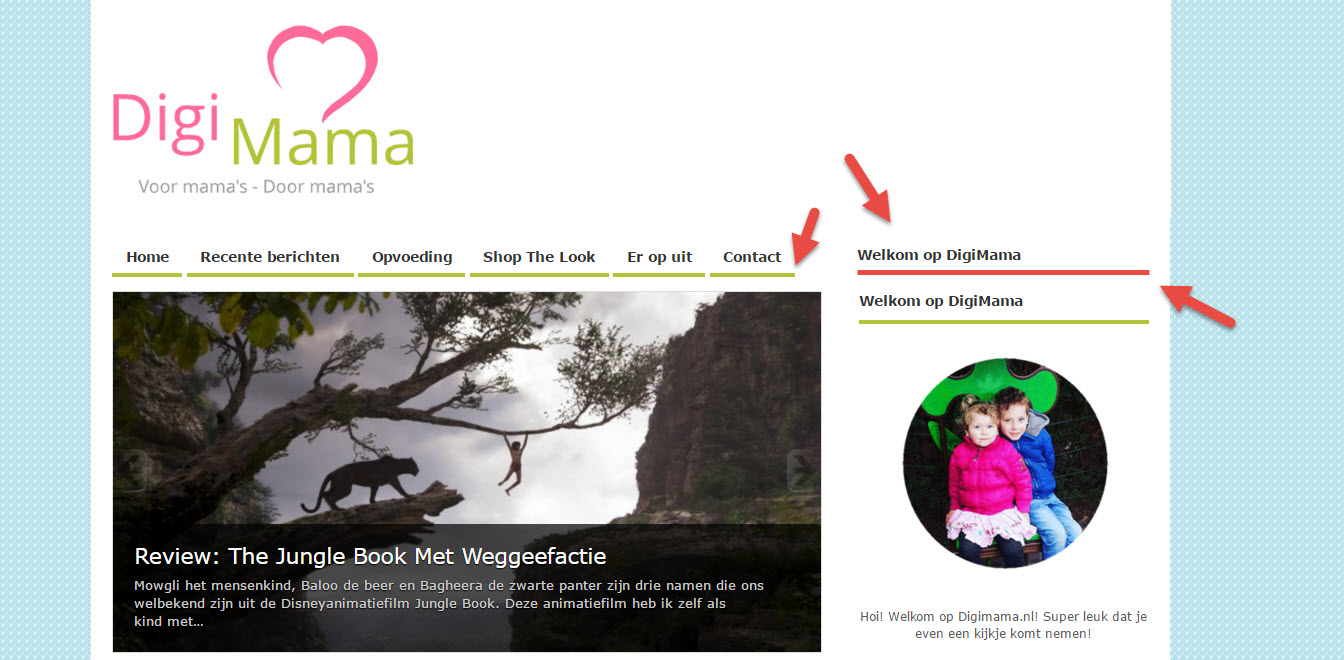
Do you maybe know if its possible in wordpress to align the widged menu with the top level menu?
http://digimama.nl/wp-content/uploads/2016/04/alighn.jpg
like this 🙂 (the red bar is how i would like it to be. The green bar is how it looks now.
Forum: Themes and Templates
In reply to: [MesoColumn] Change blue overlay collor of top menuwell the theme by default did not have this. need some customization.
create a php file in wp-content/ name it meso-custom-functions.php and add this code.
<?php
function meso_add_featured_img_single() {
if ( is_single() && has_post_thumbnail() ) {
the_post_thumbnail(‘large’);
}
}
add_action(‘bp_before_blog_entry’,’meso_add_featured_img_single’);
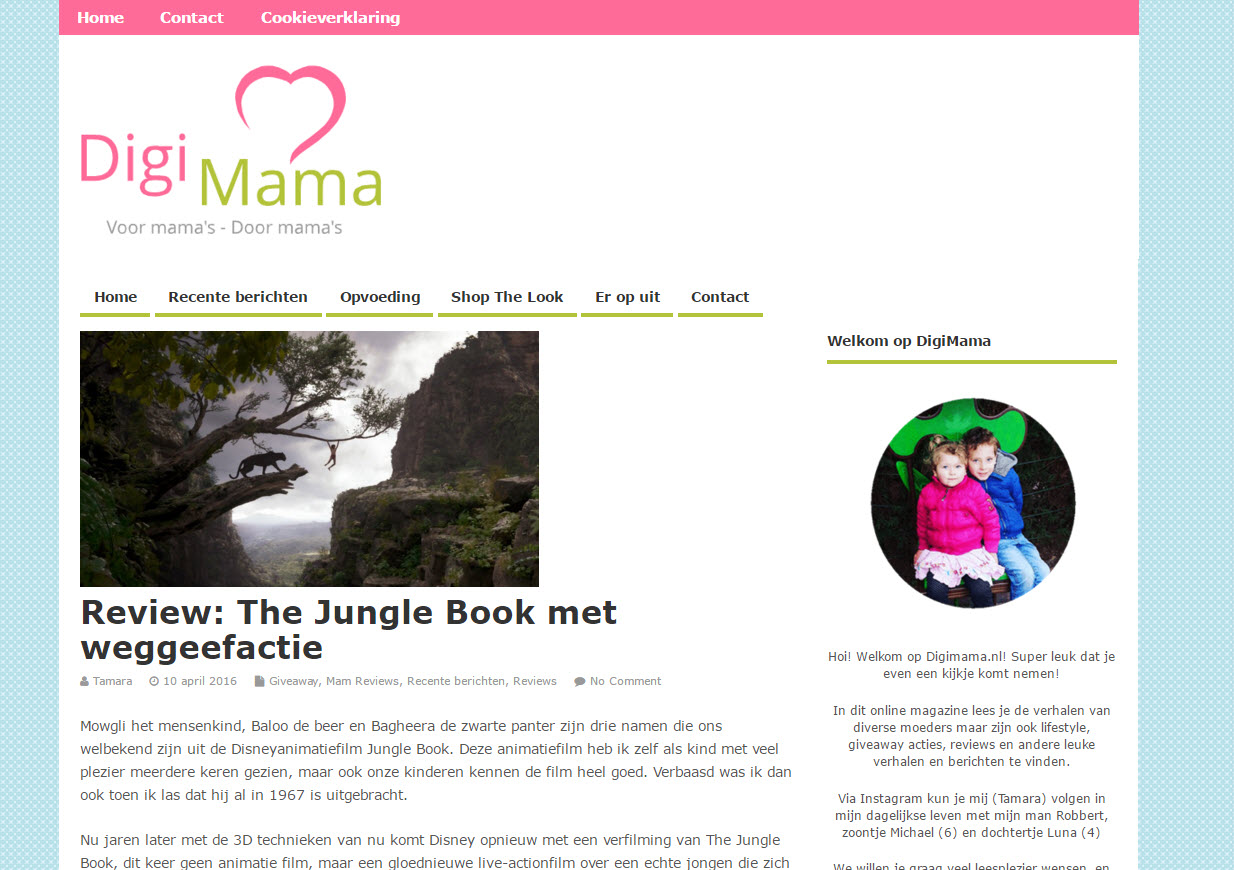
?>I have a question about this part of the site, is it possible to change the size of the foto above the posts?
This is what is see now.
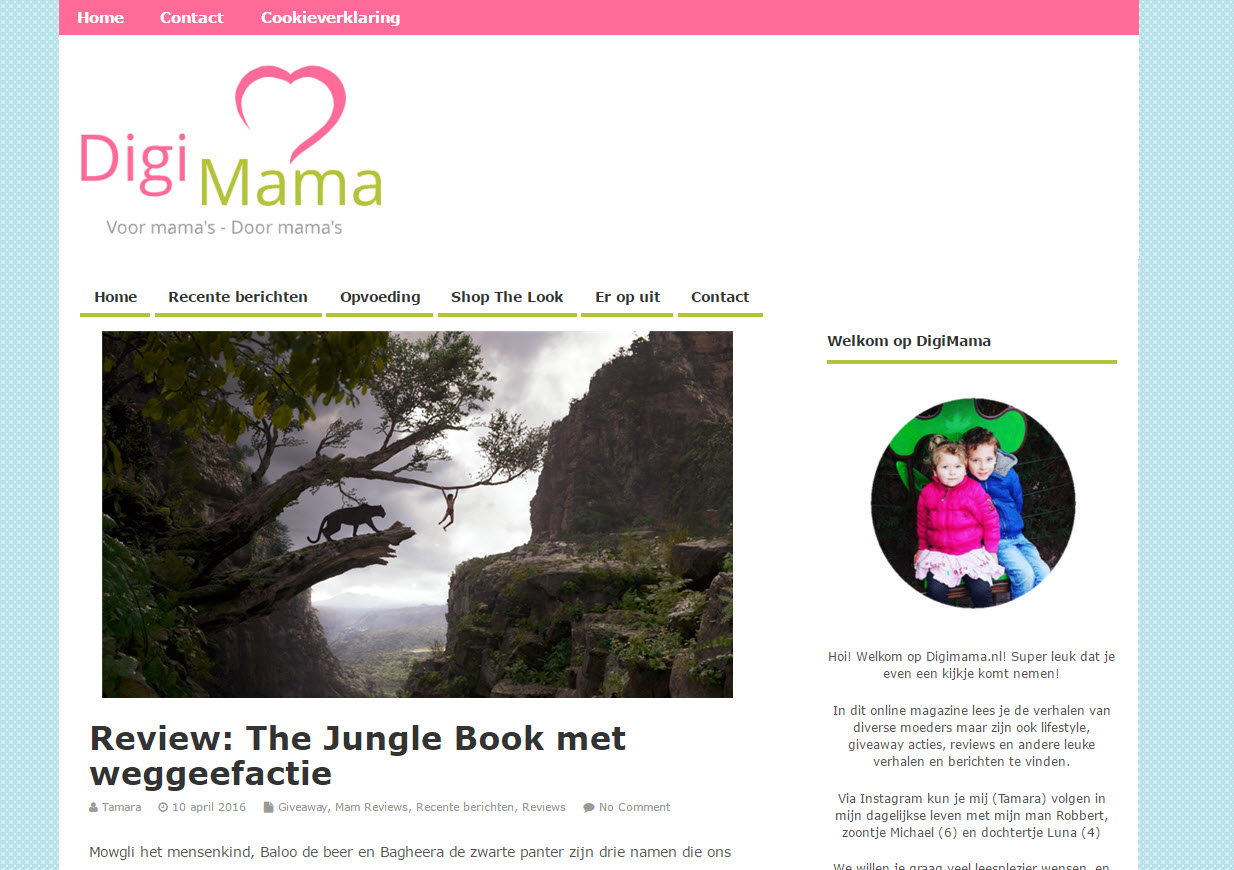
http://digimama.nl/wp-content/uploads/2016/04/nu.jpgThis is how i would like it to be
http://digimama.nl/wp-content/uploads/2016/04/wilik.jpgimg size 630 x 365
So that it auto changes the size for every post to this size.
Forum: Themes and Templates
In reply to: [MesoColumn] Change blue overlay collor of top menuwill the rows change then to? to 2 rows? or will it only get a longer list?
Forum: Themes and Templates
In reply to: [MesoColumn] Change blue overlay collor of top menuYeah it did the trick! 😀 It’s loading faster now.
So glad that your helping, i would never have found it.The last thing that i was trying to change the look of my page a little.
if you see it now this is what it shows
http://digimama.nl/wp-content/uploads/2016/03/help.jpgBut i would like to have 2 rows of recente berichten. (sorry dutch again) like this.
http://digimama.nl/wp-content/uploads/2016/03/wilik.jpg
but if its possible with a little tekst and a button to read more…
(i cant find this in settings, and if i set the amount of posts more then it gets longer, it doesnt make 2 rows)
Forum: Themes and Templates
In reply to: [MesoColumn] Change blue overlay collor of top menuIt worked! thank you so much!
Still making the site looking nicer for my readers. I have a onther question. The whole page loads quick, but the slider takes really long to load. Is there someting that i can do about that?
Forum: Themes and Templates
In reply to: [MesoColumn] Change blue overlay collor of top menuIt workt great! Thank you so much!! This is the best help i got in a long long time. Trying to make it nice for so long now. 🙂
No i dont mean the the slider, here are some pictures again haha
This is how you see my posts now before we open them.
http://digimama.nl/wp-content/uploads/2016/03/bloem0.jpg
The first picture is how it is when i open a post now (sorry its all in dutch)
http://digimama.nl/wp-content/uploads/2016/03/bloem2.jpg
The second picture is how i would like it to open.
Forum: Themes and Templates
In reply to: [MesoColumn] Change blue overlay collor of top menuAnd for an other question, when i open a blogpost, the image that i had above the post is gone. you will only see the text. Is it possible to change that?
Forum: Themes and Templates
In reply to: [MesoColumn] Change blue overlay collor of top menuHi Richie,
Thank you for your reply.But it’s still not working.
I added a link to let you see my problem 🙂
Forum: Themes and Templates
In reply to: [Lupercalia] images dont workThank you so much 🙂
Forum: Themes and Templates
In reply to: [Lupercalia] images dont workHi José,
Sorry for my late response, it works fine now.
I was wondering if i could make the site wider? Now you can see 2 posts in one line, but what i would like to do is have 3 in one line.
Hope you can help me 🙂