tatof

Forum Replies Created
-
Forum: Plugins
In reply to: [WooCommerce Stripe Payment Gateway] Automatic refund button disappearedJust for clarification
Problem is fixed, it was a bug with the “new payment experience” option.
After turning that off its fixed. New update will fix this bug.This option is only a setting that changes your admin view op payment options.. you dont need it.
Forum: Plugins
In reply to: [WooCommerce Stripe Payment Gateway] Automatic refund button disappeared@mahfuzurwp yes its resolved, like I said in my last reply
- This reply was modified 11 months, 2 weeks ago by tatof.
Forum: Plugins
In reply to: [Discount Rules for WooCommerce] Conditional – If coupon used disable ruleHey,
ahhh. didn’t read that option correctly..
It is not possible to make a conditional rule for this? So sometimes the discount rule would not be applied if coupons are added. and sometimes the discount rule will work fine in combination with coupons.
Forum: Plugins
In reply to: [WooCommerce Stripe Payment Gateway] Automatic refund button disappearedJust for clarification
Problem is fixed, it was a bug with the “new payment experience” option.
After turning that off its fixed. New update will fix this bug.Forum: Plugins
In reply to: [WooCommerce Stripe Payment Gateway] Automatic refund button disappearedPlease dont mark this post as resolved. The problem issnt fixed. And please read the earlier posts before making statements about bugs/fixes.
As you can see in my posts above I tried to find any conflicting plugins. Without any luck. Also a status report is posted in my third reply. please take a look at that.
The fact that the button works for creditcard, paypal and not iDEAL is making met believe that its infact a problem with Stripe API. Also exactly the same code base works with pay.nl payment provider and refund iDEAL.
So please can you look at the API log or something why this is going wrong? I’ve got no custom code or plugin that does anything with iDEAL. And the fact that only “refund by iDEAL” has a bug and nothing else does suggest it issnt a site bug. Customers still pay with iDEAL without any problems. Only refund doesnt work.
Edit: I turned off all plugins & switched tot twentytwenty theme
This is the result: https://devtof.nl/stripe-bug3.mp4
As you can see, same bug, same problem. With all plugins turned off and twentytwenty theme activated.
Forum: Plugins
In reply to: [WooCommerce Stripe Payment Gateway] Automatic refund button disappearedHey,
Got new information! It looks like its a iDEAL problem.
When I make a test order with Credit Card it is possible to refund it through stripe.
When I make a test order with iDEAL it is not possible to refund it through stripe.Forum: Plugins
In reply to: [WooCommerce Stripe Payment Gateway] Automatic refund button disappearedHey Moses,
No luck ☹️ this morning I tried (on the live version):
- Downgrading to 9.4.1
- Reconnection Stripe and resetting webhooks
- Placed new test order
- Cleared cache
- Tried refund option in test order (no luck)
I also tried:
- Disabling WP rocket caching
- Changing to twentytwenty theme
- Disabling plugins that could be a problem
- Searching for Stripe settings that can effect “refund by iDEAL”
I could not find any WooCommerce / API settings in my Stripe.com account. Is that correct? I suspect the problem could be a setting in Stripe admin panel. All the settings in woocommerce->payments->stripe are correct.
I’m almost certain that its a plugin bug. Because we also have a German webshop with exactly the same plugins & code base but the only difference is that that shop has an other payment provider. “pay.nl”
https://www.productlicenties.nl [stripe]
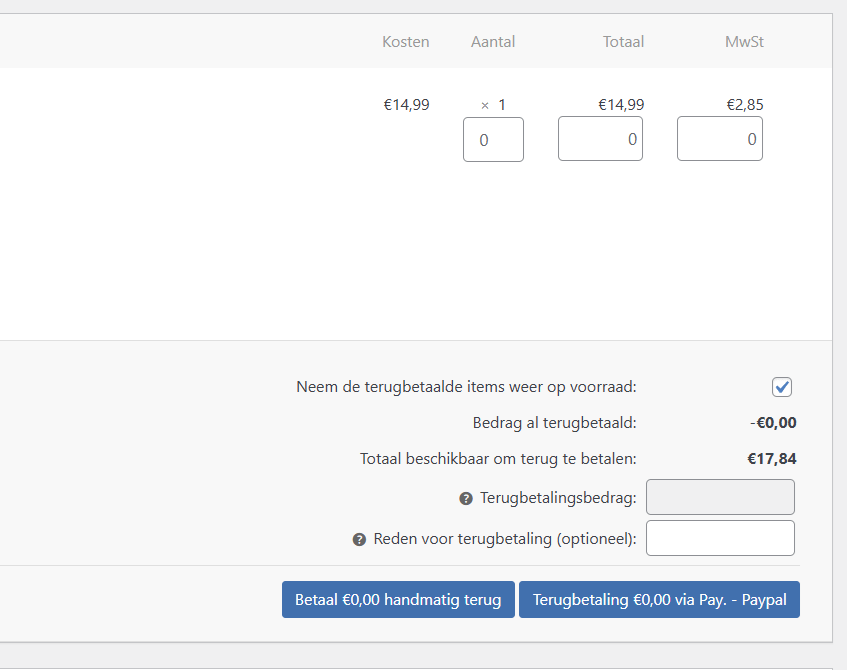
https://www.produktlizenzen.de [pay.nl]Here you can see that the automatic refund button still exists on the German site + pay.nl plugin:
 Forum: Plugins
In reply to: [WooCommerce Stripe Payment Gateway] Automatic refund button disappearedHey,
Ah! Advanced View 🙂 thats what i need.
Can’t find the forum post now, will get back to you. But saw a lot of information about a buggy release of the plugin with the same problems. (I also needed to reconnect Stripe last update)
To make a complete conflict test I need to create a develope/test copy because the website is live and pushing +200 orders a day. I was hoping you guy’s have the same problem so I can fix it without the hassle of creating a test website. (database is huge etc)
For now I will use the rollback and see if that fixes the issue. (i think it will) Will post info about this tomorrow.
Devtools Console is also empty, no errors. Chrome / Brave / Edge / Firefox all the same bug.
Also the Stripe events and logs look fine and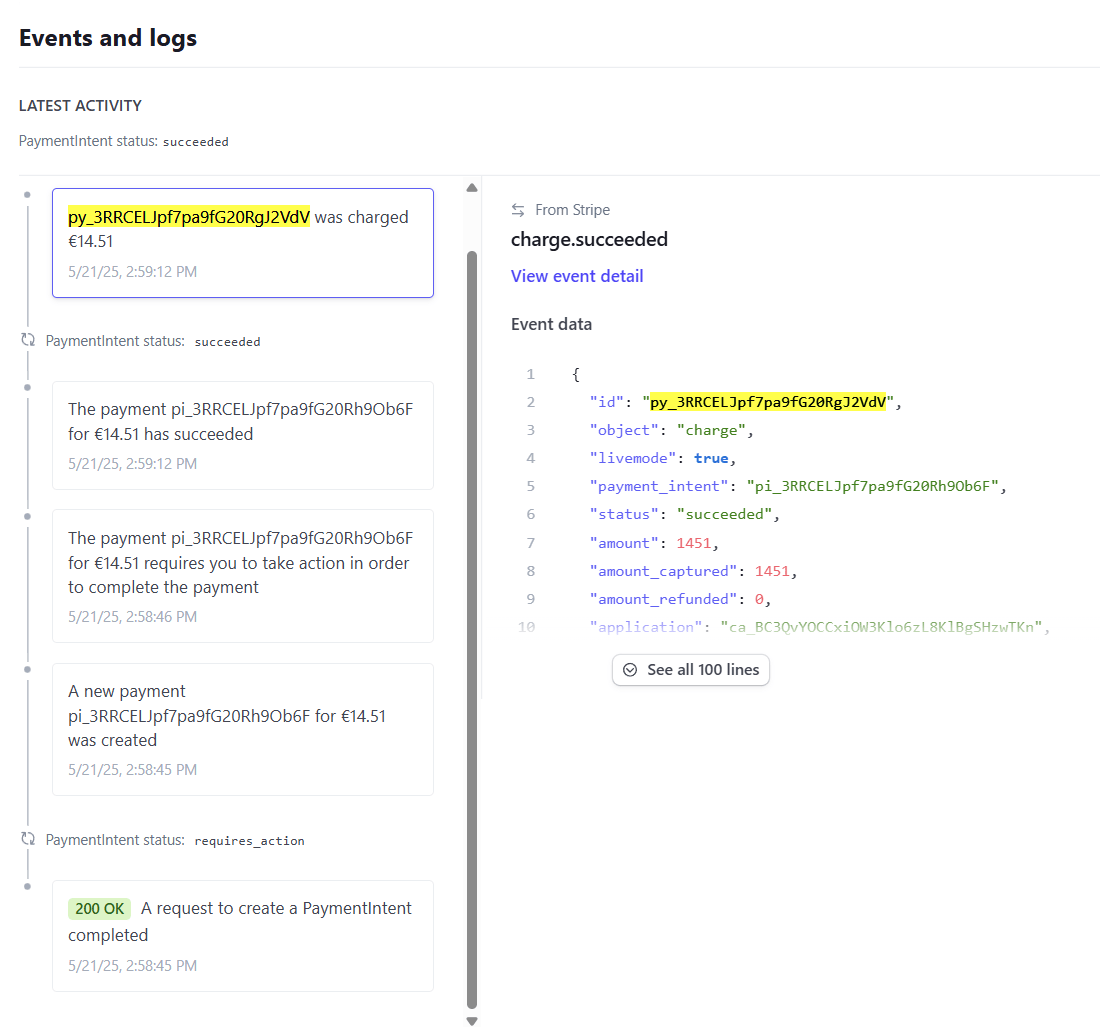 Forum: Plugins
In reply to: [WooCommerce Stripe Payment Gateway] Automatic refund button disappearedHey @lovingbro
The bug is created by the last plugin update. I’ve read on Stripe forums that a rollback to 9.4 would help, where can I rollback the plugin?
Awnsers to your list:
- Order Status
The order is status complete - Stripe Gateway Connection
Stripe is connected, we receive payments - Order Meta (Charge ID)
The “_stripe_charge_id” is set correctly with a unique py_ number - Stripe Account Balance
Balance is more then enough 9k+ - Plugin Conflict or Caching
Allready tried this and there is no caching on the backend - Software Updates
All plugins, wordpress and server data is up-to-date
This happens to all current en past orders that used stripe sinds the plugin 9.5.* update.
This bug also exists on an other webshop of mine.
Here is a status report: https://pastebin.com/UPnyMB1rForum: Plugins
In reply to: [WooCommerce Stripe Payment Gateway] Automatic refund button disappearedHello
Refund button does work only “Refund via Stripe” does not exist.
Normaly there were two choices:- Refund via Stripe
- Refund manualy
Now only Refund Manualy is visible and I have to refund everything in WooCommerce & Stripe manualy. I would like the “automaticly” refund via stripe button back.
Here is a video about the problem, you see only one blue refund button, there were two buttons: https://devtof.nl/stripe-bug.mp4
- This reply was modified 1 year ago by tatof.
Forum: Plugins
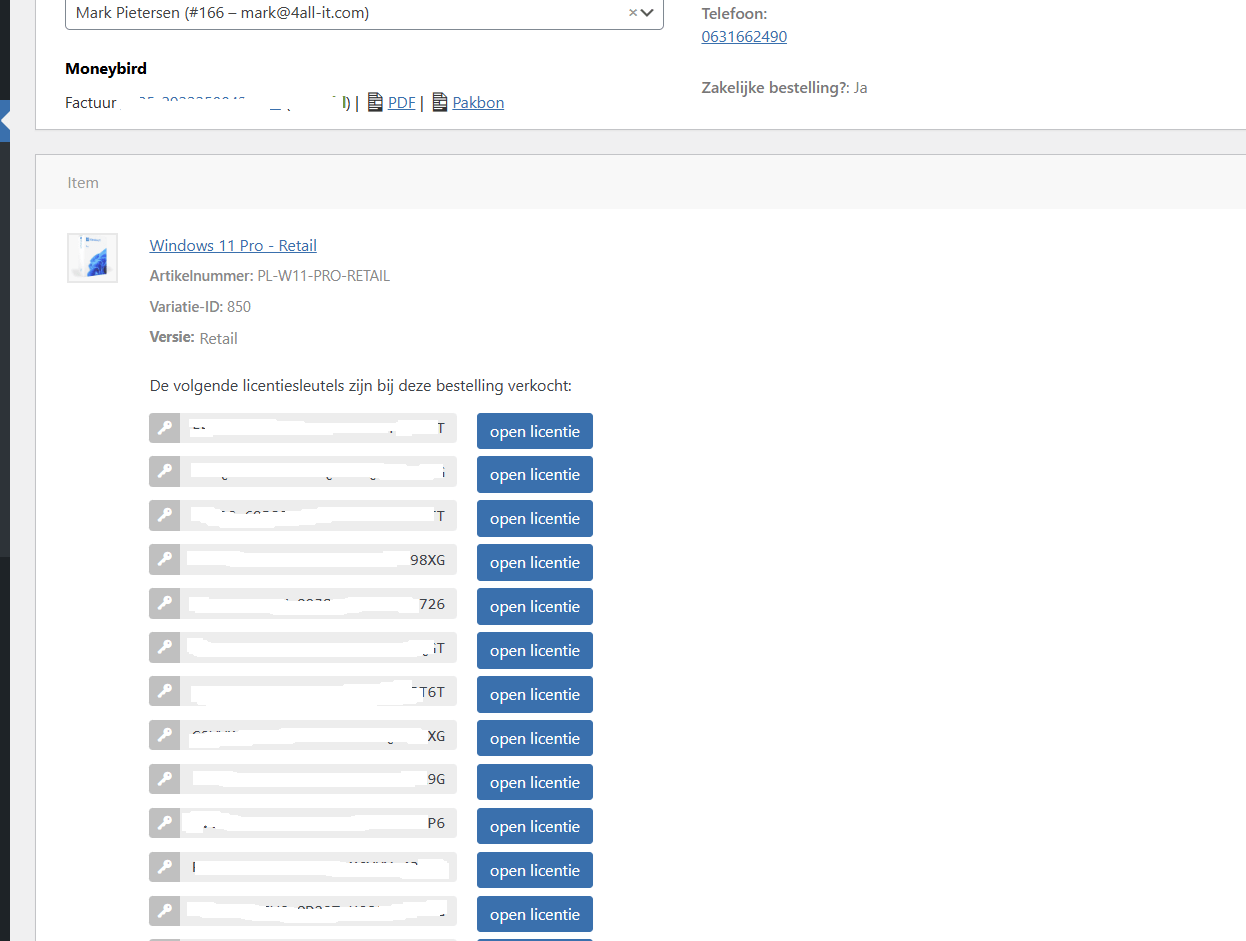
In reply to: [License Manager for WooCommerce] Link to license in admin order viewHere is how I made it with JS. (it works but would love to have a native php solution)
 Forum: Plugins
In reply to: [License Manager for WooCommerce] Link to license in admin order viewnice thanks! 🙂
Forum: Plugins
In reply to: [License Manager for WooCommerce] Link to license in admin order viewmade it myself with JS
Forum: Plugins
In reply to: [License Manager for WooCommerce] Link to license in admin order view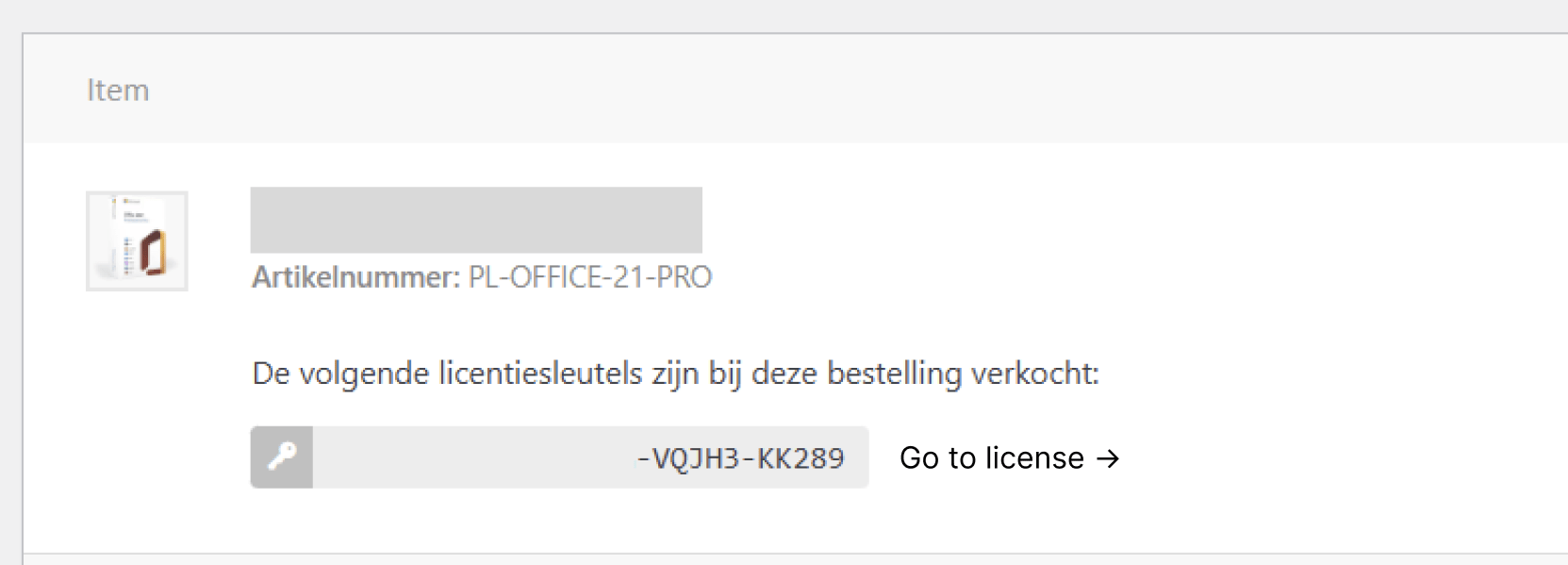
like this
Yes Json is the fix! thanks 🙂 works perfectly
array( 'tatof/usp',
array(
'data' => [
'block_usps_usps_0_buu_icon' => '{"element" : "", "class" : "fa-classic fa-light fa-check", "id" : "check", "family" : "classic", "style" : "light", "prefix" : "fa-classic fa-light", "hex" : "\\f00c", "unicode" : ""}',
'_block_usps_usps_0_buu_icon' => 'field_677e951905035',
],
),
),- This reply was modified 1 year, 4 months ago by tatof.