Zee
Zee
(@doublezed2)
Hello wpidl,
Thank you for contacting WooCommerce support.
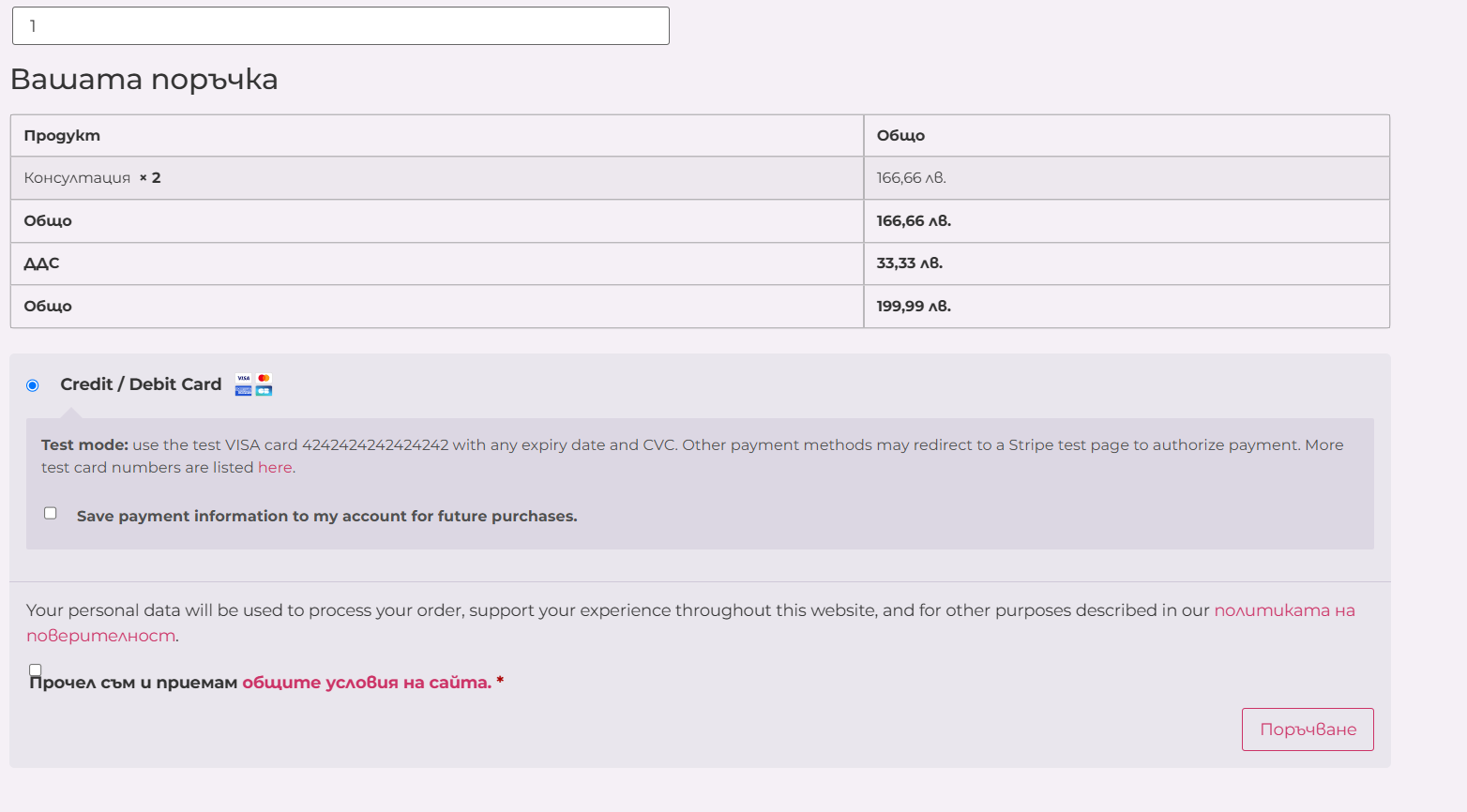
I understand the card details for Stripe only appear after updating the cart, even with PMS deactivated.
This could be a JavaScript issue.
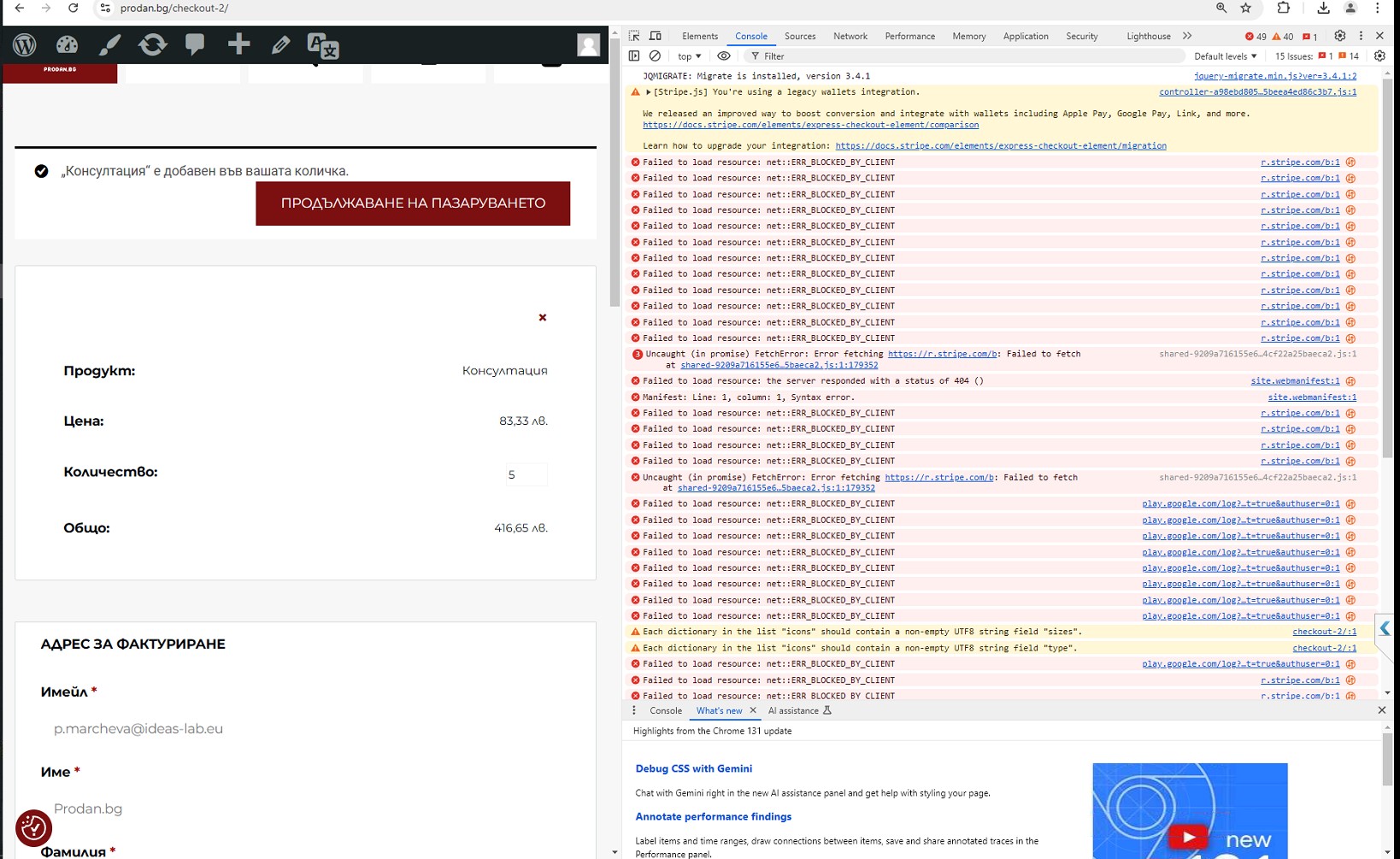
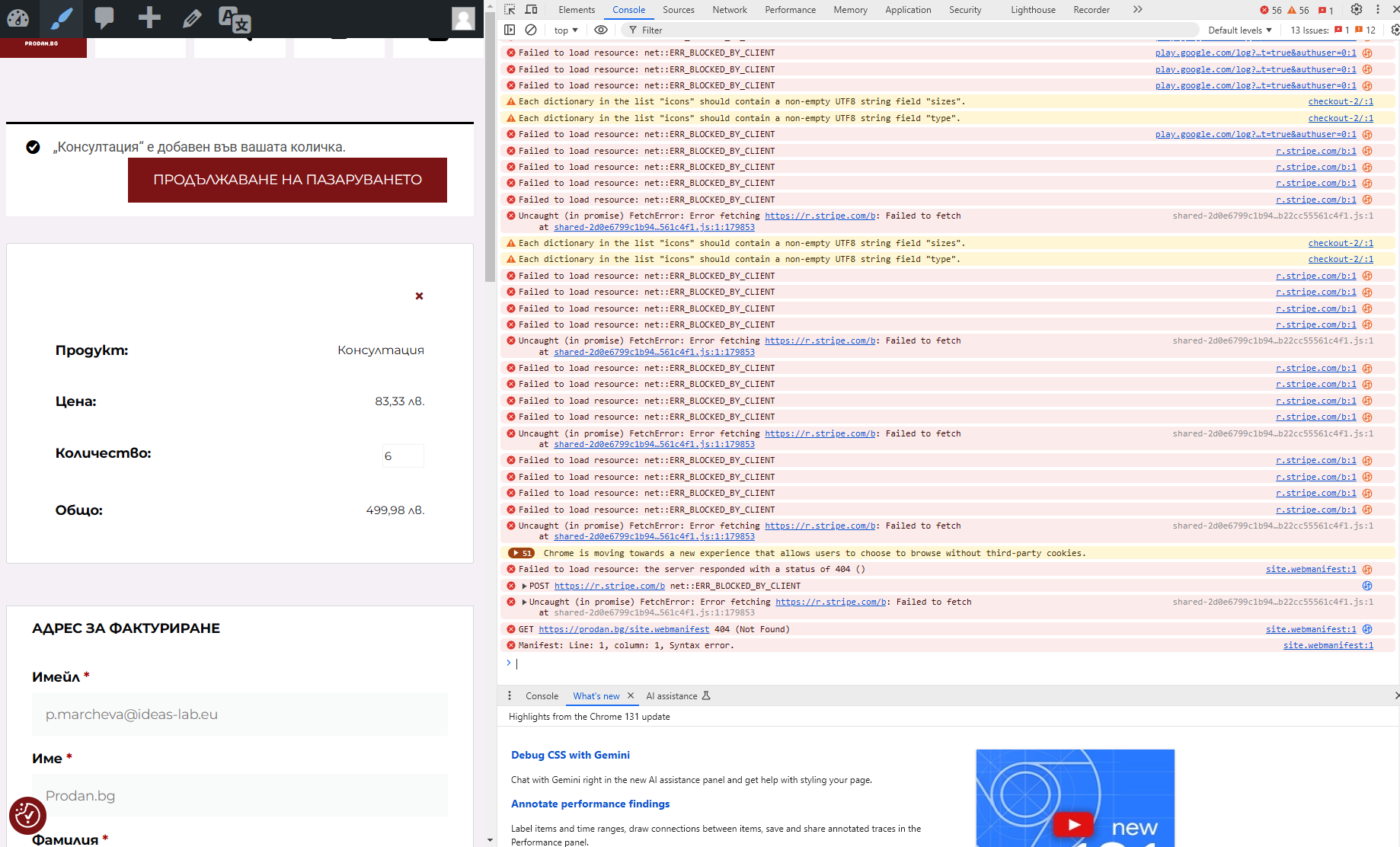
Could you check the browser’s console for any JavaScript errors?
Please share screenshots if you find any errors.
Also, try switching to a default theme to see if the issue persists.
Looking forward to your response. 🙂
Thread Starter
 wpidl
wpidl
(@wpidl)
Hi @wpidl ,
Thank you for sharing the details! From the information provided, it seems that the error you’re encountering (Failed to load resource: net::ERR_BLOCKED_BY_CLIENT) is likely caused by an ad-blocking extension, such as Adblock Plus.
To test this, try the following:
- Open your site in an Incognito/Private tab, as most extensions are disabled in this mode by default.
- Alternatively, use a different browser or temporarily disable/uninstall the ad-blocking extension by right-clicking it near the URL bar and selecting “Remove from Chrome.”
Once the ad blocker is disabled, check if the issue persists. Let us know how it goes, and feel free to share any additional details!
Thread Starter
wpidl
(@wpidl)
Hi,
I did test the website in different browser and incognito many times before and still the issue persisted.
Also on different computer, where no adblocker was active.
Zee
(@doublezed2)
Hello wpidl,
Thank you for your reply.
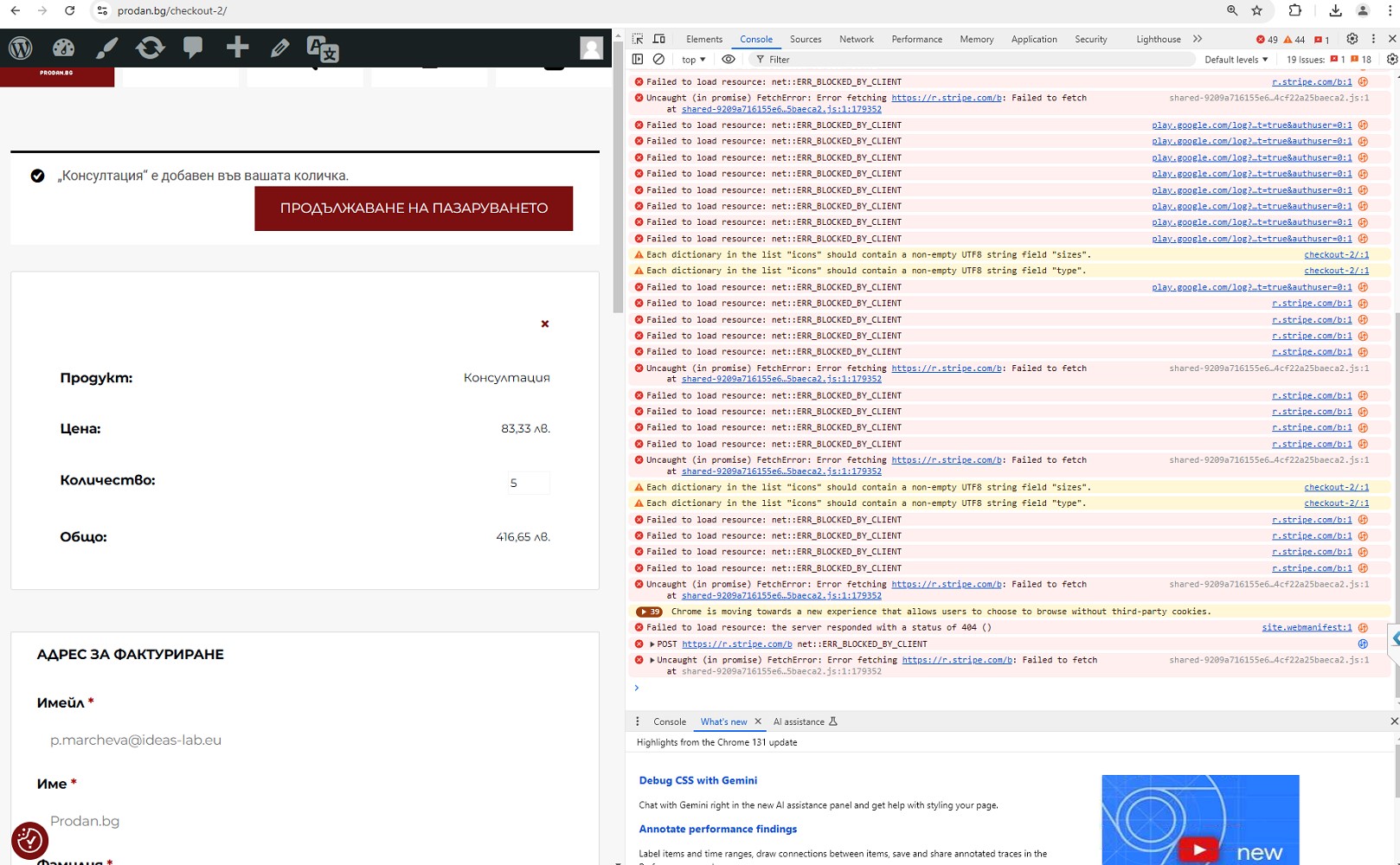
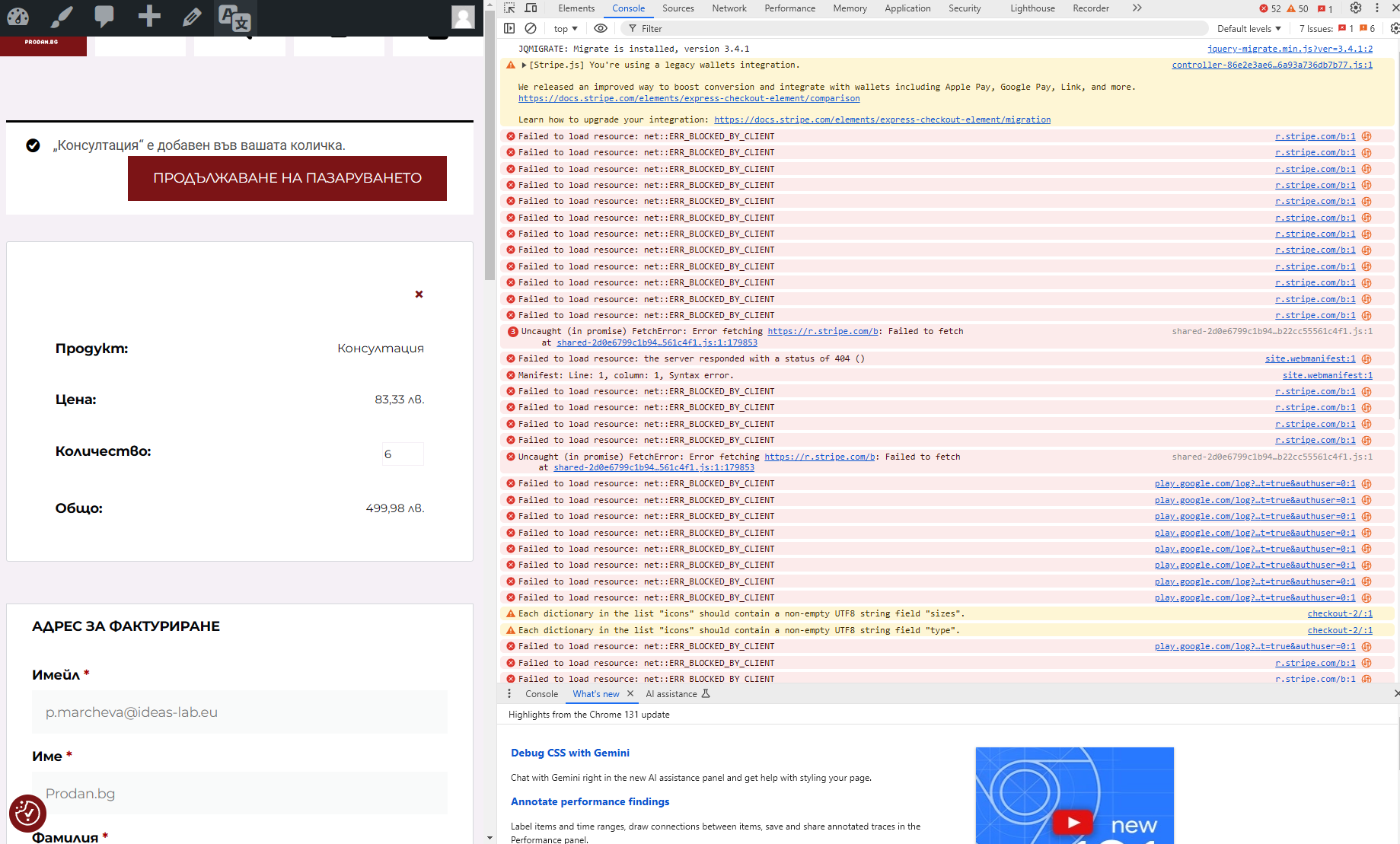
Could you share screenshots of the browser’s console again?
I want to check if the JavaScript errors are same on a different browser.
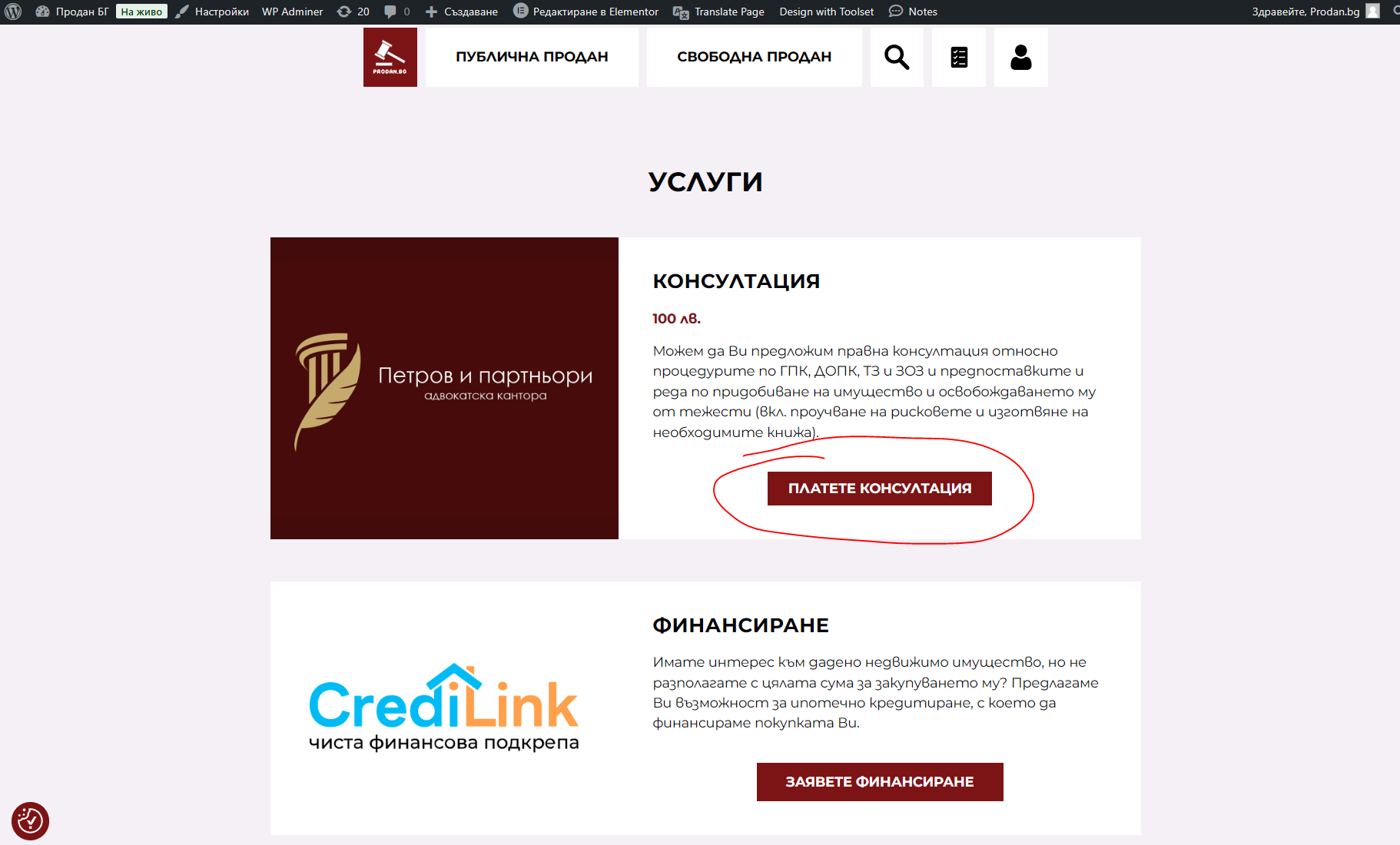
Also, share a link to a product I can use to test the checkout page from my end.
Looking forward to your response. 🙂
Thread Starter
wpidl
(@wpidl)
Hi @wpidl,
POST https://r.stripe.com/b net::ERR_BLOCKED_BY_CLIENT
Uncaught (in promise) FetchError: Error fetching https://r.stripe.com/b: Failed to fetch
Thank you for sharing the screenshots. After analyzing the error and running a few tests, it seems the issue is tied to a feature in one of your site’s plugins. It could be your membership plugin, theme, or payment processing plugin.
The block appears to originate from your server, which prevents certain fields from displaying until specific actions are performed—such as filling out the address field during checkout. Below is a video demonstrating this behavior.
Watch Video
It looks like your setup restricts payment fields from appearing until the address is completed, possibly to calculate costs, shipping, or related details.
To help narrow down the root cause, could you please:
- Share your site’s System Status Report.
- Specify the payment plugin you’re using.
- Mention the name of the membership plugin you’re using, especially if you have more than one installed.
This information will help us investigate further!
Thread Starter
wpidl
(@wpidl)
Hi,
- Here- https://dox.abv.bg/download?id=75ca08d1f9#
- WooCommerce Stripe Gateway
- Paid Member Subscriptions
I’ve deactivated PMS several times and that did not fix the issue. I’ve looked into woocommerce’s options and toggled on/off “Hide shipping costs until an address is entered” – still the same problem.
Also deactivated PMS’s woocommerce section for billing and still the same.
Hi @wpidl,
Thank you for providing additional information. To be able to assist you easily, please create a new topic in the forum of WooCommerce Stripe Gateway plugin here: https://ww.wp.xz.cn/support/plugin/woocommerce-gateway-stripe/
When creating the topic, please copy and paste your site status report in the thread using the /code block instead of the external link you shared here which isn’t opening on my end
The reason I”m asking you careate a new topic in the plugin forum is because the issue doesn’t seems to originate from WooCommrece but from the payment processing plugin which seems to show up only when the address fields in WooCommerce are fully filled. You can tag this video as reference to describe the issue.