Plugin Support
qtwrk (@qtwrk)
please explain a bit what exactly do you mean by image acceleration ?
what can I do?
I install litespeed cache for 1 months, image acc is not worked.
thanks.
Plugin Support
qtwrk (@qtwrk)
the imgur isn’t opening on me for some reason , please upload image to somewhere else and share link.
Plugin Support
qtwrk (@qtwrk)
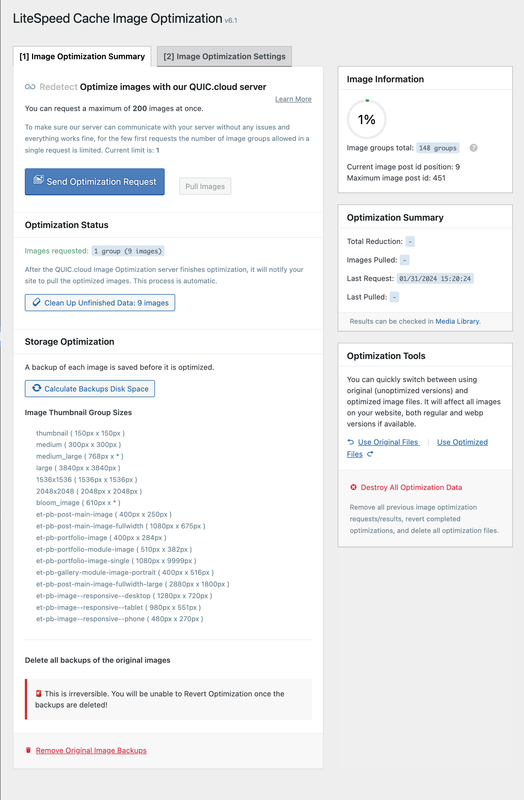
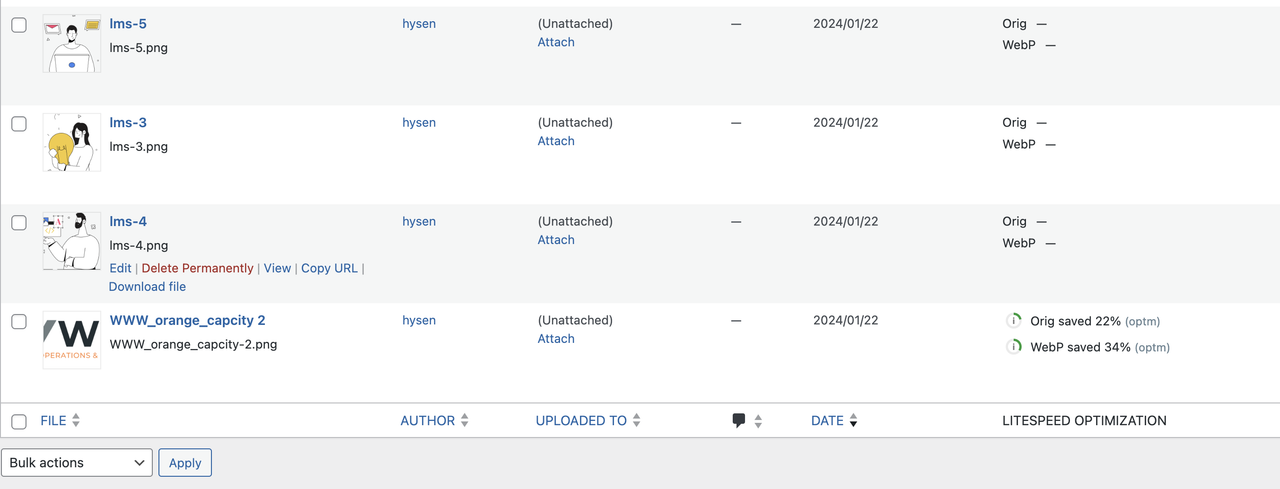
please do me a full screenshot on your image optm summary page
Plugin Support
qtwrk (@qtwrk)
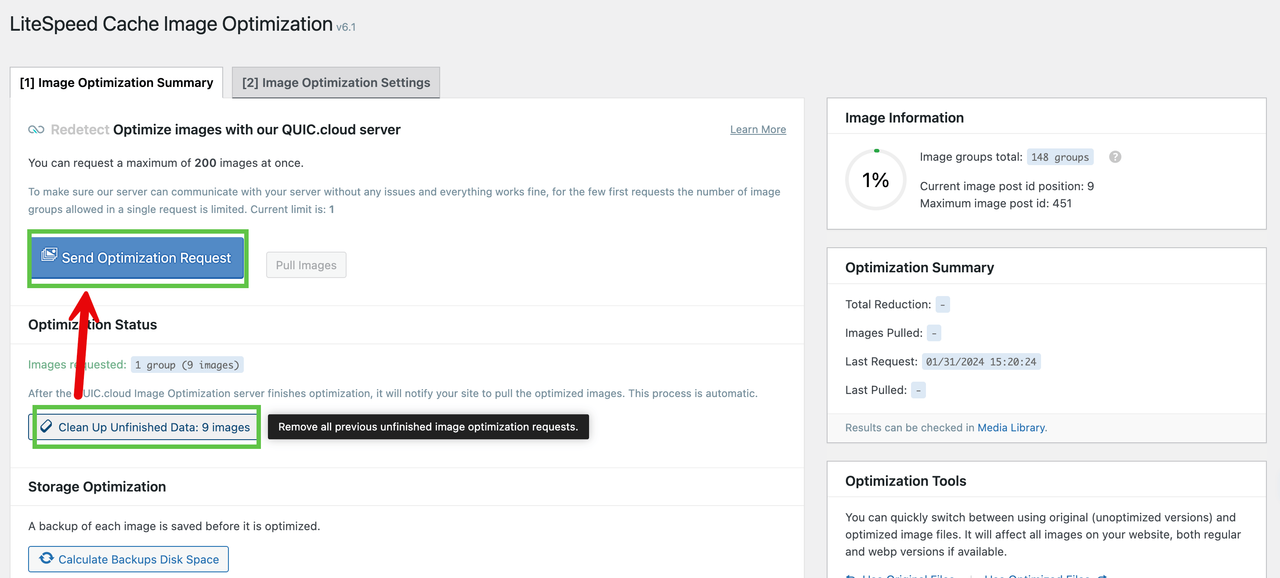
please try click “clean up unfinished data” then send again , wait for few moments , see what happens.
thanks.
I have done. Clean up unfinished data, then send again. waiting the result.
https://i.postimg.cc/TYkZJdtc/1709039409229.png
Unfortunately, Same issue.
Thank you for following up on this issue!
https://i.postimg.cc/VsJsK3m9/image-limit-1.png
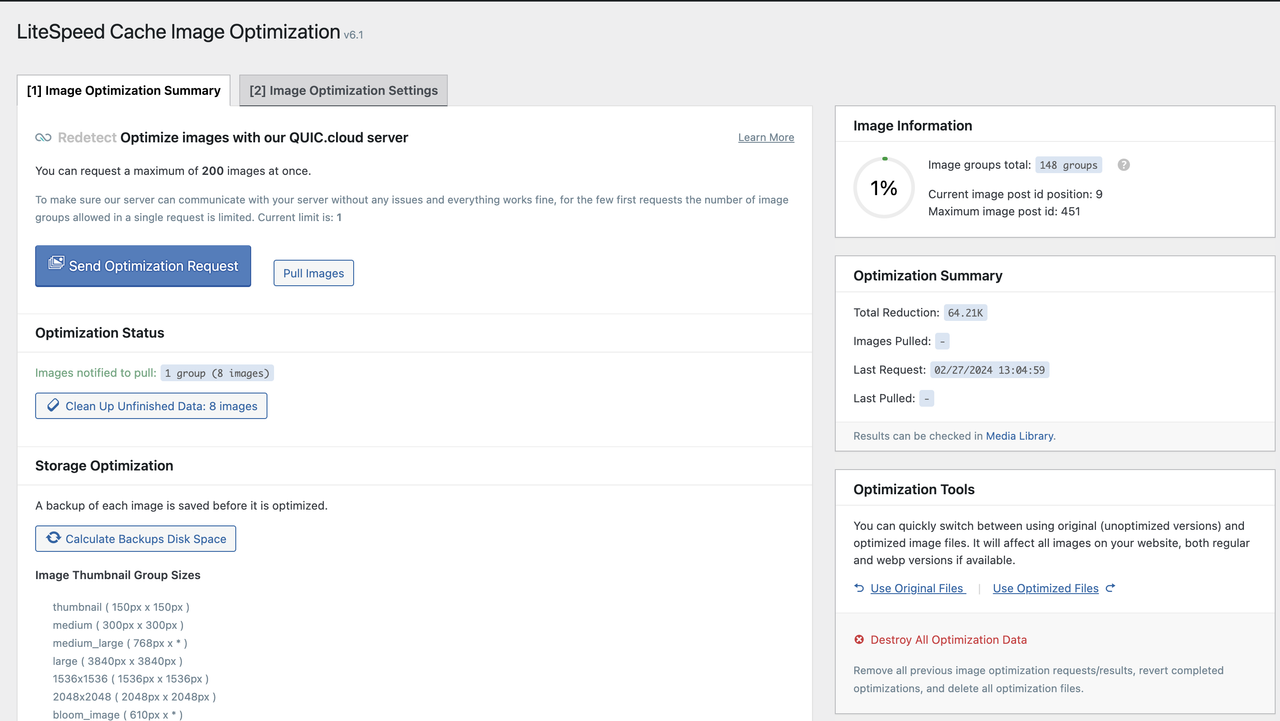
Only one image was successfully optimized
https://i.postimg.cc/1Rbm2J3k/litespeed-image-acc-only1.png
I did the clear cache, send it again, same problem.
Plugin Support
qtwrk (@qtwrk)
<?php

require( './wp-load.php' );
$args = array(
  'timeout'   => 100,
  'blocking'  => true,
  'sslverify' => false,
  // 'cookies'   => $_COOKIE,
);

$url = 'https://domain.com/wp-admin/admin-ajax.php?action=async_litespeed&nonce=123123123&litespeed_type=imgoptm_force';
$result = wp_remote_post(esc_url_raw($url), $args);

var_dump($result);
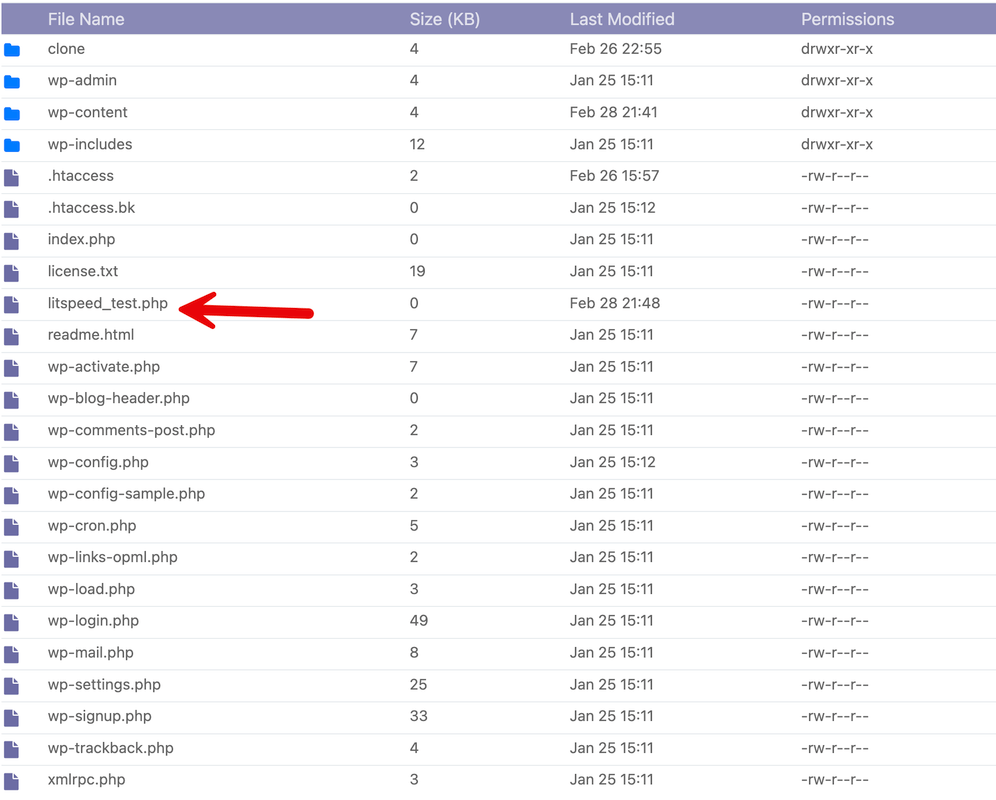
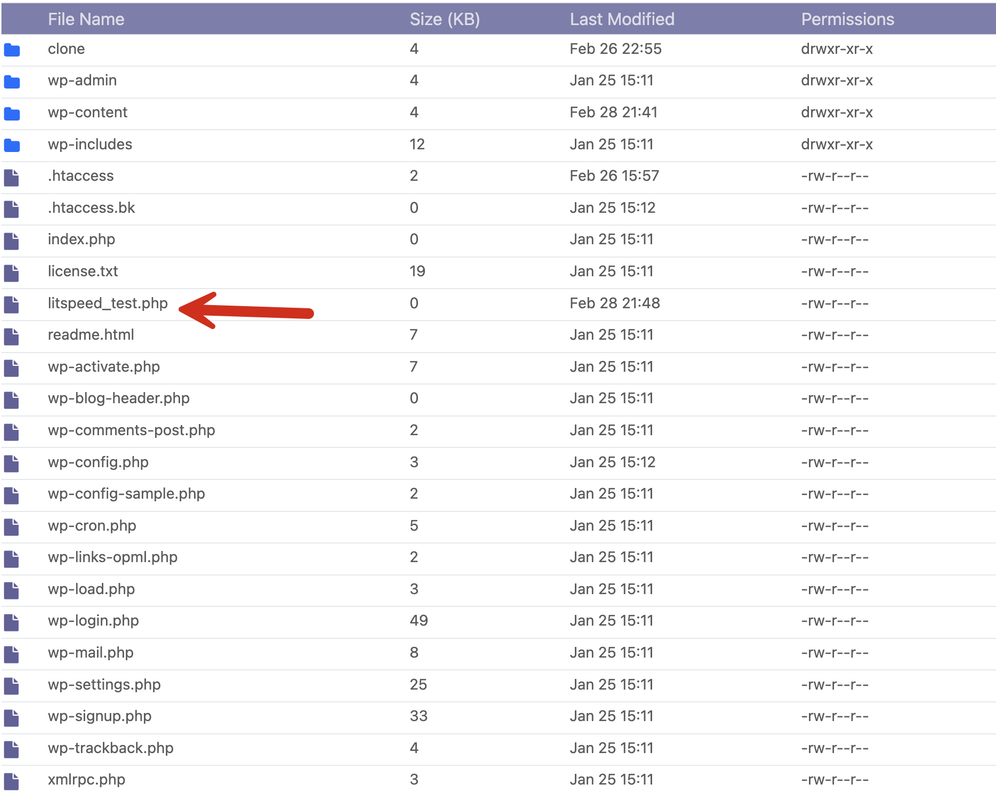
please create a php file , name it like test.php put it at same dir as your wp-config.php , replace domain.com to your actual , then open it in browser, see what it retruns.
https://i.postimg.cc/Qxv9RRbr/php-file-return.png
file path:https://1.2.3.4:8090/filemanager/xyz.com/public_html/litespeed_test.php
https://i.postimg.cc/Y9scP3Rc/test-php-file.png
——————–
I created a file named litespeed_test.php and put it in the same directory as wp-config.php, pasted the contents of the above file, replaced domain.com with my actual domain name such as abc.com, and then opened it in a browser with an address that begins with an ip address, and the prompt was. Domain does not exists.
The address entered in the address bar is.https://1.2.3.4:8090/filemanager/abc.com/public_html/litespeed_test.php
I double-checked, and I got abc.com right.
Is there anything I should do?
Plugin Support
qtwrk (@qtwrk)
please provide the report number
you can get it in toolbox -> report -> click “send to LiteSpeed”
ok, I have send it .
If there’s anything I can do, please let me know. Thank you.
Plugin Support
qtwrk (@qtwrk)
yeah thanks, once you clicked send button , it will generate you a 8-letter string, that’s the report number , please provide me that , so I can locate your report.