Thank you very much for the detailed instructions.
But unfortunately.
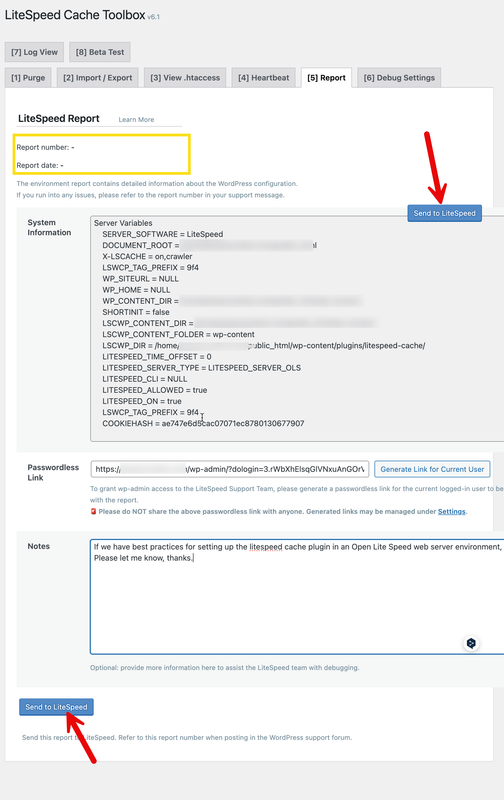
When I click Send to LiteSpeed, the page flashes, and no report number is generated.
- I re-applied the domain key, same issue
- I uninstalled and reinstalled the litespeed cache plugin, same issue

https://i.postimg.cc/J4BfrJcH/REPORTNUMBER.png
Plugin Support
 qtwrk
qtwrk
(@qtwrk)
please create a ticket by mail to support at litespeedtech.com with reference link to this topic , we will investigate further.
OK,
I just mailed to support at litespeedtech.com with this topic link.
waiting the good news.
Thread Starter
 sophil
(@sophil)
Thanks for RK’s kind and professional help. the issue was gone.
Final solution for this issue, For those experiencing the same problem
1) , add test.php(serch it in page)file to ftp(wp-config.php folder). right way to to open test. php. like https://abc.com/test.php
2) ,add IP + domain www.domain into the /etc/hosts file
Check cmd: ~# tail -n 1 /etc/hosts
result: 1.2.3.4 abc.com wwwabc.com