Issue with Shortcode Selector not working on pages
-
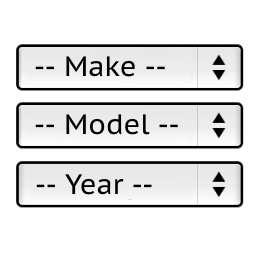
Hi, so I’ve implemented the horizonal shortcode into my header so that it is showing a year, make, and model dropdown selector below my menu bar on every page. I’ve also changed the order from the default “make, model, year” to “year, make, model” by using your instructions from a previous thread.
However, I am trying to make a separate “vehicle search” page where I want to place the shortcode [ymm_selector template=”selector.php” garage=1]. When I publish the page, it has a dropdown above the vertical selector with saved models. But, there is a big problem. Unlike the horizontal selector I inserted into the header, this one is not narrowing down to any vehicles when I make selections; it’s allowing me to select any year, any make, and any model. On top of that, it’s not even allowing me to initiate a search. Any idea what the problem is? Is it just conflicting with the horizontal search since that’s in the header already?


The topic ‘Issue with Shortcode Selector not working on pages’ is closed to new replies.