Dragonfly

Forum Replies Created
-
Forum: Plugins
In reply to: [Easy Appointments] Latest Versions break functionality.Hi Sanjeev.
Thanks for this, it seems the latest version has fixed the problem! I assume the patch note that reads “* Fixed Location in ea_bootstrap creating problem #235” is the relevant change?
Either way, brilliant work!
Thanks for your time.
Forum: Plugins
In reply to: [Easy Appointments] Latest Versions break functionality.Hi Sanjeev.
As explained above, after upgrading to versions 3.12.18 or 3.12.19, appointments shown within the booking calendar displayed via the [ea_bootstrap] shortcode are no longer selectable, meaning no bookings can be made. Rolling back to version 3.12.17 remedies this issue, meaning a change made to the plugin between 3.12.17 and 3.12.18 has broken functionality that previously worked for a long time.
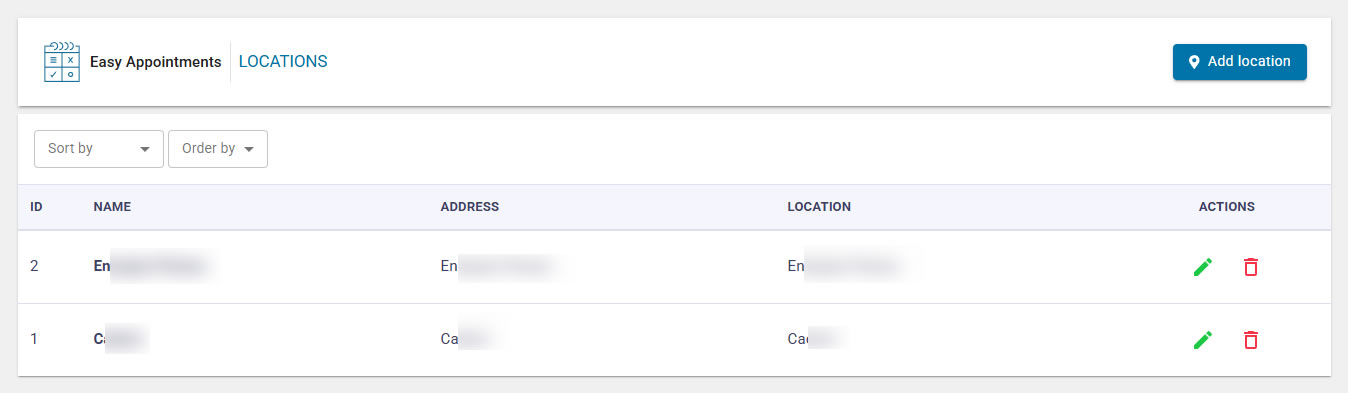
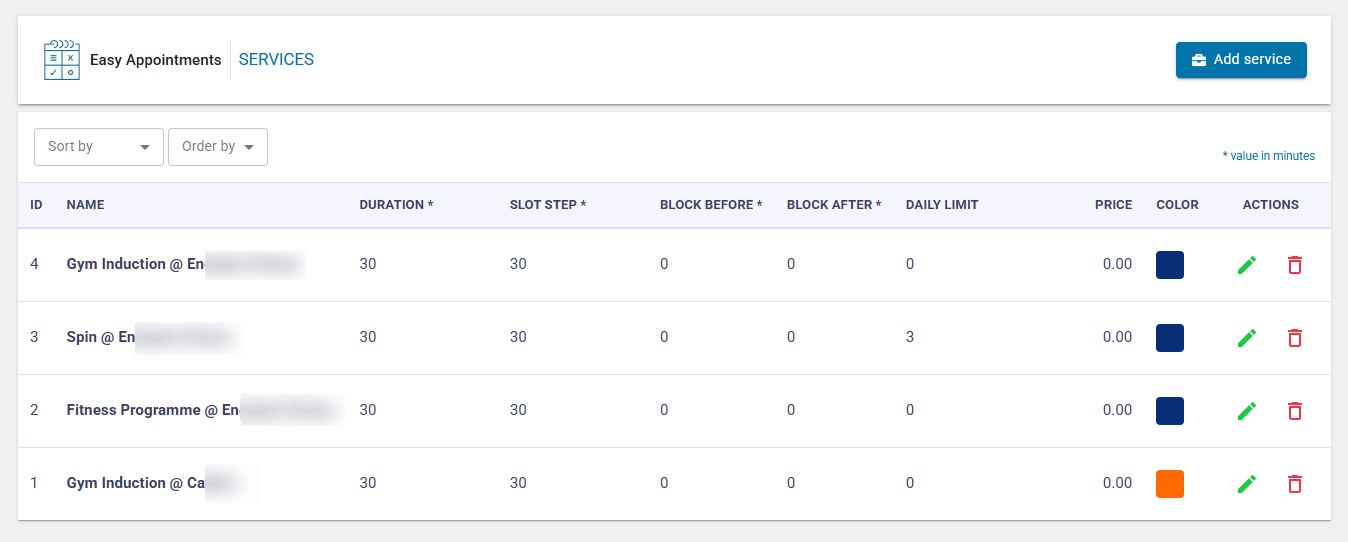
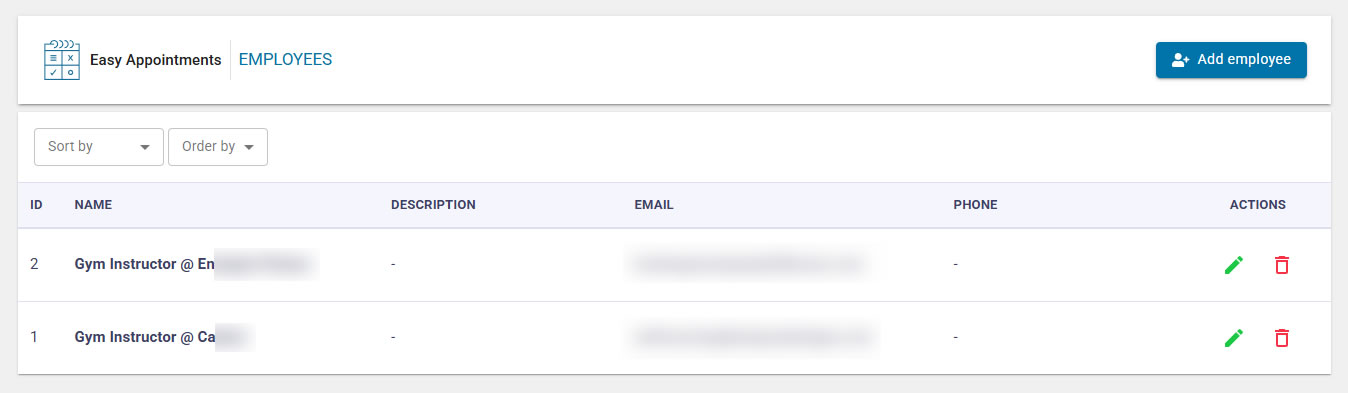
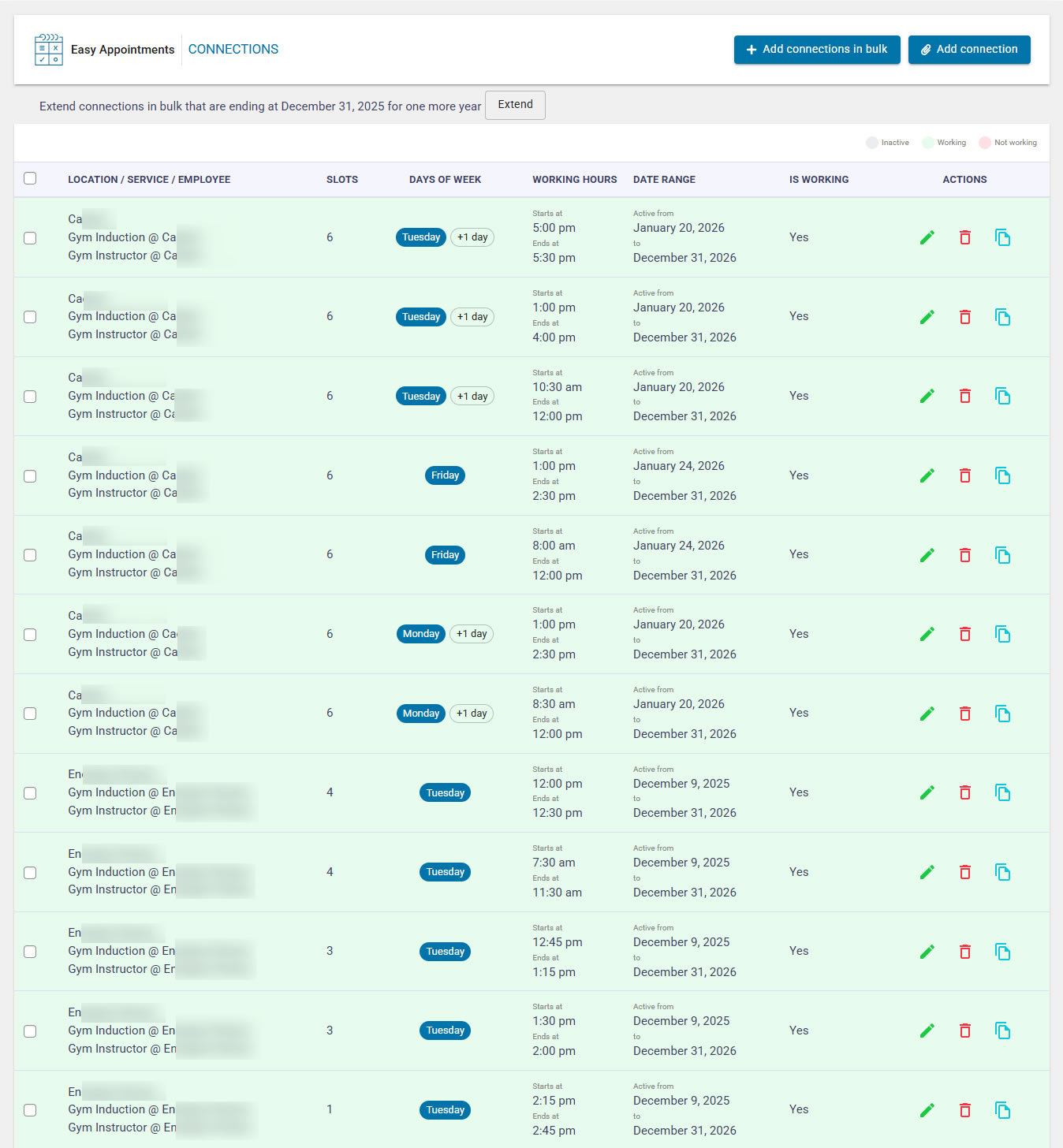
As requested, here is my configuration:
WordPress Version: 6.9
Affected EasyAppointments Version(s): 3.12.18 or 3.12.19
EasyAppointments Configuration Screenshots:–
Locations: https://i.gyazo.com/1c957df8530448484db18a1204490f32.jpg
Services: https://i.gyazo.com/db3e3315bea6c3419b923ac9ac6b82bf.jpg
Employees: https://i.gyazo.com/48778ebccee388fb118454512e144d4a.jpg
Connections: https://i.gyazo.com/d50331e1a0b0e8d9945f45523d420dd2.jpg
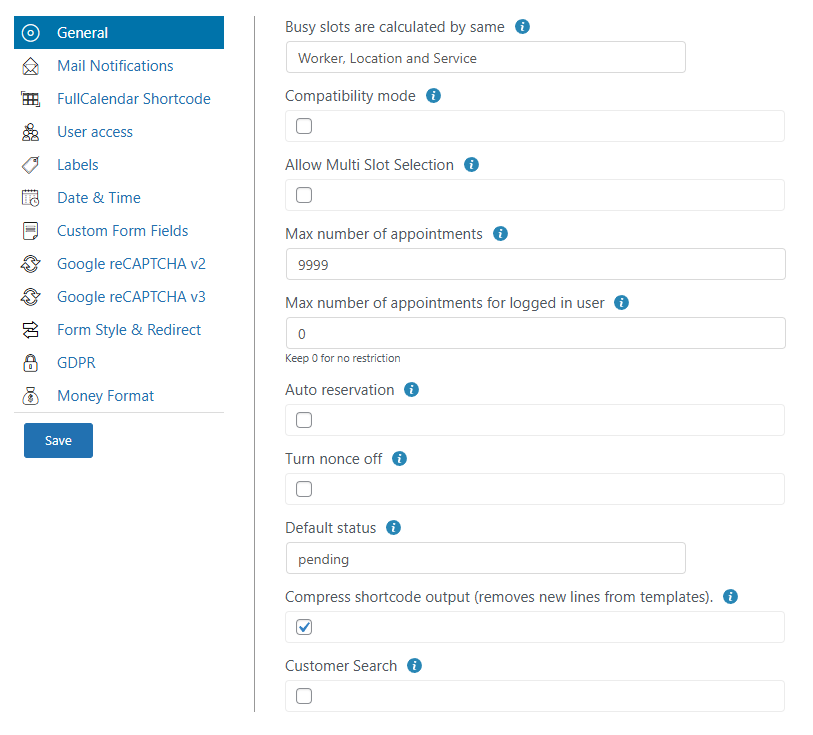
Settings General: https://i.gyazo.com/c0e5109f14e3d2ee35387ddedfd7c314.png
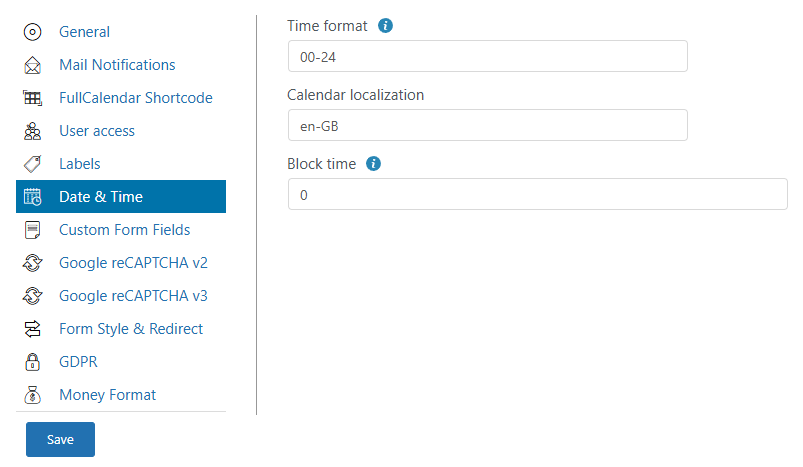
Date & Time: https://i.gyazo.com/ff957e8cdaec6c4f141c3a878101c1a9.pngThe shortcodes used for the two locations are as follows, and are displayed on unique pages separate from one another:–
[ea_bootstrap location=”1″ show_remaining_slots=”1″]
[ea_bootstrap location=”2″ show_remaining_slots=”1″]My current solution is to roll back to EasyAppointments Version 3.12.17, as this does not exhibit the issue.
I hope this is enough to help point you in the right direction.
Thank you!
Forum: Plugins
In reply to: [Easy Appointments] Latest Versions break functionality.Hi Sanjeev.
Sure, I’m happy to share this – is there an email address I can send to? I’d prefer to not share links and screenshots on a public forum.
Thanks!
Thank you ever so much for your support, this update worked perfectly!
Forum: Plugins
In reply to: [Timetable and Event Schedule by MotoPress] Erroneous Positioning of EventsWhat do you mean “This is how the plugin works”?
Do you mean to say the plugin is intentionally positioning events in the wrong location?
I don’t understand why/how this happens – It’s not like the slot these events are supposed to be present in is over-populated.
Please advise.